Free QR code for appointment booking

Get more bookings in your calendar with a custom QR code that directs customers straight to your Booking Page. 

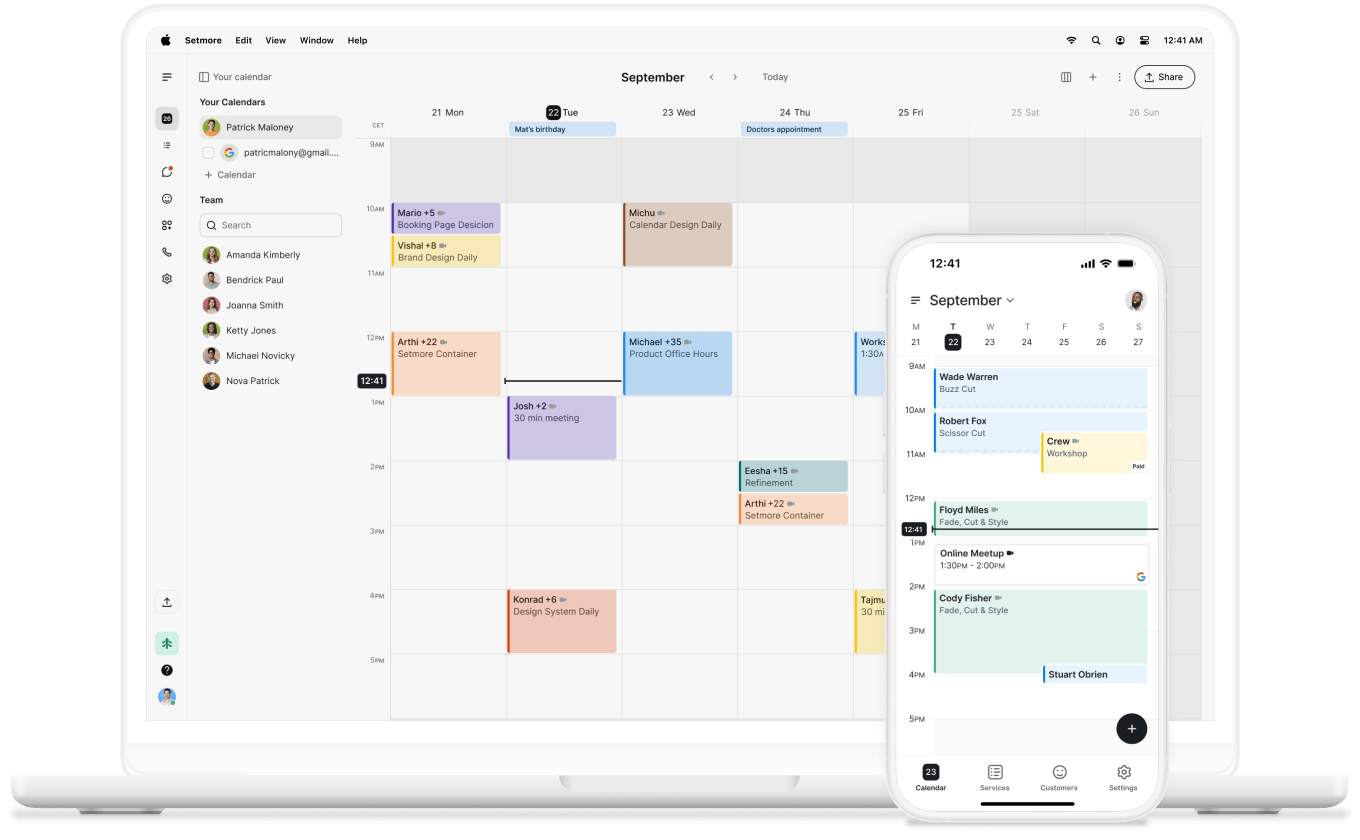
setmore calendar on desktop and mobile devices

QR, it’s quite remarkable

Share your branded Booking Page

Add your logo, brand colors, and images, then share your Booking Page anywhere you get booked – your website, social media, or QR codes.

icon tick

Add team Booking Pages

Create profiles for each team member so they can manage their own appointments, calendars, services, and Booking Pages.

icon tick

Get paid online for appointments

Connect Stripe, Square, or PayPal to accept payments online when customers book. They get a spot, you get guaranteed income.

icon tick
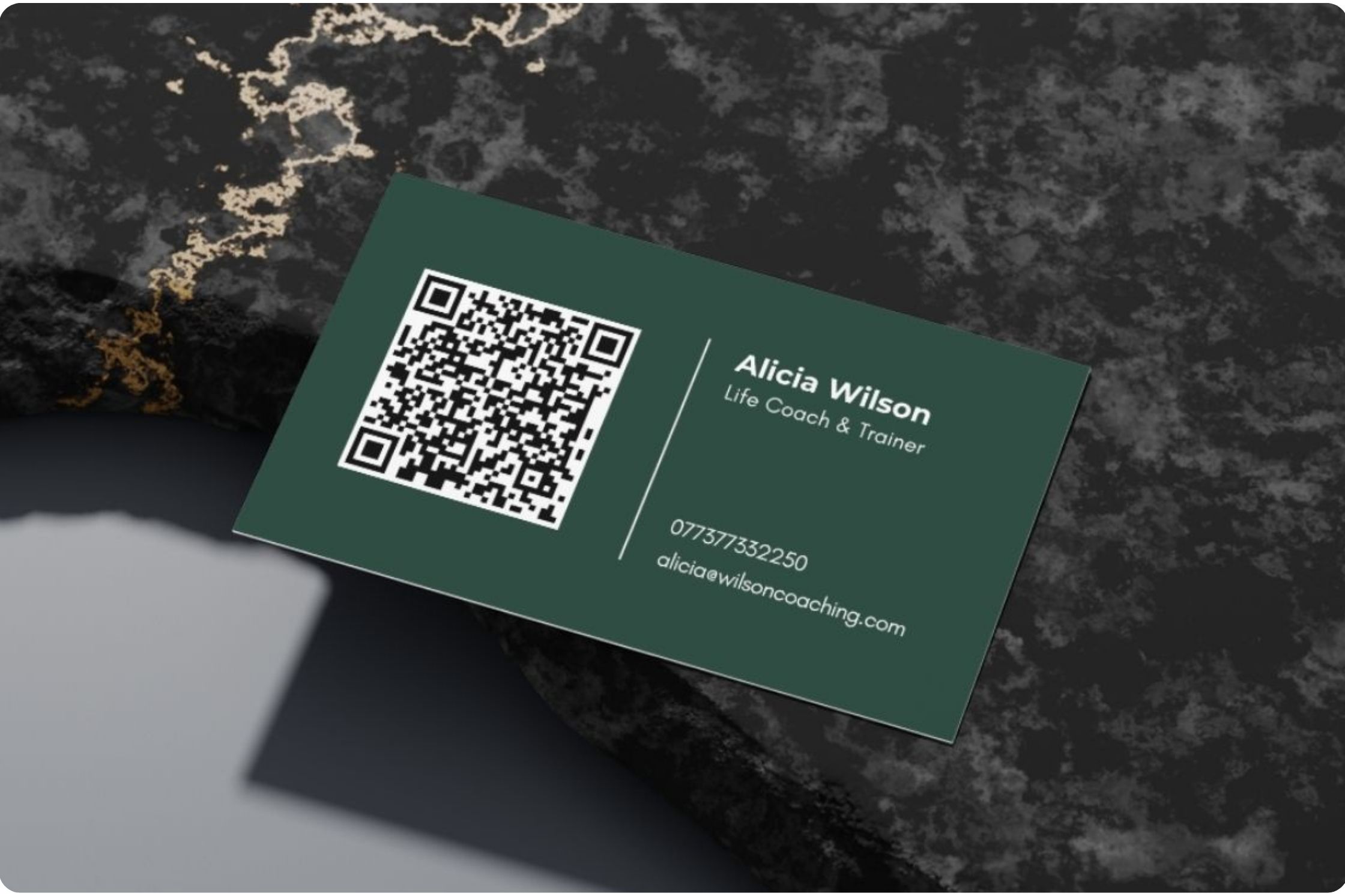
business card, setmore QR code on left, customer details on right

What is an appointment QR code?

An appointment or booking QR code is a scannable black-and-white image that links directly to your online Booking Page. Customers point their phone camera at it, tap the link, and they’re taken there, ready to learn about your services, book, and pay.

Download yours, print it, post it, share it online, whatever you like. Any touchpoint can instantly become a new appointment. 

How to generate your booking QR code

Follow these quick steps to create and share your custom Setmore QR code from your mobile app:

1. Open your mobile app and tap (+)

2. Select Share Booking Page

3. Choose Copy to paste your link, or Share to send it via email, WhatsApp, or messages

Every scan brings customers closer to booking with you.
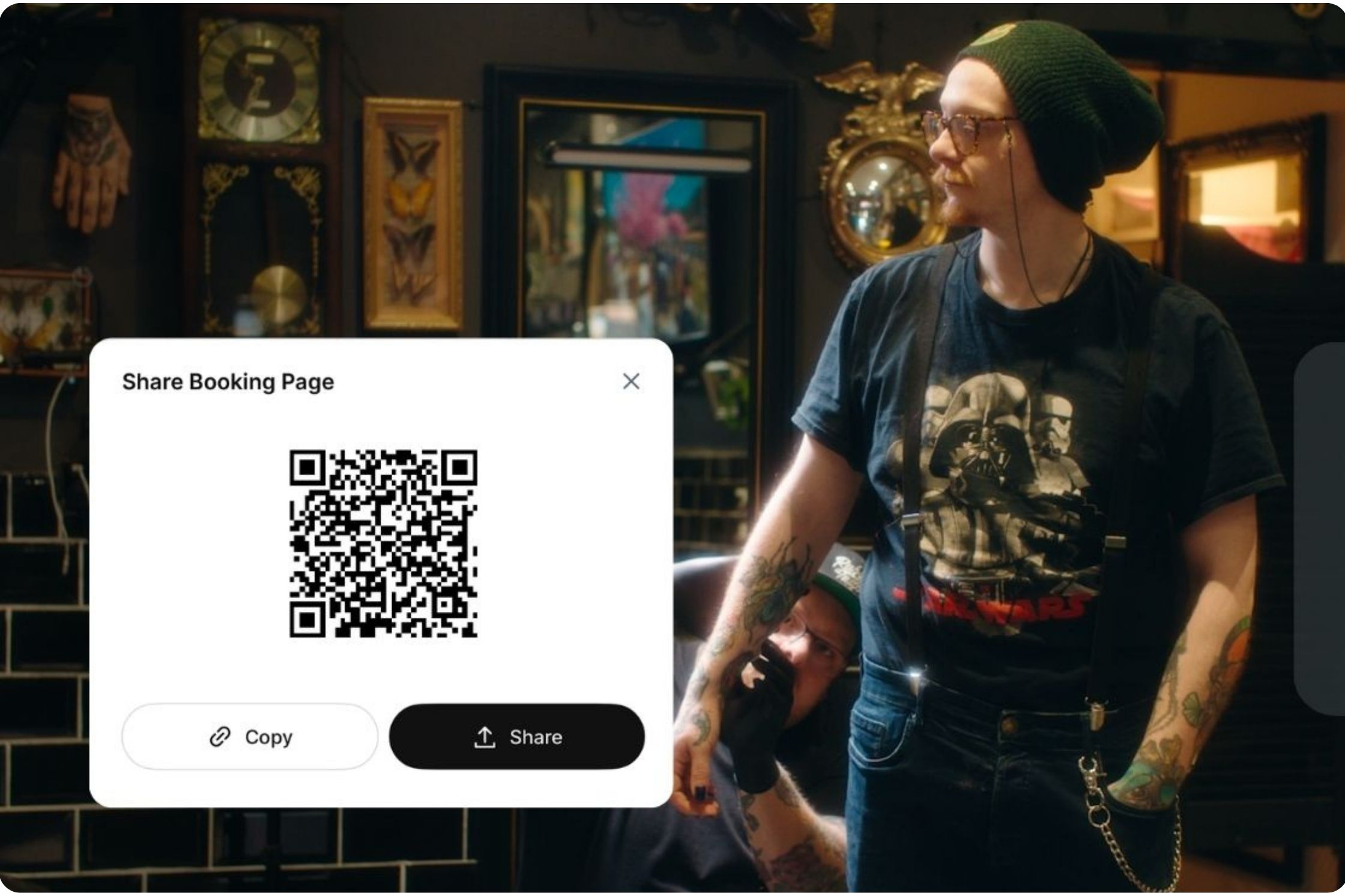
QR code sharing in the mobile app
Loved by business owners
Have used Setmore as an app and on desktop to book my clients for some years now. Always a great communication for tech support and works a treat on automation!! Get links to add to your website, a booking QR code to add to business cards to send clients straight to your landing page.

Adeine Wallace

Adeine Wallace Photography
woman wearing purple top, walking down street

How can a business use QR codes?

In your space

Showcase your QR code where customers will see it: your storefront, window, reception desk, anywhere. People can book their next appointment, or a passerby can self-schedule with a scan.


On your marketing materials

Flyers, posters, mailers, and business cards are handy for staying top of mind with potential customers. Make the next step even easier by putting a QR code on your marketing materials.


Across your digital channels

Embed your booking QR code on your website or feature it in your social media posts and email signature. Create more touchpoints for customers to book anywhere.

QR codes for every business

QR codes for salons

Let clients rebook before they leave. Display your QR code at checkout or on appointment cards for easy follow-ups.


QR codes for fitness and wellness

Make scanning their next session easy. Include your QR code on signage, class schedules, posters, merchandise, or wellness packs. 


QR codes for healthcare

Place your QR code in waiting areas or on brochures to simplify patient scheduling — especially for follow-ups and telehealth appointments.


QR codes for events and workshops

Add your QR code to posters or online invites to let attendees register instantly. Track interest and fill seats faster.

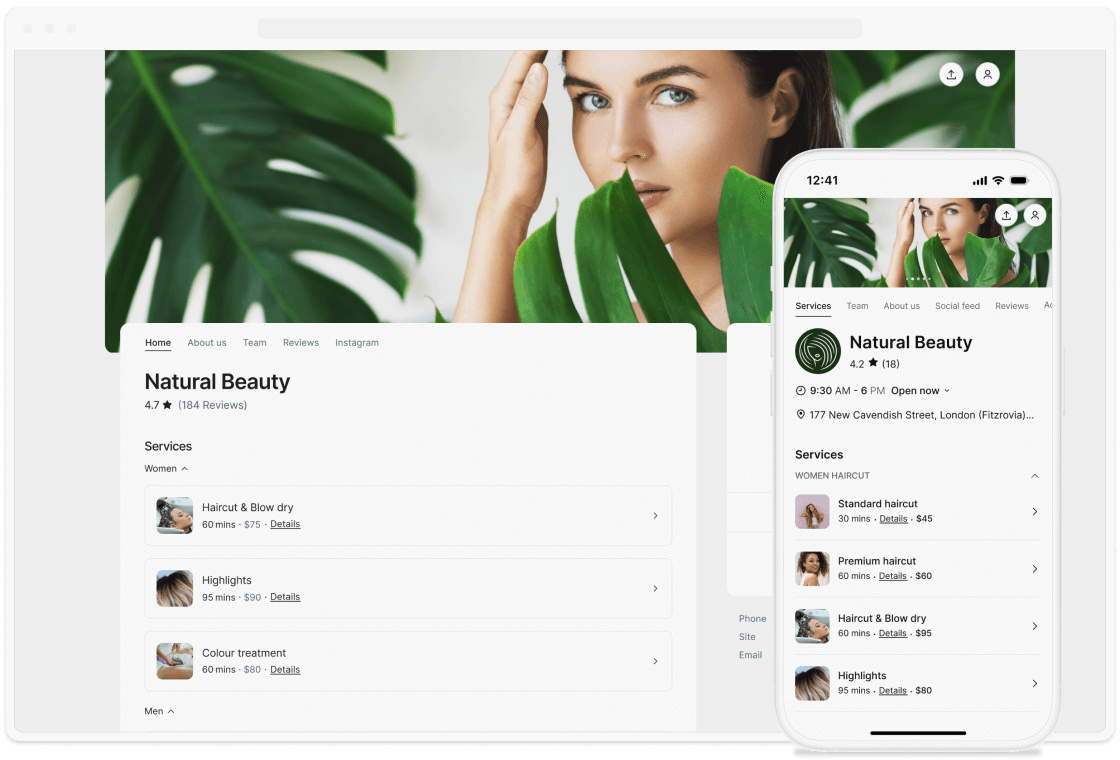
booking page preview with services list

Your Booking Page, your brand

Your QR code is a direct link to your branded Booking Page. Customize it with your logo, colors, reviews, and photos. Which means that when customers explore your services and team, they make a booking that’s on-brand from the first click.

Enable payments, send reminders, and manage appointments automatically — all from one place.

Here’s everything you need

Flip through our ultimate guide to QR codes to discover how they work, the benefits for different industries, and ideas for sharing yours.
woman on phone

Your questions answered

Can't find the answer to your question? Call us now: +1 (800) 749-4920 or email us help@setmore.com

For more information, explore our features, integrations, and use cases.