Online appointment scheduling that fits how you work
Let online appointment scheduling handle confirmations, reminders, and calendar updates while customers book themselves in with your services.
What is online appointment scheduling?
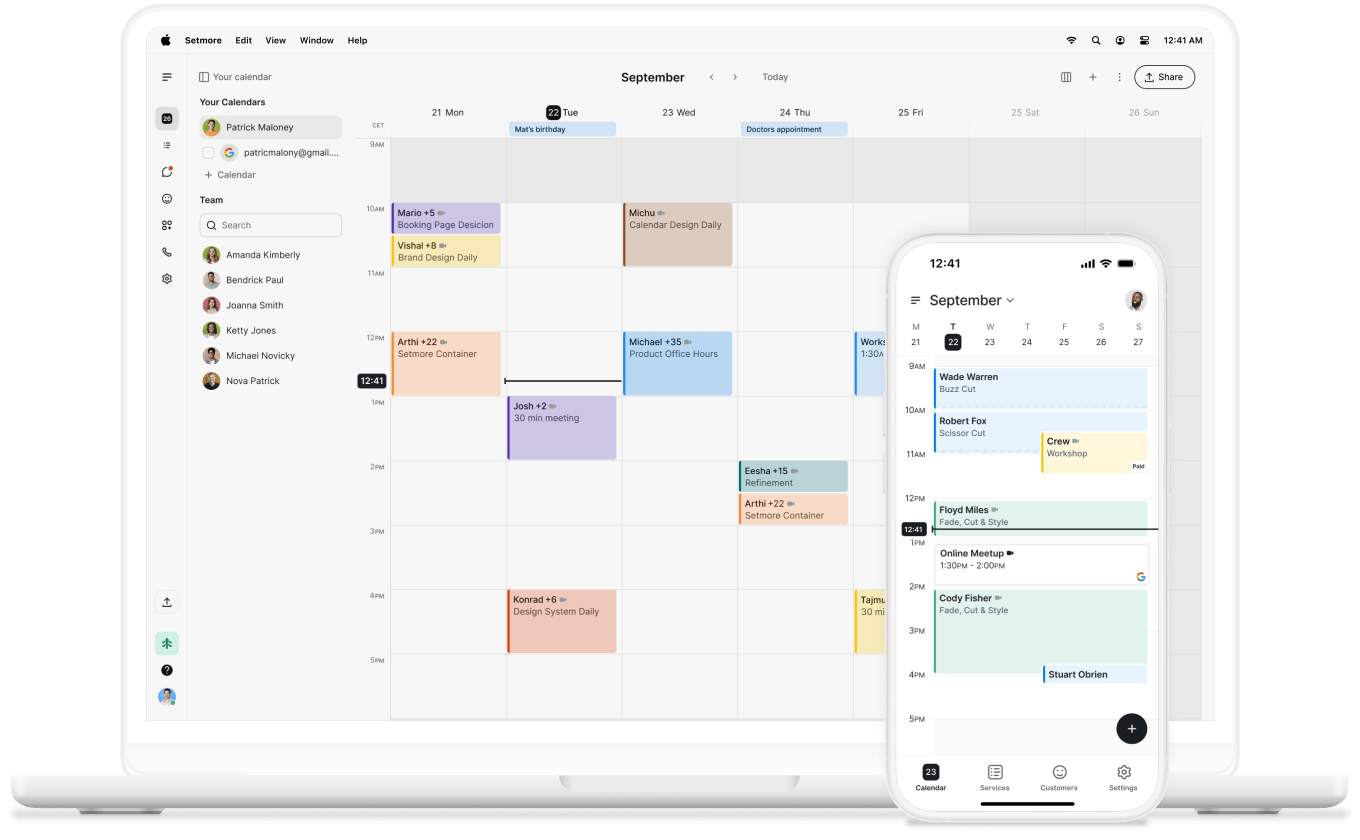
Online appointment scheduling allows customers to book services through an online Booking Page, eliminating the need to call or email. The Booking Page showcases your availability, allowing them to choose a time that suits them and confirm their appointment in a few taps.
They book; your calendar is updated; reminders are sent automatically; and everything is as you need it. No double-bookings or no-shows.
Online scheduling gets rid of the back-and-forth of emails, texts, DMs, and paper diaries with a single, always-open Booking Page. It’s super convenient, your calendar is always correct, and your customers are happy from the get-go.
Here’s what it replaces:
- Phone calls during (and long after) business hours
- Email threads hunting for a slot you’re both free for
- Manual diary entries and the double-bookings that follow
- Chasing customers with reminder calls
How does online appointment scheduling work?
Online appointment scheduling works on automation. It keeps humans at the heart of your business by keeping your only available slots on show on your Booking Page. Making things easy for customers to pick a service, choose a team member, confirm their details, and then voila — they’ve got an email confirmation, you’ve got a new booking in your calendar.
Booking takes a minute, admin runs itself, and the journey couldn’t be easier:
- The customer selects a service from your Booking Page.
- They choose an available date and time from your live calendar.
- They enter their details and confirm the booking.
- Setmore sends an instant confirmation and updates your calendar.
- Automated reminders go out before the appointment.
You’ve got a simple-to-follow flow set that other tools can work in harmony with to deliver an exceptional brand experience. 2-way sync your Google Calendar for a complete overview of your schedule (business and personal), so you’re never double-booked.
Connecting payments allows you to secure a deposit at the time of booking and collect the rest with your phone using Tap to Pay. With Google Meet or Zoom, you can add video appointment links to your confirmations, so you can meet customers wherever they are in the world.
While email and text reminders keep people showing up and on time, ensuring your brand runs like clockwork. The result: a process that runs for you, not because of you.
Get your time back
Scheduling isn’t about the app or the hacks, or even connecting the software you already use so you can run your entire business from one place — it’s the time you get back. We always say “Make time for what truly matters,” and that goes for every appointment your customers book for themselves.
It’s one you don’t have to arrange, confirm, or remember until they’re right in front of you, getting your undivided attention.
- Less admin. Bookings, reschedules, and cancellations sort themselves out, so you’re not glued to the phone between customers.
- Fewer no-shows. Automatic reminders keep you top of mind, and a deposit at booking gives people a reason to turn up—or reschedule in good time.
- Always open for business. Your Booking Page takes appointments at midnight, on weekends, and while you’re busy with someone else.
- One calendar, everyone on it. Your whole team sees the same real-time schedule, so double-bookings and crossed wires quietly disappear.
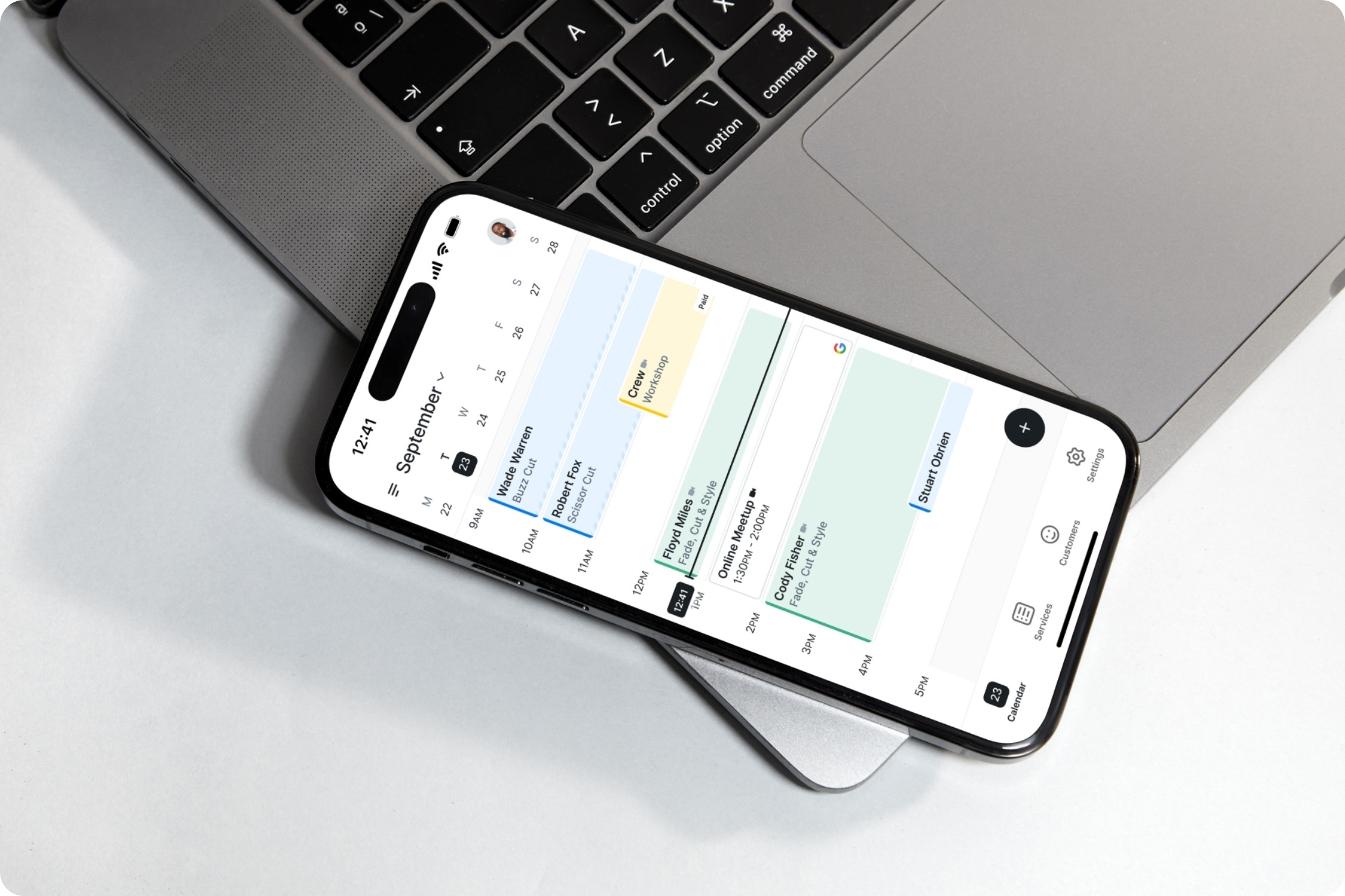
It all runs on the web and from your mobile app, so your day comes with you.
Get seen, get booked
A booking can’t happen if customers can’t find you. Show up where people already are, and turn a click into a confirmed appointment.
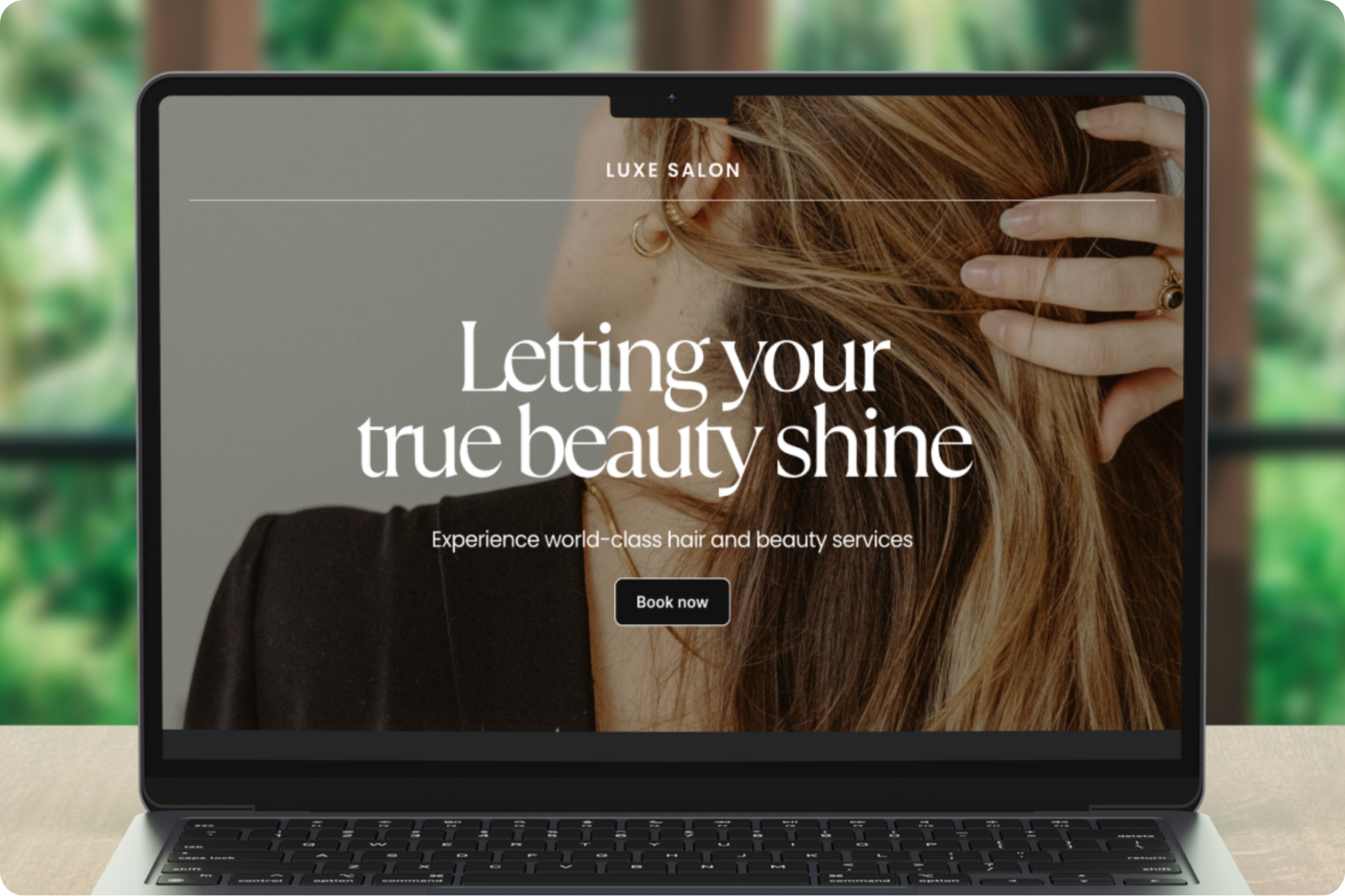
Share your Booking Page as a link or a booking button on your site, your Instagram bio, or your email signature. Let people book straight from your Google listing with Reserve with Google, or add a booking widget to your website so visitors never have to leave.
Wherever someone finds you, they’re one tap from a slot in your calendar.
Quick, easy payments
Getting booked is only half of it, getting paid should be just as easy. Take payments or deposits the moment a customer books, through Square, Stripe, or PayPal, and Setmore doesn’t take a cut.
Asking for a deposit up front is also one of the simplest ways to protect your time from last-minute drop-offs.
What to look for in a scheduling tool
Shopping around? A good scheduling tool earns its place by solving real problems, not padding a feature list. Worth having on your checklist:
- A Booking Page you can brand as your own
- 2-way calendar sync, so nothing clashes
- Automatic reminders to cut no-shows
- Payments and deposits built in
- Room for your team, recurring appointments, and classes
- The integrations you already use
And free means free. Setmore’s Free plan offers up to 4 users, payments, a Booking Page, and more at $0—so you can feel the difference without spending anything.
Made for booked-up businesses
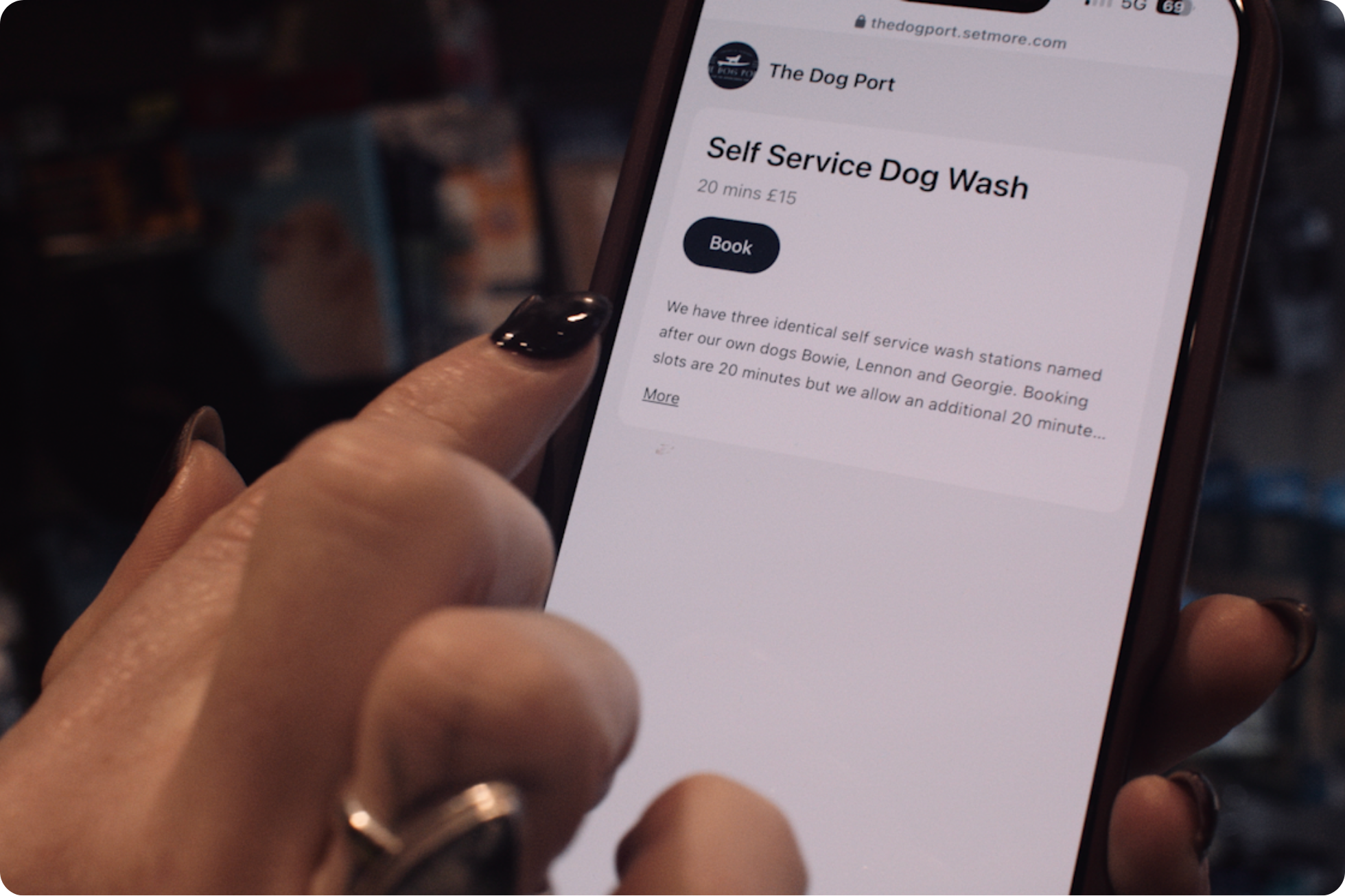
If your day runs on appointments, online scheduling was made for you, whether you’re a team of one or spread across locations.
- Salons and barbershops fill last-minute gaps and let regulars rebook in seconds.
- Health and wellness clinics manage patients and ease the waiting room.
- Fitness studios and personal trainers run one-to-ones and group classes side by side.
- Consultants and professional services protect focus time and let clients self-book.
- Tutors and educators schedule lessons around term times and time zones.
- Home and trade services book jobs on the move, straight from a phone.
- Explore Setmore by industry to see how businesses like yours make it work.
Why people choose Setmore
Plenty of tools can put a calendar online. Here’s what keeps people around:
- Free to start, and genuinely free. A branded Booking Page, online payments, email reminders, and mobile apps for up to 4 users at $0 a month. Grow into Pro when you’re ready.
- Everything under one roof. Appointments, staff, payments, and video meetings in a single calendar, on the web or in your pocket.
- Real, human support, 24/7. While plenty of software points you at a chatbot, Team Setmore answers with 24/7 human support on every plan. You get a person, not a help doc.
- A tool that grows with you. Pro adds unlimited users, text reminders, recurring appointments, and two-way calendar sync as your business grows.
- Giving back, built in. Setmore puts 1% of revenue toward planting trees around the world.
Make time for what truly matters
Booking should be the easy part of your day. Let us handle scheduling, reminders, and follow-ups, so you can spend your time where it counts—on your customers and your craft.