Ideal legal appointment scheduling workflow
Booking new legal clients shouldn't take multiple phone calls or emails before anything is scheduled.
A well-run legal appointment scheduling workflow, powered by automated booking software, handles the booking process in the background.
Why appointment scheduling matters for law firms
First impressions matter. And while it may only be the first contact from a prospective client, it’s also your first real test. When someone is seeking legal aid, responding quickly to an email, form, or call usually determines whether you’re the firm to go with. Drop the ball here, and you’re likely to lose the potential client.
If you’re running off regular office hours as well, this gets even harder to manage. Even the best attorneys or law firm front desks can’t answer everyone's contact attempts all the time.
In an 8-hour day, lawyers bill only around 3 hours of work — that’s a pay rate of only 38%. Meaning admin and non-billable tasks absorbed the rest of your day. Also, only 40% of US firms answer the phone when contacted, while only 1/3 respond to emails. More than half of people won't get a response when contacting a law firm.
These people need help, and being first to respond gives you a great chance of being the one to offer it. The stats back it up: firms that add online client intake tools see around 50% more prospective clients and 50% higher revenue. That’s more clients in your calendar, and more money to invest back into your brand. Making the investment pays dividends, and it’s more than noticeable.
Capturing leads around the clock helps you take on more clients. It helps you earn more. It also lets you help more people. This is why law firms need online booking and how you can increase client intake. Adding scheduling with call answering to your appointment workflow ensures you not only compete, but get ahead.

In practice: a family-law solo
Attorney Athar A. Khan, a family-law solo in Irvine, California, rebuilt his intake around a self-scheduling Booking Page so clients could book an initial consultation the moment they found him online, rather than calling to ask when he was free. His workflow in brief:
- A ‘Book’ button is always where his clients find him, on Google and his website, making booking a breeze.
- Clients see real-time availability and book a one-hour initial consultation online — which he can host in person, over the phone, or via video.
- Both sides receive instant confirmations, with automated email and text reminders sent 24 hours in advance.
- Clients can reschedule online at short notice (if needed), and his calendar updates automatically.
He cites reminders as the reason his no-shows stopped. 2-way calendar sync keeps new bookings in his personal and professional calendars, aligning them and reducing double bookings. He was able to strike a work-life balance by investing in his software with Pro.
The ideal legal appointment scheduling workflow
A legal appointment scheduling workflow is the end-to-end process a law firm uses to turn a consultation request into a completed, followed-up appointment.
Think of it in 9 stages: request, service selection, attorney selection, choosing a time, intake, confirmation, reminders, the consultation itself, and follow-up. Automate the routine stages so you’re not taken away from clients, you don’t lose out if you can’t reach the phone, or an email gets buried in your inbox.

Law firm client journey looks like this:
1️⃣ Phase 1: Before the appointment
- Client requests a consultation. A prospective client lands on your Booking Page from your website, Instagram, Facebook, Google Business Profile or however they find you.
- Client selects a legal service. Set your services with clear names, descriptions, and times (for example, a 30-minute initial consultation or a one-hour case review). Expectations are set.
- Client chooses an attorney. If you’re a law firm with more than one attorney, list your entire team and what they specialize in for whoever is booking to choose from.
- Client selects an available time. With real-time availability, people on your Booking Page can only ever see slots that are open — preventing double bookings.
- Client completes intake. They’re booked in your calendar. Capturing the matter type, contact details, and a short description up front means you walk into consultations ready, without needing to use billable hours to collect information.
2️⃣ Phase 2: Confirming and reminding
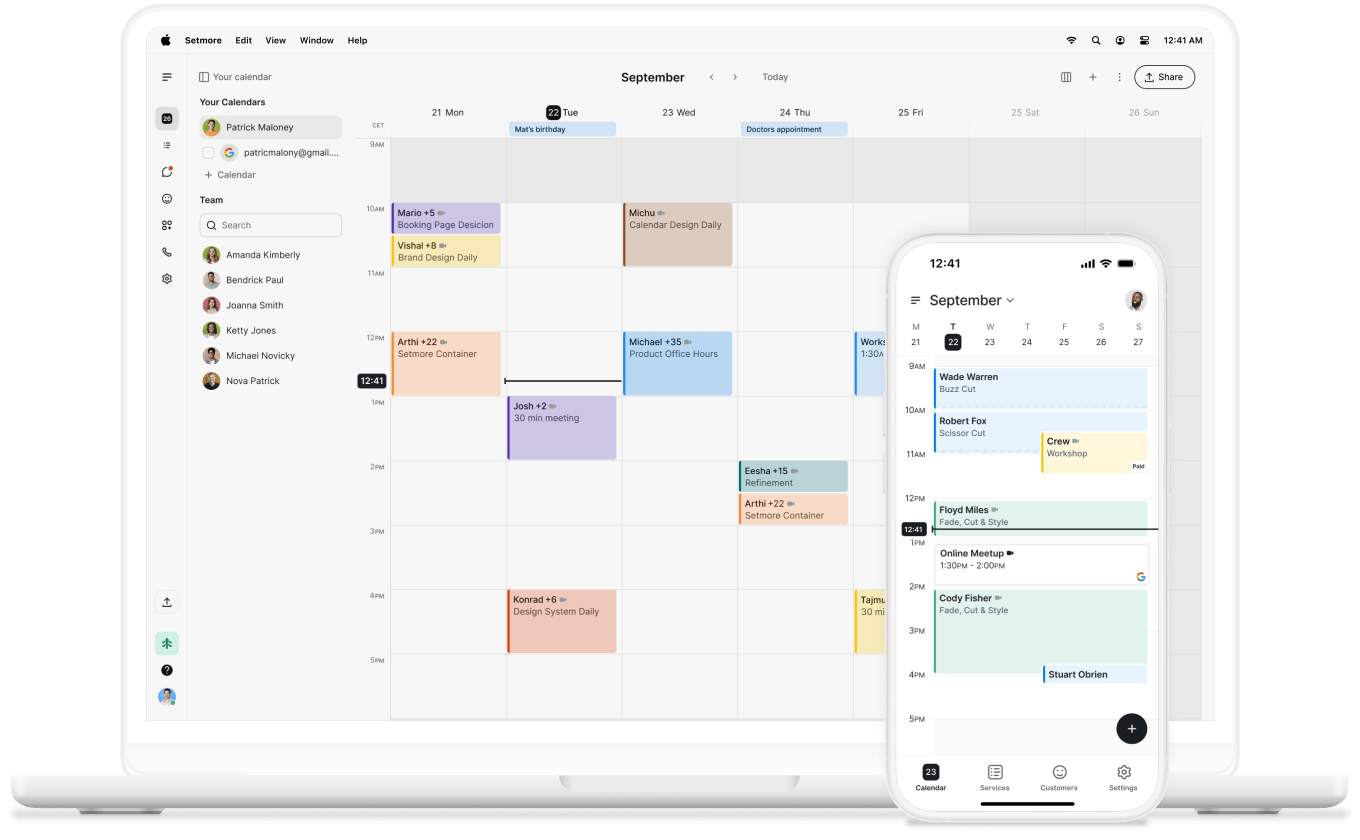
- Appointment confirmation. Your calendar updates automatically. An email confirmation is sent to you and your client (including a Google Meet link if you’ve set a video appointment).
- Automated reminders. Email reminders are sent at a convenient time prior to the appointment. On Pro, you can send an extra email reminder or make use of text reminders, making no-shows a thing of the past.
3️⃣ Phase 3: The consultation and after
- The consultation. You meet by phone, video, or in person, on the scheduled time, as your software laid the groundwork.
- Follow-up. After the consultation, add notes to their profile. If you collected a deposit via LawPay, send a payment link for the remaining balance. Connecting Clio lets you automate post-appointment follow-up communications.
If you look closely at the above, around 80% of those steps could be automated with scheduling software. Leaving you for the crucial, in-person, relationship-based steps.

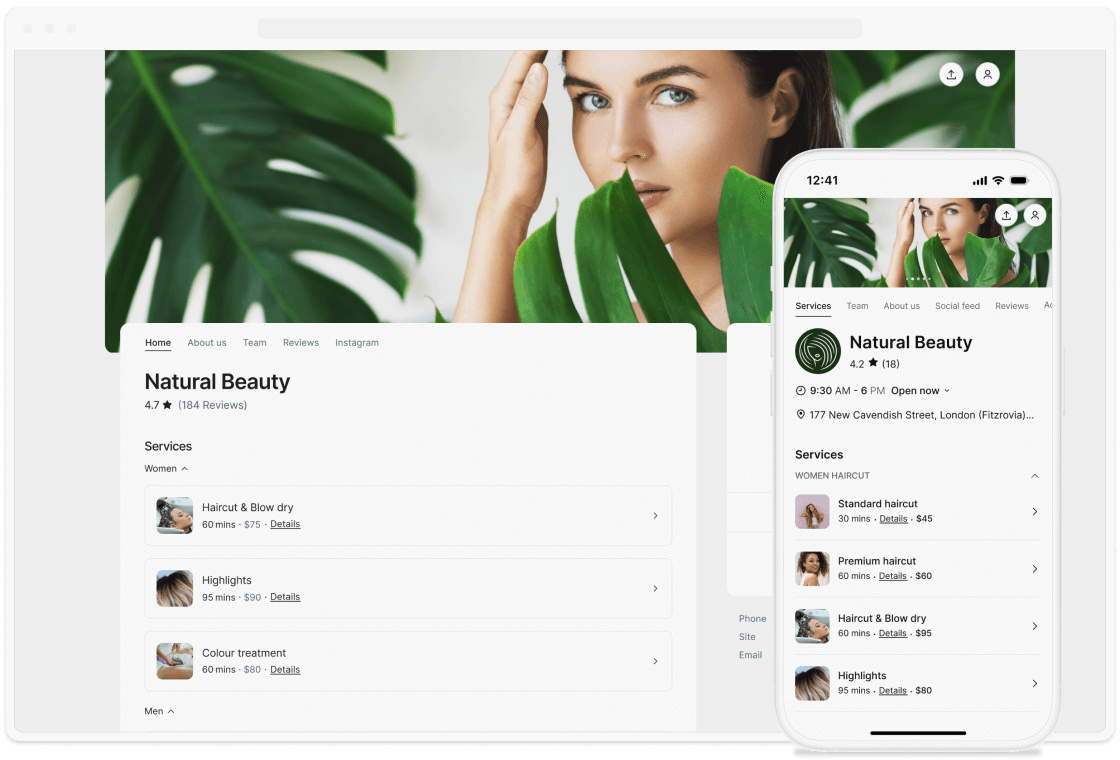
Legal scheduling software like Setmore allows you to automate routine stages of this journey. A fully customized Booking Page not only showcases your brand but also makes client intake smooth and consultations flow like clockwork. It protects your time, and theirs, so you and your team are only needed for the personal legal advice part.
Best practices for legal appointment scheduling
A stronger scheduling process is mostly about removing friction from the first interaction. Use this as a checklist you can put in place straight away:
- Let clients self-schedule online. Missed calls, unread emails, or after-hours contact can cost you potential clients. Your Booking Page lets prospects book when they need to.
- Capture matter details at booking. Add forms to your process so you don’t waste billable time. A short intake step means attorneys walk in ready to start helping their clients.
- Define clear service types and durations. Ensure clients come to an appointment knowing what to expect. Label services clearly, how long they’ll last, and which specialist they’ll be with.
- Automate reminders and easy rescheduling. Leave forgetfulness at the door. With reminders, clients show up just as prepared and don't miss an appointment that’s important to them.
- Sync every attorney’s calendar. With 2-way calendar sync, personal and professional appointments appear on the same calendar. No double bookings, whether it’s Google, Microsoft, or Setmore’s Calendar.
- Offer virtual and in-person options. Connect Google Meet and start adding video appointment links to confirmations, meaning appointments can happen no matter where the client is.
- Take payment or a retainer where appropriate. Adding payments to your account lets you accept deposits at booking and collect the remainder via payment links.
- Cover the inquiries you can’t take live. Live Receptionist ensures that, even if someone calls, they’re answered by a professional who can answer their questions as you would and book a consultation.

How Setmore supports the legal scheduling workflow
Rather than a generic feature list, here’s how Setmore maps to each stage of the workflow above.
- Request and self-scheduling. A 'Book Now' button on your Google Business profile, your branded Booking Page,
a website booking button, and social profiles let clients book around the clock. When you can’t pick up, Live Receptionist (US) answers calls, qualifies leads, and books consultations for you — rather than suffering the cost of a missed call. - Service, attorney, and time. Set services and durations, add team logins with individual booking links so clients reach the right specialist, and show real-time availability so only open slots appear.
- Easier client intake. Client details captured at booking populate an individual client profile, so the attorney has the essentials before the meeting. (Confirm your firm’s intake fields when you set up.)
- Confirmation and reminders. Instant confirmations plus automated email and text reminders cut no-shows, and clients can reschedule themselves without a phone call.
- The consultation anywhere. Attach a Google Meet or Zoom link for virtual consultations, or keep it in person, whichever the client chose.
- Payment and follow-up. Get your law firm paid faster and collect a consultation fee or retainer with payments through the ABA- and IOLTA-compliant LawPay (or Square, Stripe, and PayPal), and keep your CRM current with the Clio integration.
- Across the whole firm. Two-way calendar sync with Google, Microsoft 365, and Apple (Pro) automatically blocks off court time and casework.
Make time for your clients
Personalize your Booking Page, let people self-schedule appointments, automate reminders, empower clients to book their own clients, and leave your focus where it’s needed.