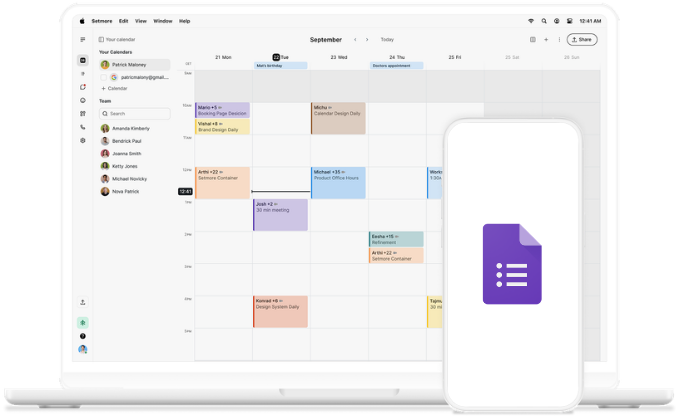
Know customers instantly with Google Forms

Connect Google Forms to Setmore and start every appointment knowing who’s coming—and what they need.

Setmore with Google Forms

Prepare to succeed

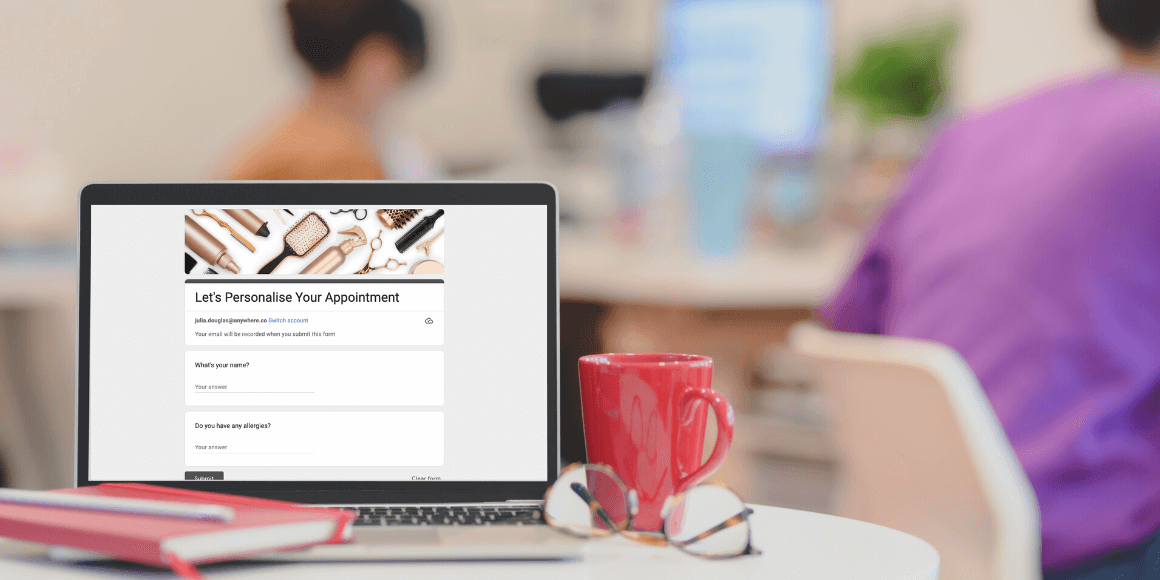
Every submitted form shares key customer details. Their name, contact info, and notes are all ready in your calendar. 

icon tick

Perfect form

There’s no need to copy from spreadsheets, re-enter details, or manually transfer information with automation. 

icon tick

All systems ready

Whether it’s a new customer or an existing one, you're up to date on follow-ups or first-time introductions. 

icon tick

You’re ready at “Hello.”

Rather than spending appointment time figuring out what’s needed or filling in the gaps, your intake has it all sorted. 

56% of customers become repeat visitors after a personalized experience. Use your forms to tailor each appointment and earn rave Google reviews.

How to add Google Forms to Setmore.

  1. Open this template, then click Try this template or sign in to Zapier.
  2. Choose Google Forms as your trigger.
  3. Connect your Google account.
  4. Choose Setmore as your action app.
  5. Map your Form fields to the matching Setmore fields.
  6. Click Test.
  7. Then Turn on Zap.

Why not try running a Zap after appointments, too, for feedback or follow-ups? With Zapier, the possibilities are endless.

Prep for more time with customers

Automate your forms so every detail shared is an opportunity to deliver beyond expectations. One setup, countless moments that matter. 
Setmore + Google Forms

More ways to deliver exceptional

What fewer no-shows look like

Discover how our onboarding team's attention to detail cuts no-shows and builds loyalty from day one.

People rushing through in street

Brand your Booking Page

Transform your Booking Page into a representation of your business with your logo, colors, reviews, and more.

People working with charts on desk

More ways to add forms

Learn four other ways to incorporate forms into your booking process — easy yet effective.

Setmore Online Booking Form