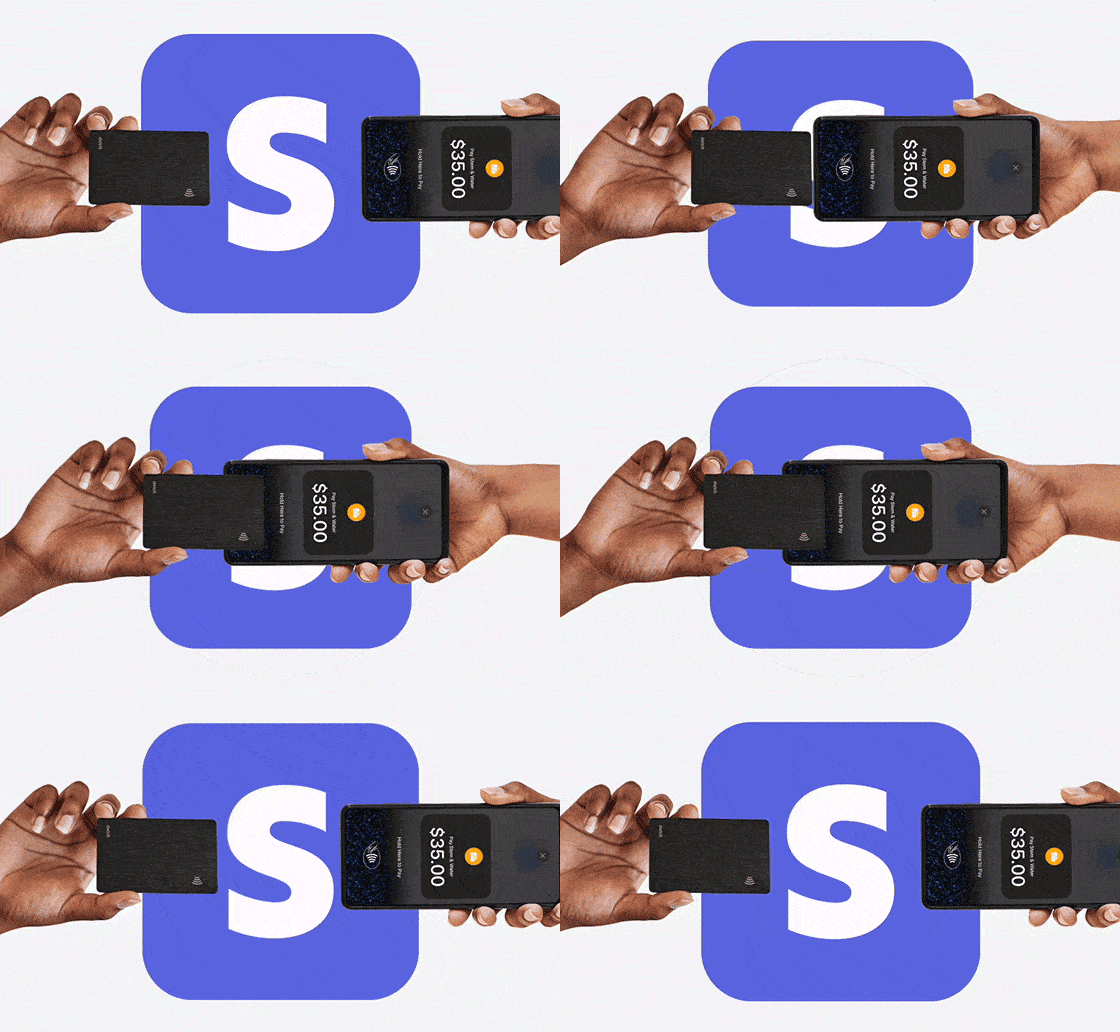
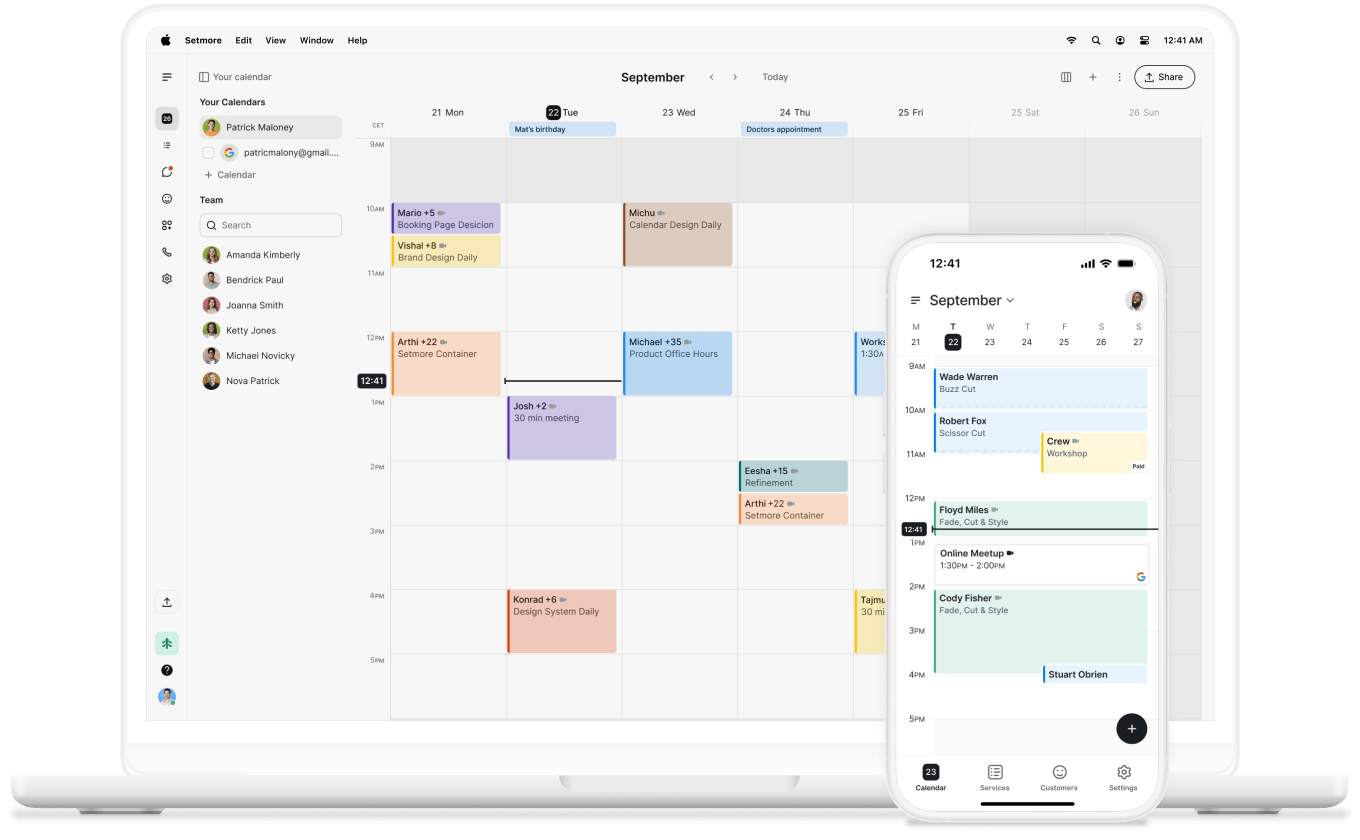
No follow-up required
Send a link and let your customers pay when it suits them. No awkward follow-up, constant reminders, or invoices.

Send a secure payment link for any unpaid appointments so your customers can pay when it suits them.
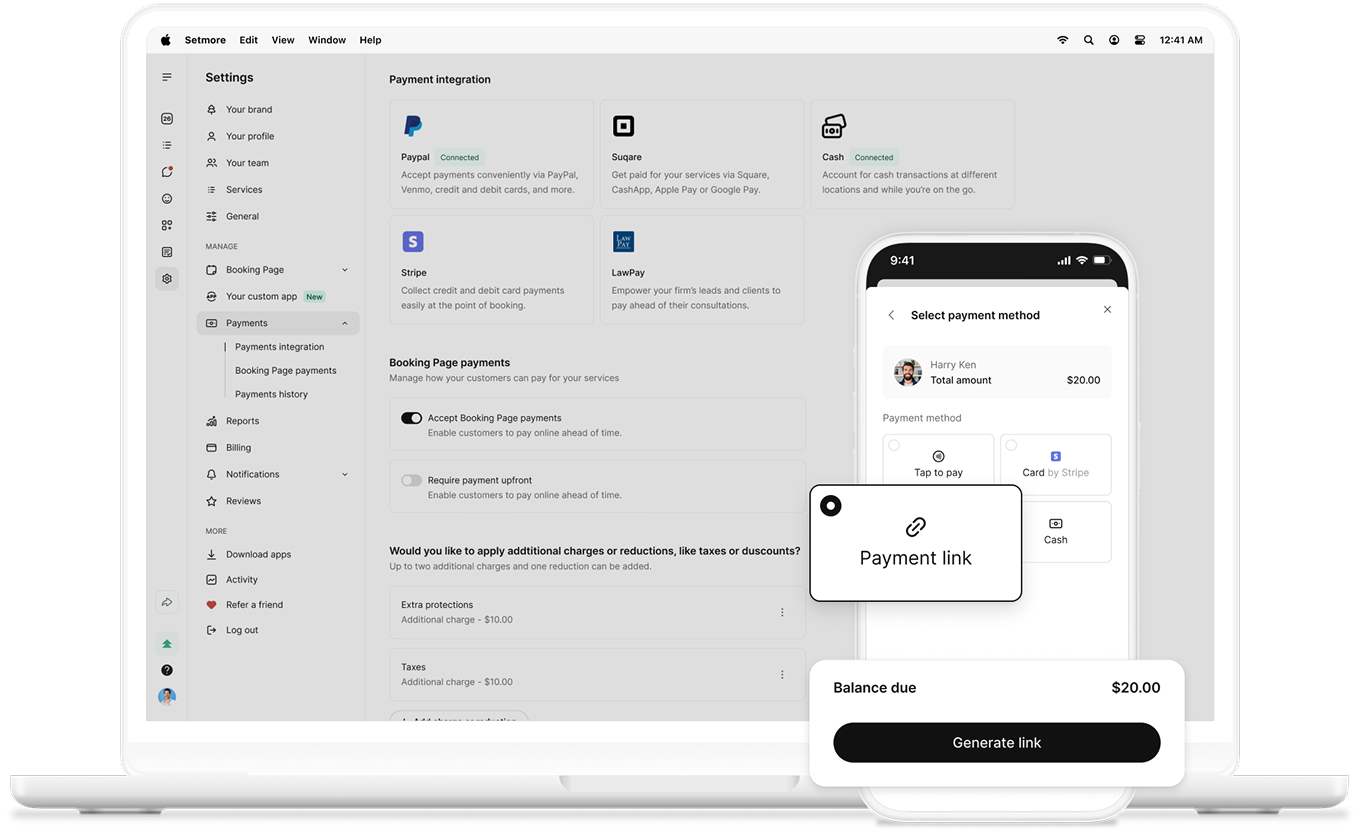

Not every appointment comes with payment up front. Whatever the reason, don’t spend time chasing what’s owed when it’s time to collect.
Send a payment link straight to your customer. Create a secure Stripe link, share it however you like, and get notified as soon as they pay.
Send a link and let your customers pay when it suits them. No awkward follow-up, constant reminders, or invoices.
Copy the link, share via QR code, or use your mobile’s share options. Tons of ways to share and pay.
When payment is processed, your appointment automatically updates to reflect receipt of the payment.
Create a payment link in seconds. Open any unpaid appointment, select ‘Payment Link’, generate, and share.
Customers pay through a secure Stripe checkout. Your app tracks every payment automatically so you can stay organized.
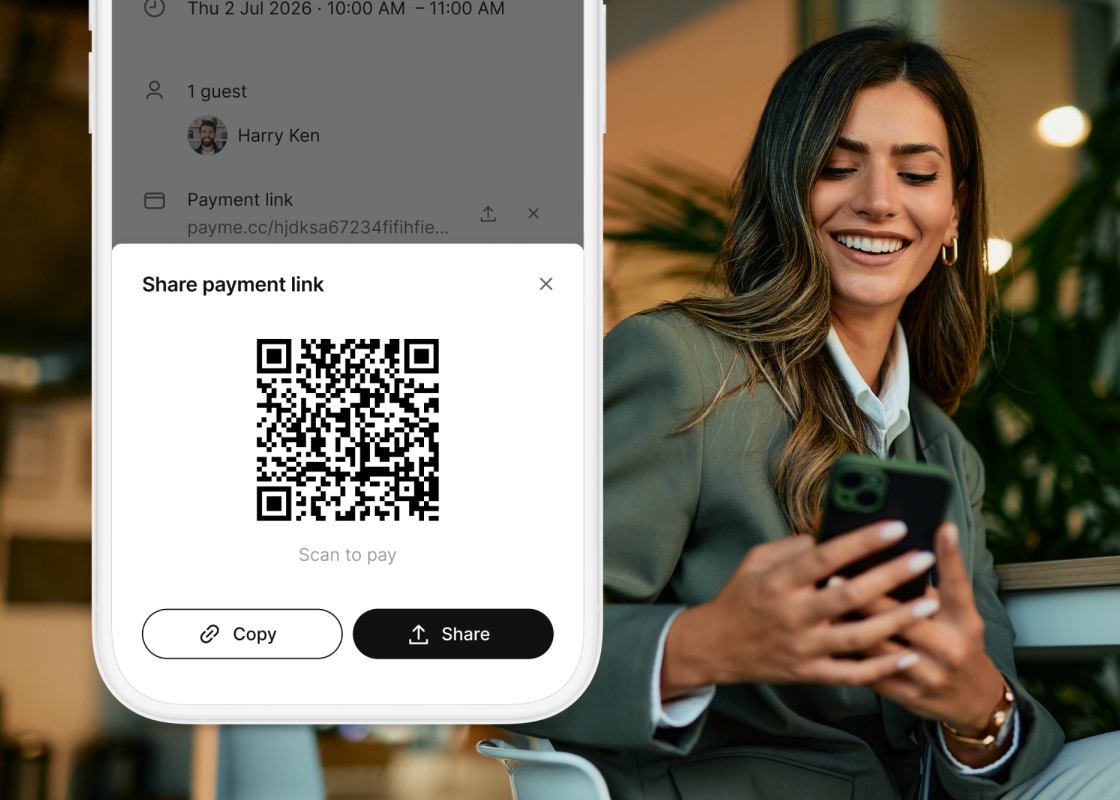
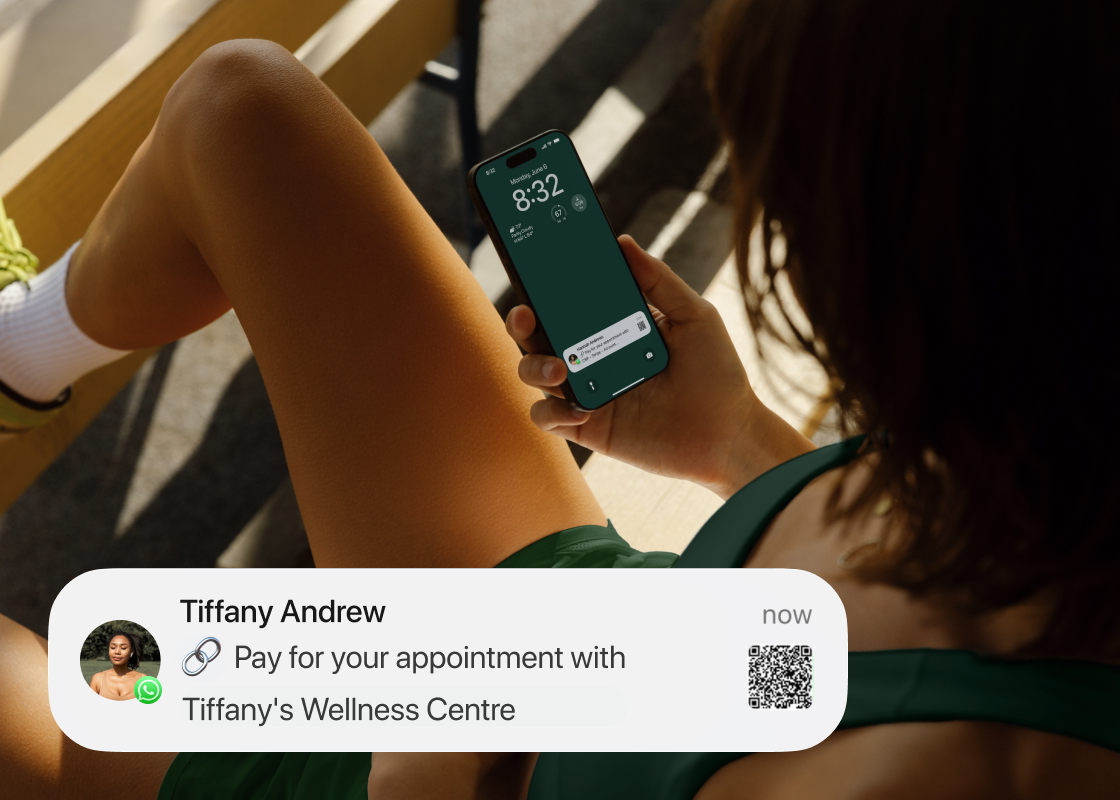
Whether you’re in health and wellness, law, tutoring, or consulting, many businesses invoice after the service is done.
Payment links cut out extra steps. No more manual invoices or double entry. Stay on track with everything in one place.
Over half of US small businesses are currently owed money from unpaid invoices — an average of $17,500 per business.
That’s money you could use to grow your business. With payment links, you stay in control and keep things moving.
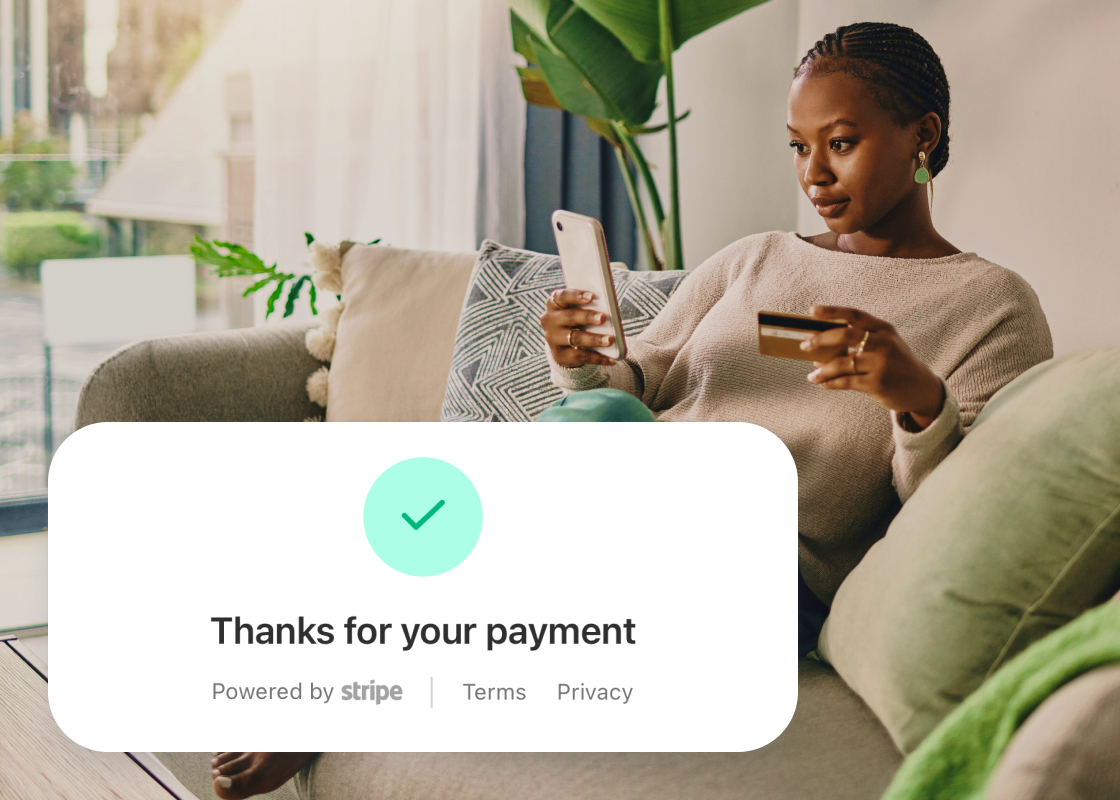
Payment links are a Stripe connection feature. No extra setup needed — just connect your accounts and start sending links.