Easy-to-Use Free Class Scheduler Online

Managing your online classes is simple and stress-free with Setmore’s intuitive online class scheduler.

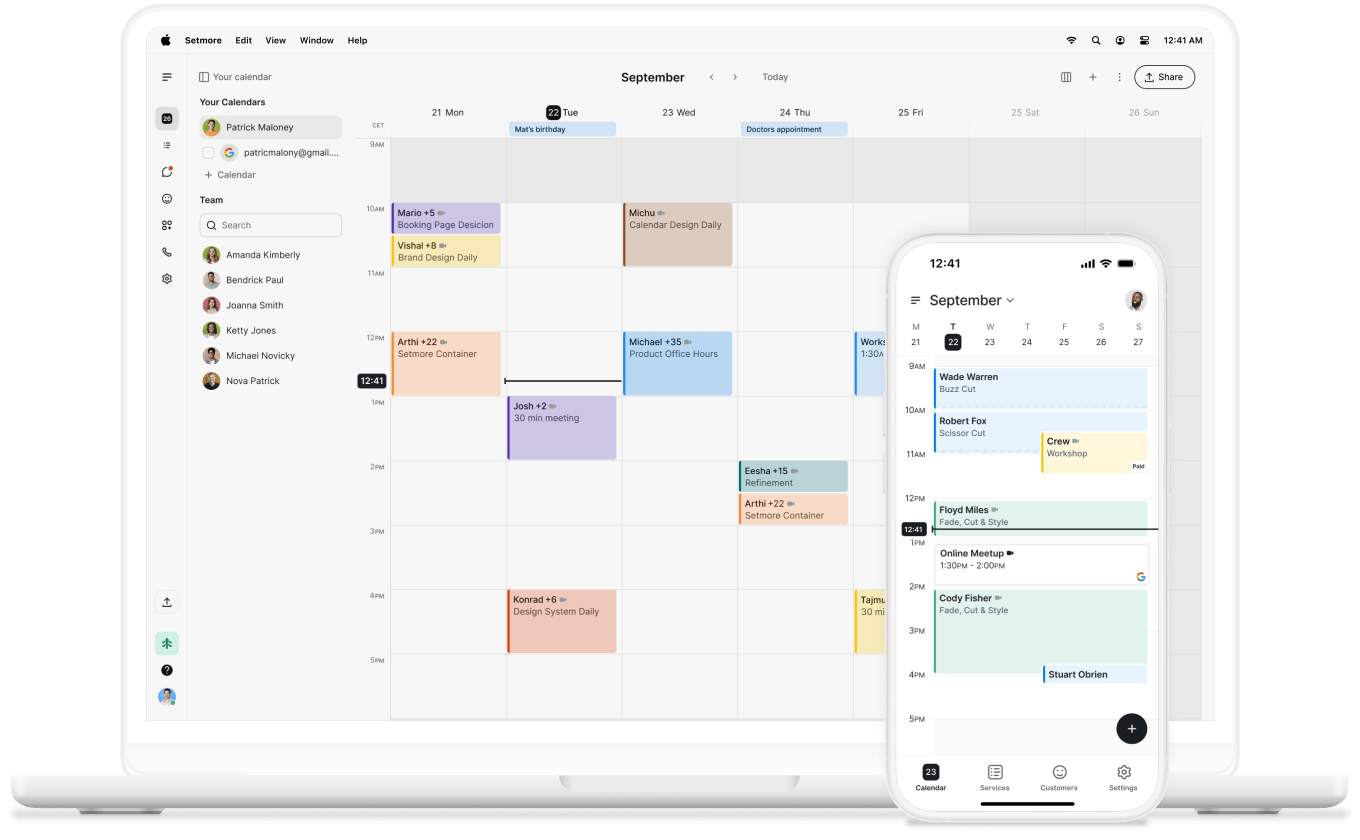
setmore calendar on desktop and mobile devices

Self-scheduled appointments

Your customizable Booking Page makes it easy for students to find and book classes that fit their schedules.

icon tick

Get found and booked

Let customers book seamlessly through Reserve with Google - going straight from Search to scheduling.

icon tick

Pre-class payments

Say goodbye to follow-ups by collecting payments before class begins - everyone’s paid up and ready to learn.
icon tick
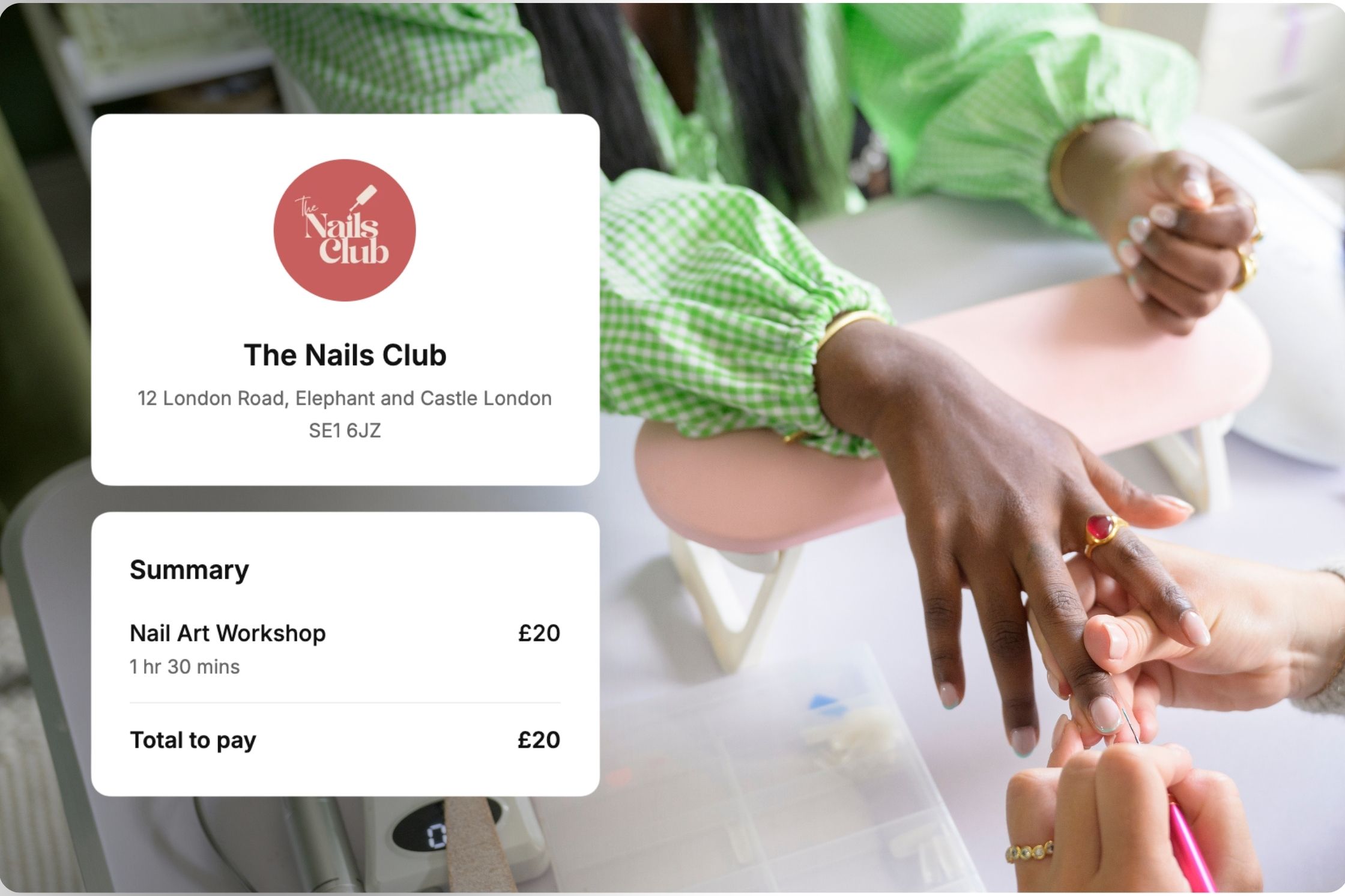
UX of how classes appear on the Setmore Booking Page

What is an online class scheduler?

An online class scheduler is an app that allows students to book, reschedule, and pay for classes themselves. They can go directly to your Booking Page or simply follow a link you share that takes them there.

Set your class availability, the types of courses or lessons you offer, and who on your team provides them. Once booked, your calendar updates automatically, cutting out the back-and-forth. 

Learning comes in all shapes and sizes - so should your online class schedules.

From language lessons and guitar practice to mathematics or even knitting workshops, students come to you for unique reasons.

No matter your niche, an online class scheduler helps you save time by letting students self-schedule classes. That way, you can focus on what you love: teaching and connecting with your students.
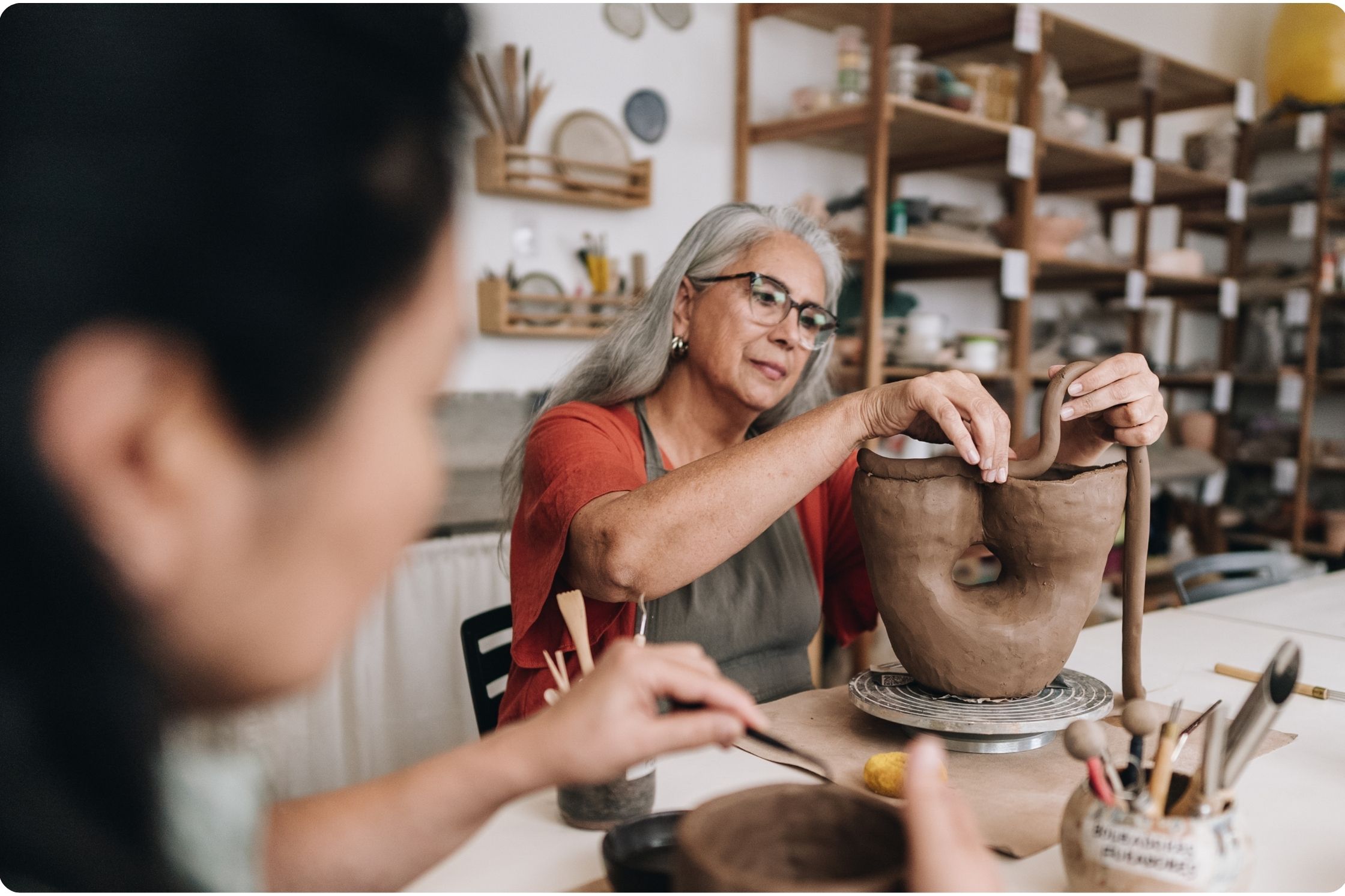

two women, pottery class
Easily schedule online classes
Trustpilot
Setmore has completely changed my business for the better. Customers can now book and receive information via reminders before their class and I have received such good feedback from my customers.

Miss Georgie

Chiang Mai Drama Centre

yoga class outside

How to schedule online classes with Setmore

Getting booked for your classes online is easy:

  1. Create your FREE Setmore account.
  2. Add each class you offer. Set duration and cost.
  3. Assign team members to classes and availability.
  4. Connect Google Meet or Zoom, so every class has a video meeting link included in your appointment confirmations.
  5. Share your Booking Page — on Instagram, Google, QR codes, Facebook, and your website.

You’re good to go. Connect Stripe, Square, or PayPal, and you can also collect class payments upfront.

Connect with a global audience

Education knows no bounds—so why limit your reach? Connect your Google Meet or Zoom accounts and include invite links automatically in your appointment confirmations. 

Your students can join from anywhere, and online calendar scheduling makes learning more accessible than ever.

Create a class schedule online for recurring classes

Save time by setting up recurring classes with just a few clicks. Whether weekly, monthly, or bi-weekly, your online scheduler ensures a smooth and consistent booking experience for you and your students.

Sometimes plans change—receive email notifications when students cancel or reschedule, or even automate updates in a dedicated Slack channel.

No-shows? Not anymore.

Minimize no-shows with automated email and text reminders. Your students get a nudge at the right time, so they’ll never forget when and where their class starts.

Stay on top of your schedule with 2-way calendar sync. With all your appointments in one place, double bookings become a thing of the past.

two women, one teacher, one student, laptop on desk

Simplify team management

Whether you’re running a team of teachers, tutors, or instructors, everyone stays in sync, and your schedule stays stress-free.

Your online scheduler makes it easy to assign classes, track availability, and manage calendars all in one place.

Make time for what truly matters.

woman on phone

FAQs

Can't find the answer to your question? Call us now: +1 (800) 749-4920 or email us help@setmore.com

For more information, explore our features, integrations, and use cases.