I’m not tied to a desk or phone anymore! We have been using Setmore for over two years, it’s so convenient, easy and the software is nice and smooth, we love it!
Rosalei Androyna
SMART Plumbing
After a storm, the first reachable roofer gets the job. Be bookable 24/7, whether you’re on or off the ladder.
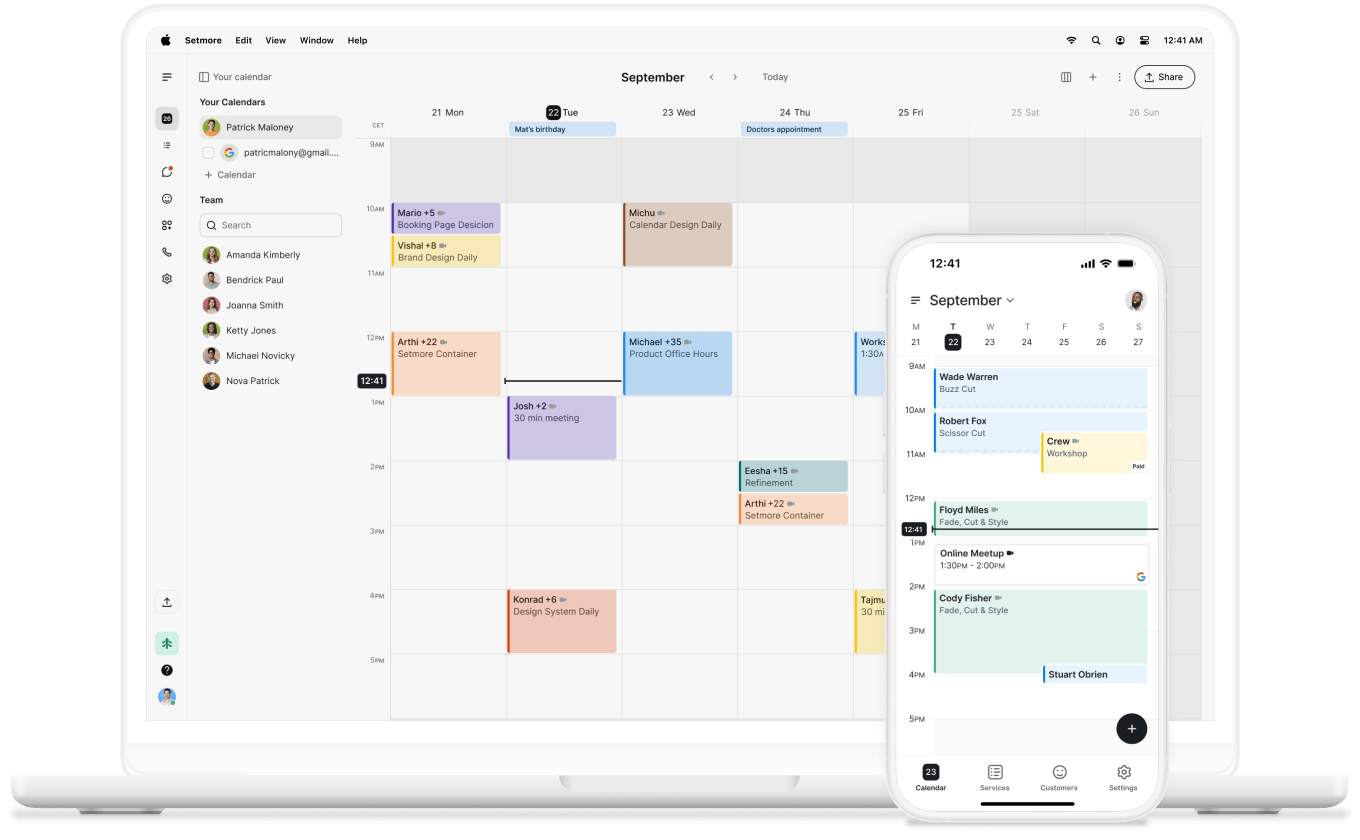
If a roof needs fixing, homeowners need someone ASAP. Leaks don’t wait for 9-5, and neither does your competition.
Clients can book a free inspection, easy estimate, or simple job as soon as they land on your roofing website.
Terrible weather, damaged shingles, a leaking hole. Whenever a roof fails, customers turn to Google Search to find someone.
Make yourself the easiest roofer to book. Reserve with Google adds a ‘Book’ button on your profile and ranks you higher in Search.
Roofing scheduling software empowers contractors and their team to book inspections, estimates, and jobs online 24/7.
Combine your business day-to-day, manage your team, take payments, chat on Connect, and even have your calls answered with Live Receptionist.
The roofing market is set to hit $340 billion by 2030. From re-roofing to renovations, demand keeps growing. Setmore is there to grow your business with you.

Can't find the answer to your question? Call us now: +1 (800) 749-4920 or email us help@setmore.com
Setmore can help you schedule and plan jobs while also tracking payments and managing your team. Take bookings for inspections, estimates, and jobs through your Booking Page, while you have a complete overview of your team’s calendars.
Collect deposits, add recurring appointments, and let the software automate your admin, while you’re on the job.
Yes. Each member has their own calendar and Booking Page. Let them book their own clients, or send teams out on jobs by adding them to their calendar. You can also add breaks and time off, and assign services to specific team members.
Setmore is built for businesses of all sizes. You can start for free and have up to 4 team members on your account. Need more? Upgrade to Pro and add as many as you like, with multiple locations allowing you to manage from one login.
Yes. Use the mobile app when you are on site, and everything syncs with your desktop app. That means your calendar, bookings, and client details are all readily available to you, no matter what device you’re on.
Yes. Connect Stripe and make deposits mandatory at the time of booking. Clients book on your Booking Page and pay the deposit. Once the job's complete, you can collect the balance using Tap to Pay with your phone as the reader. You can also use payment links to send invoices later.
For more information, explore our features, integrations, and use cases.