Connect with team communication software

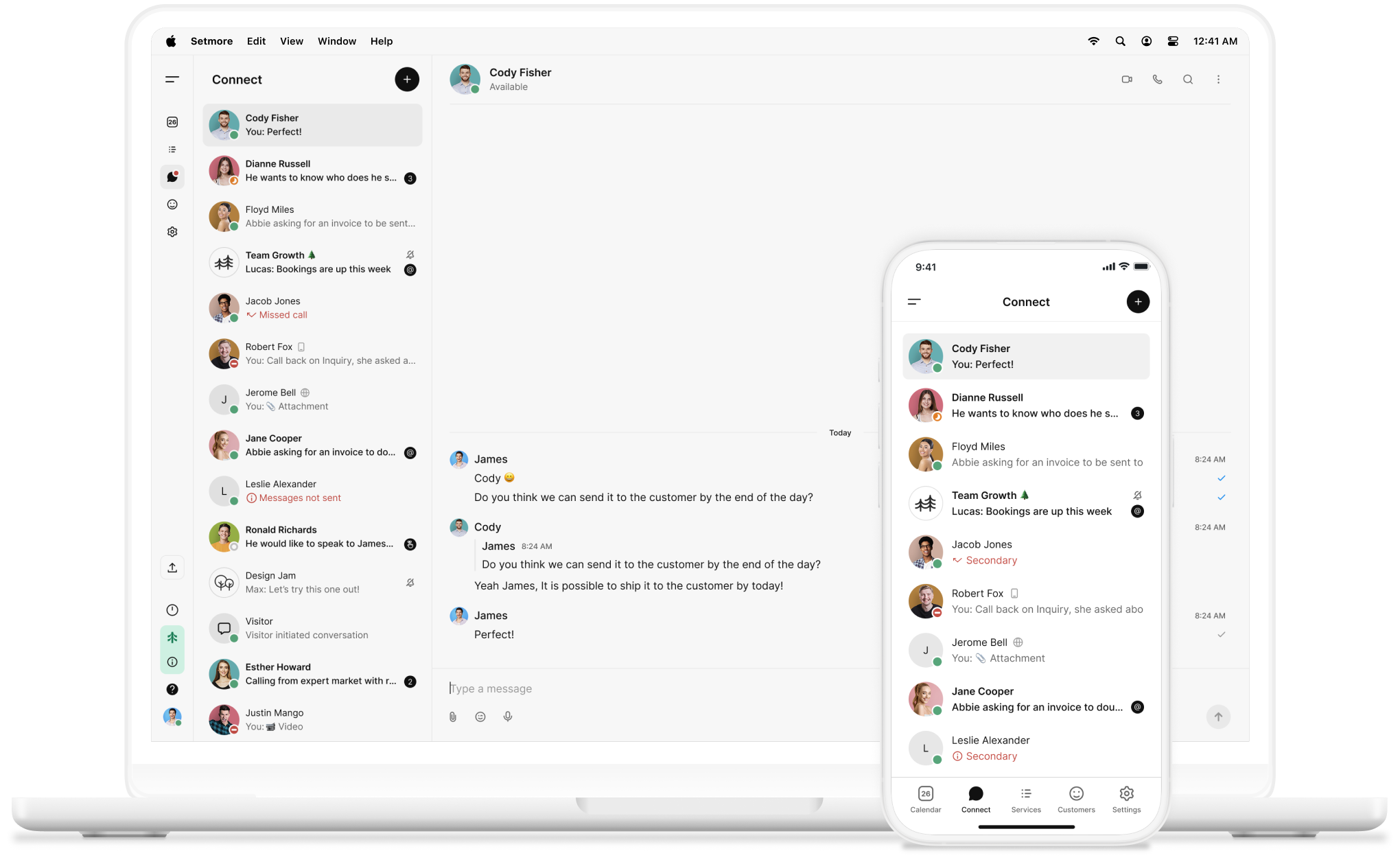
Collaborating with teammates and getting work done is easy with Setmore’s built-in chat feature: Connect.

setmore connect screens
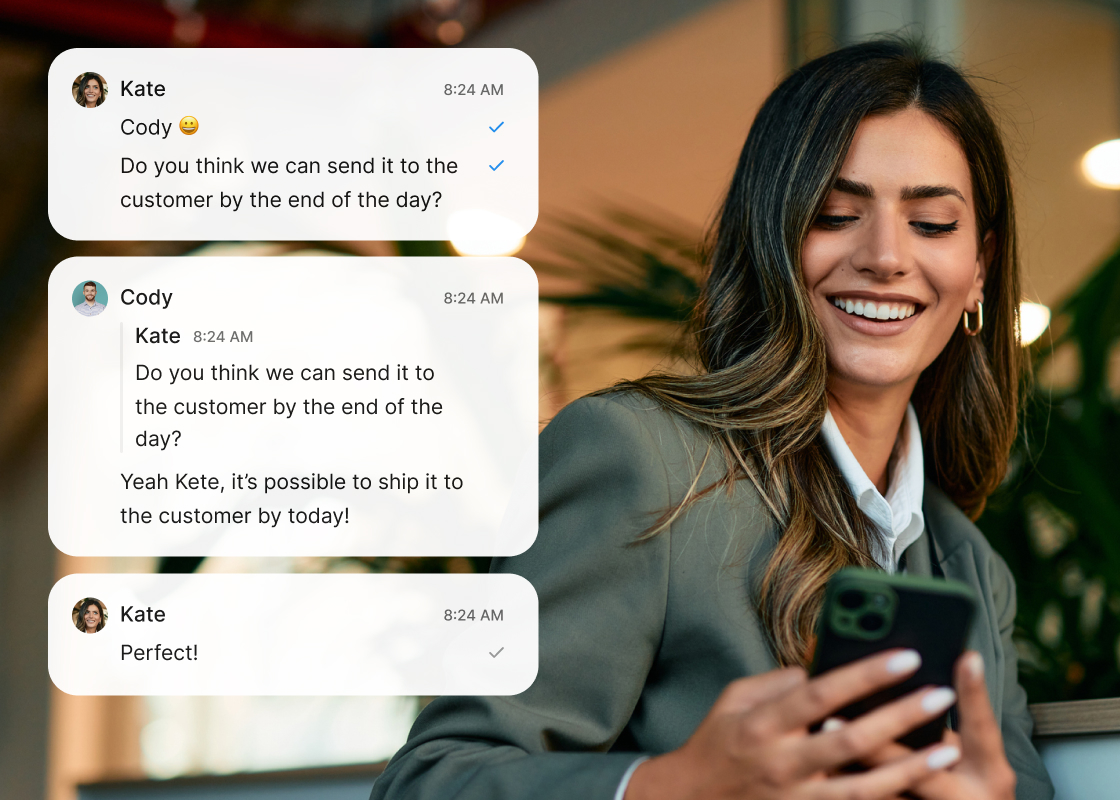
woman using setmore connect on mobile

All on the same page

Whether you work on-site, conduct home visits, or work online, Connect allows you to chat with your team on both desktop and mobile apps.

Create collabs with multiple team members, direct message them, and share crucial details, files, or links that help you all work together.

Conversations that count

Your in-app messaging tool helps your team stay aligned. Share files, updates, and reminders to make quick decisions.

icon tick

Message. Share. Achieve.

Whether it’s a quick check-in or group discussion, use your business chat app to prep for important appointments.

icon tick

Always in sync

Bring every conversation into one secure space. Messages reach the right people at the right time—wherever they are.

icon tick

It’s teamwork, simplified

Switching apps to check your calendar, message your team, or take payments slows things down.

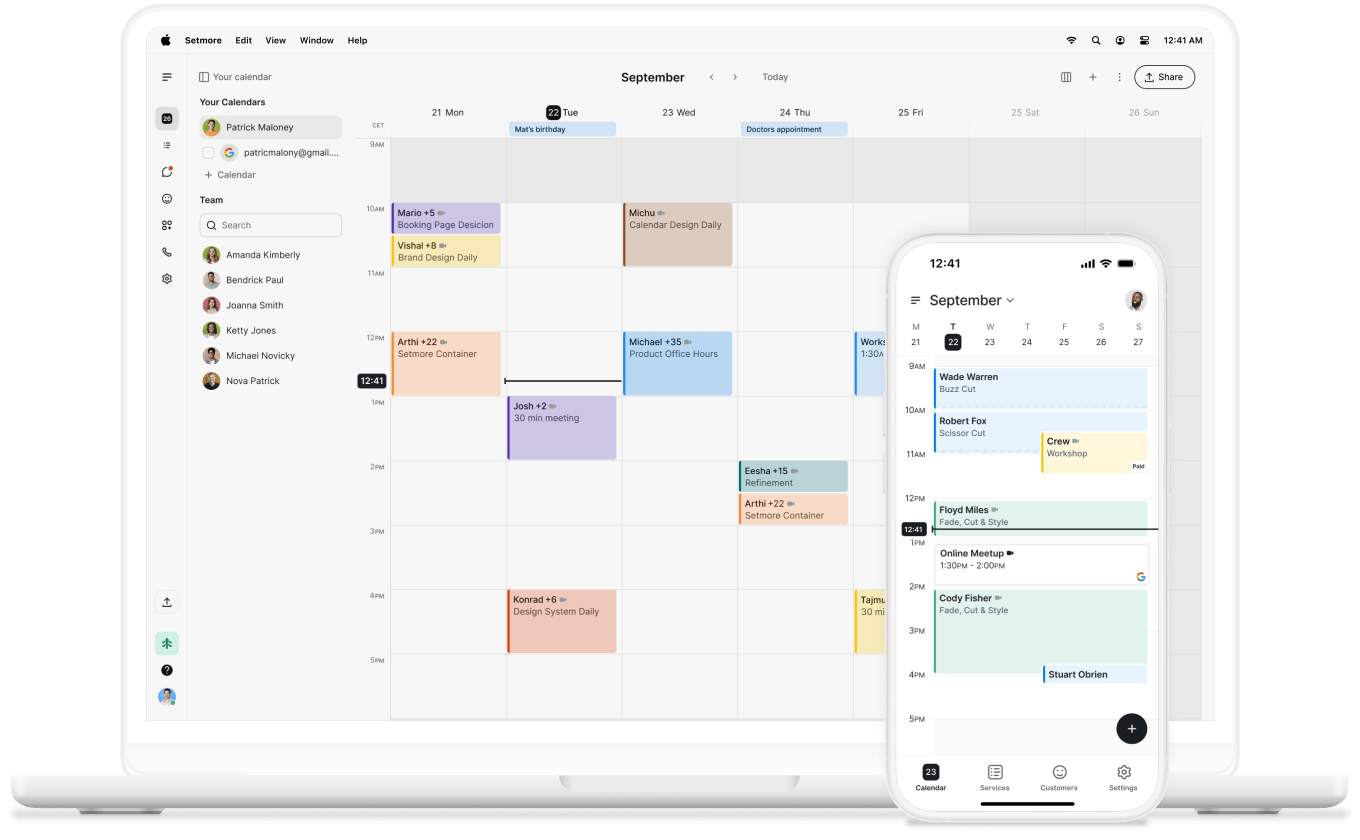
Save 32 minutes per day with all your chats and tools in one place. And with 2-way calendar sync, everyone’s entire schedule stays up to date.


woman using setmore connect on mobile
live receptionist

Communication that drives connection

Great teams thrive on trust. Strengthen it with organized conversations that are easy to find.

Extend that same sense of connection to your customers with Live Receptionist, and have your calls answered 24/7.

Built-in and ready to go

No setup. No download. No integration. Connect is included and ready to use from day one.

Download the mobile app and take your conversations and scheduling anywhere. It’s your business—organized, connected, and growing.
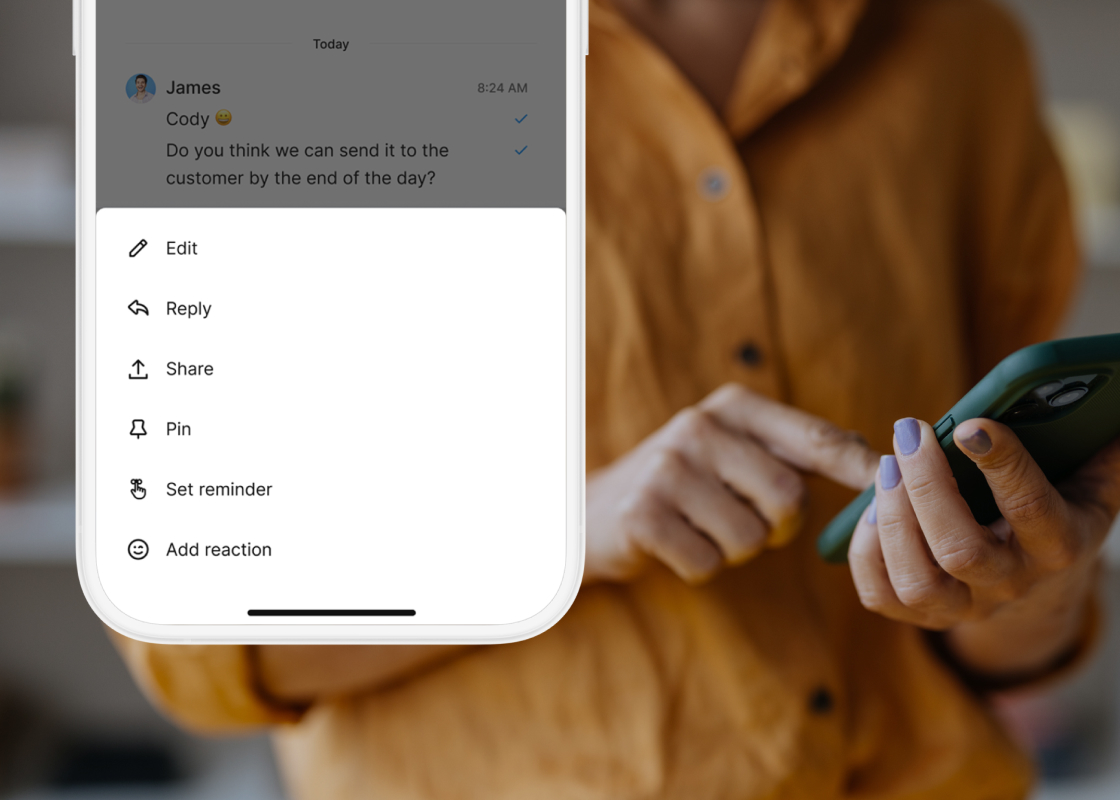
woman using setmore connect on mobile

Collaborate and grow

Businesses with unified communication see a 52% boost in productivity. Grow your team, and your output.

Get in touch to explore what best suits your goals.

woman with a phone

Your questions answered

Can't find the answer to your question? Call us now: +1 (800) 749-4920 or email us help@setmore.com

Is Connect included in my Setmore account?

Yes. It’s available to all accounts that have two or more team members, whether you sign up for Free or upgrade to Pro. Adding more team members means better collaboration.

What can I use Connect for?

As one of the best employee communication apps, you can message, share files, send reminders, and more. Without paying for or installing third-party software, everything you need is right here.

Can I create group chats?

Yes. They’re called collabs. You can add as many team members as you like for shared communication—making it easier to coordinate with specific teams or departments.

Can I share files or links?

Absolutely. Share files, images, or links. All you have to do is copy them in, drag and drop them, or click the attachment icon.

Can I search chat history?

Yes. There is a search icon at the top of your chats where you can locate specific words, phrases, or messages without endless scrolling.

Can I use Connect on mobile?

Of course. The Setmore mobile app lets you take your conversations anywhere.

How does Connect differ from other software for team communication?

Unlike standalone tools, Connect is built into your scheduling app. It combines in-app messaging, appointment scheduling, payment integrations, and employee app internal communication—all in one.

For more information, explore our features, integrations, and use cases.

Grow your business with 24/7 online booking, reminders, payments, and so much more

setmore calendar on desktop and mobile devices