Book clients faster with one-time meeting

Share selected time slots using a single-use link. Get booked instantly and keep your schedule full—minus the back-and-forth.

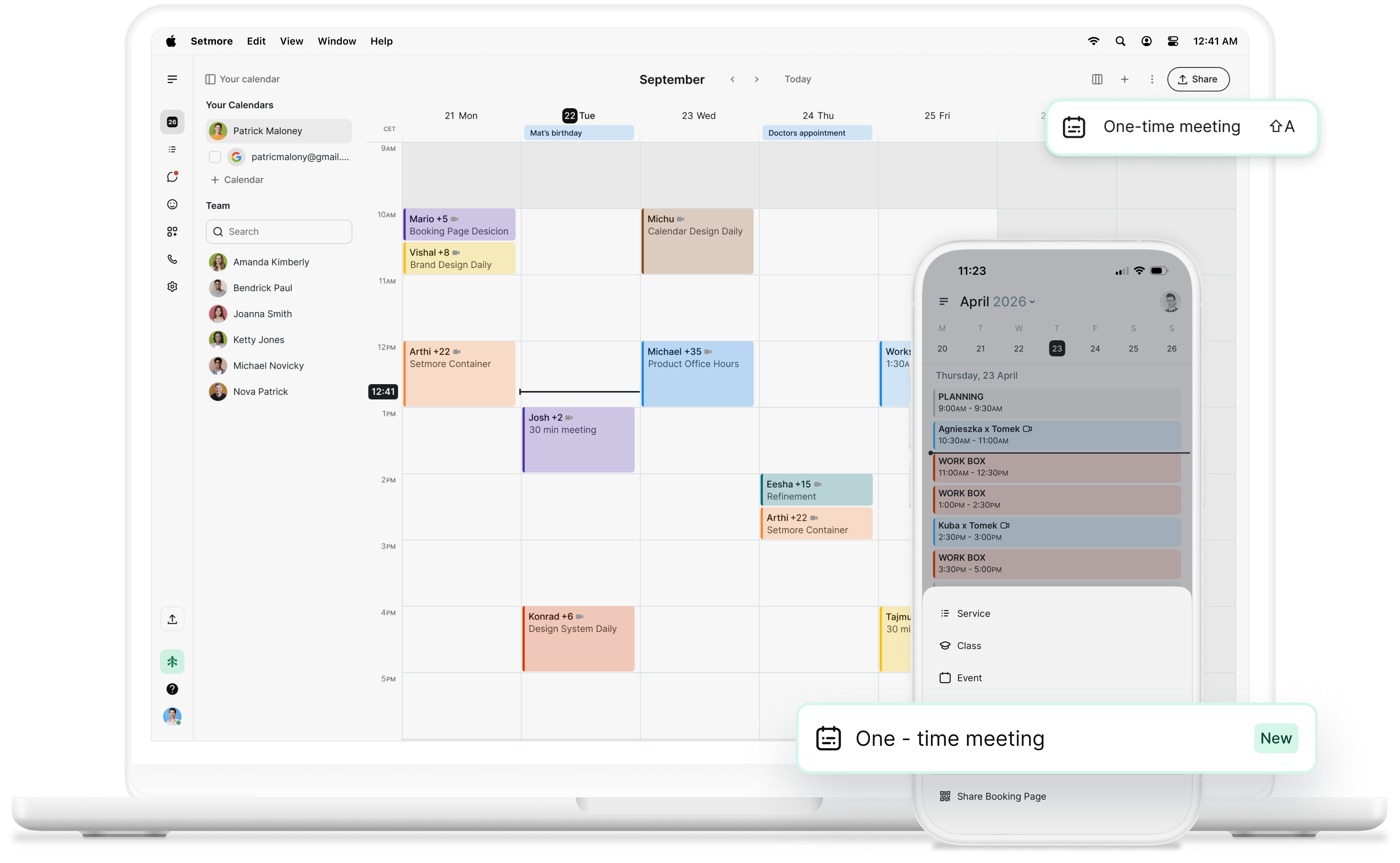
setmore one time meeting on desktop and mobile
video one-time meetings

Making meetings matter

Whether you’re in HR, the DMV, education, professional services, or marketing, meetings make up a large part of your day.

Ensure you have time for customers, team members, or external meetups by using your calendar to its fullest.

Simple scheduling

Your Booking Page, calendar, and one-time meetings work together so you make the most of your day.

icon tick

Reduce friction

Skip the back-and-forth. Share your available slots and let customers book their preferred time in seconds.

icon tick

Total control

One-time meetings let you choose the exact time slots that work for you—and make their choice easier.

icon tick

Professional business, professional appearance

Make every interaction count. Share your link or paste your chosen times as text in emails, DMs, or Slack—each appears as a clickable option.

Automated reminders help reduce no-shows, while confirmations tell them where, when, and who with.
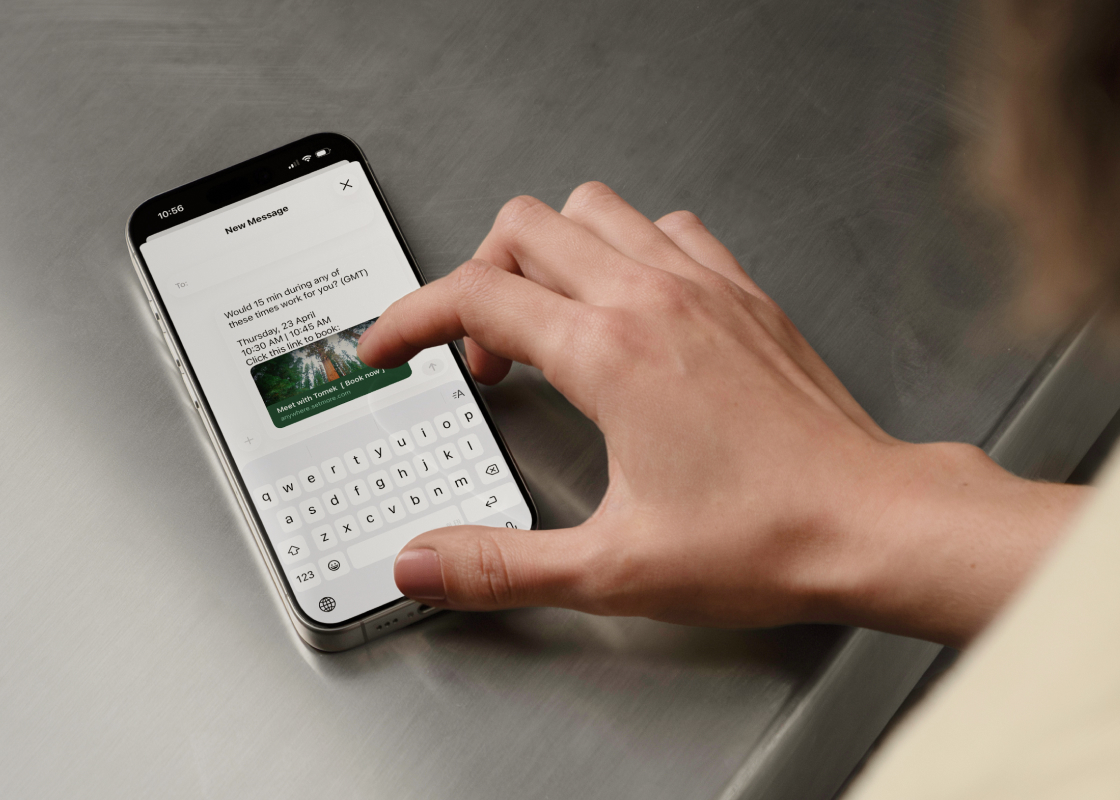
one time meeting sharing on mobile
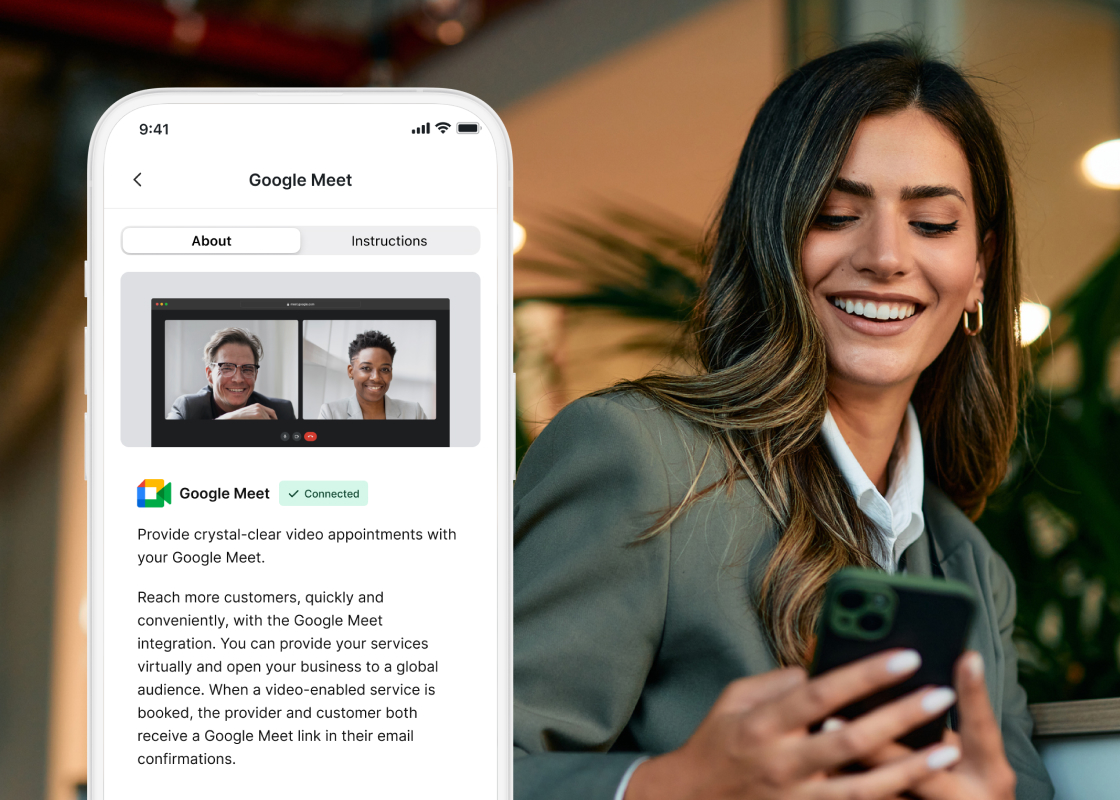
woman on a video call on mobile

Meet anywhere

You can schedule one-time meetings and manage all appointments on the go with your Setmore mobile app.

Connect Google Meet or Zoom to take your business global. Book and meet anywhere—even on your phone.

Quick meetings, quicker payments

Use quick payments to get paid without attaching it to an appointment—so your time can be priced and paid for upfront, even if it’s outside your usual services.

Connect Square, Stripe, or PayPal to track all your meetings and payments in one convenient location.

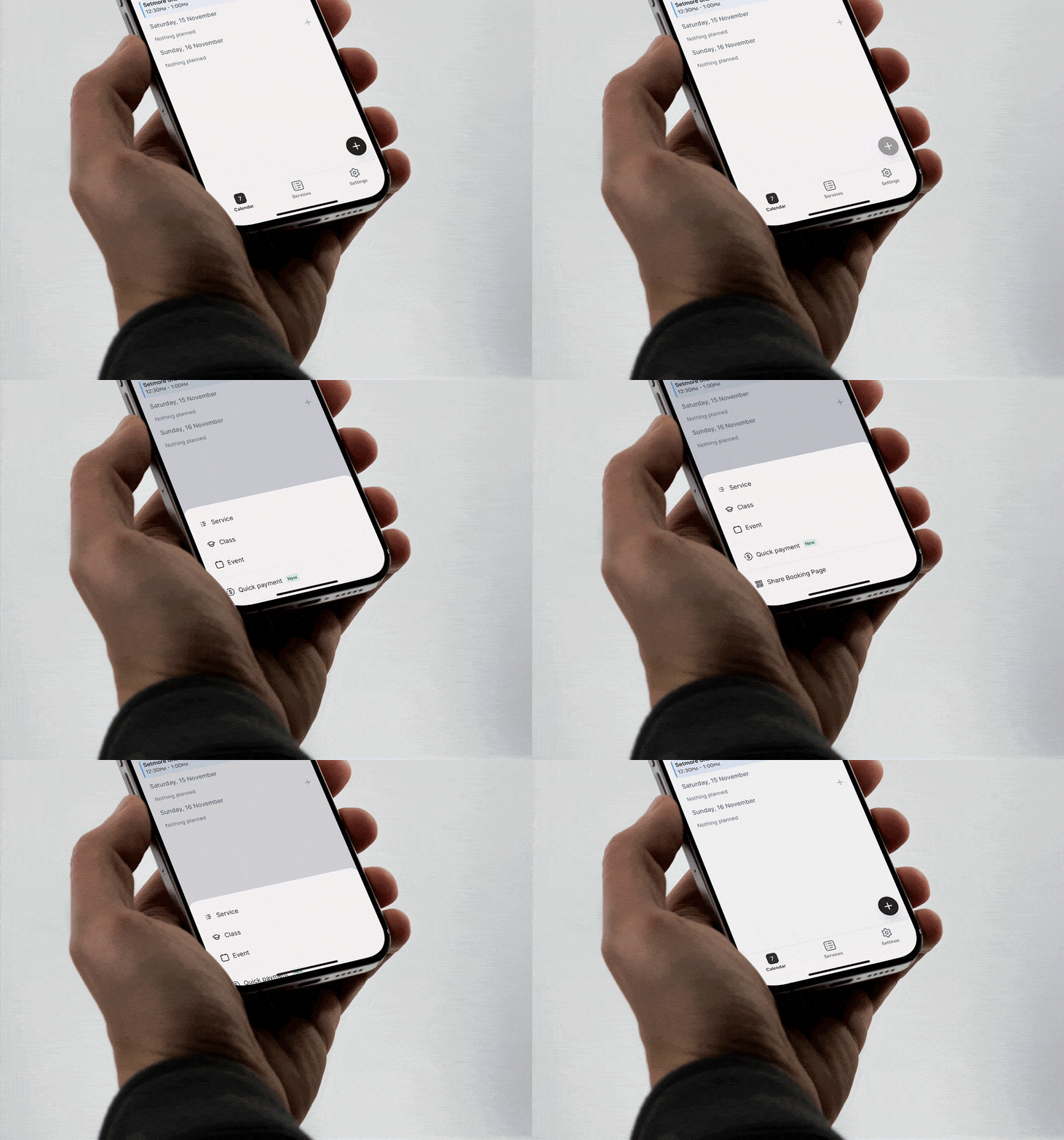
quick payment setmore mobile app animation

More than meetings

Schedule meetings, get booked for your services, teach classes, and so much more. Book a call with our support team to see what we can do for you.
setmore support specialist

Your questions answered

Can't find the answer to your question? Call us now: +1 (800) 749-4920 or email us help@setmore.com

Is it possible to share multiple slots?

Yes, it’s pretty flexible–share various slot sizes and amounts (up to 30 slots at once).

What happens once they pick a one-time meeting slot?

When they click the link, they’ll see all the times you shared. Once picked, they will get a booking confirmation email, and the meeting will land in your calendar.

What happens to the other time slots I shared?

Only the time slot that your client chooses will become unavailable. Every other time will still be available on your Booking Page.

Can the guest (or somebody else) use the link I shared?

No, it’s a one-time link, so it only works the first time you share it—a message will say it is no longer valid.

What happens if the time slots I shared have passed by the time my customer opens the link?

If the time has passed for every slot by the time they open the link, no times will be displayed to book.

What about my external calendars?

If you have 2-way sync enabled, you won’t be able to suggest times you are already booked for.

Is this feature available on mobile?

Yes. You can use this feature on the Setmore mobile app, desktop app, and browser.

For more information, explore our features, integrations, and use cases.

Grow your business with 24/7 online booking, reminders, payments, and so much more

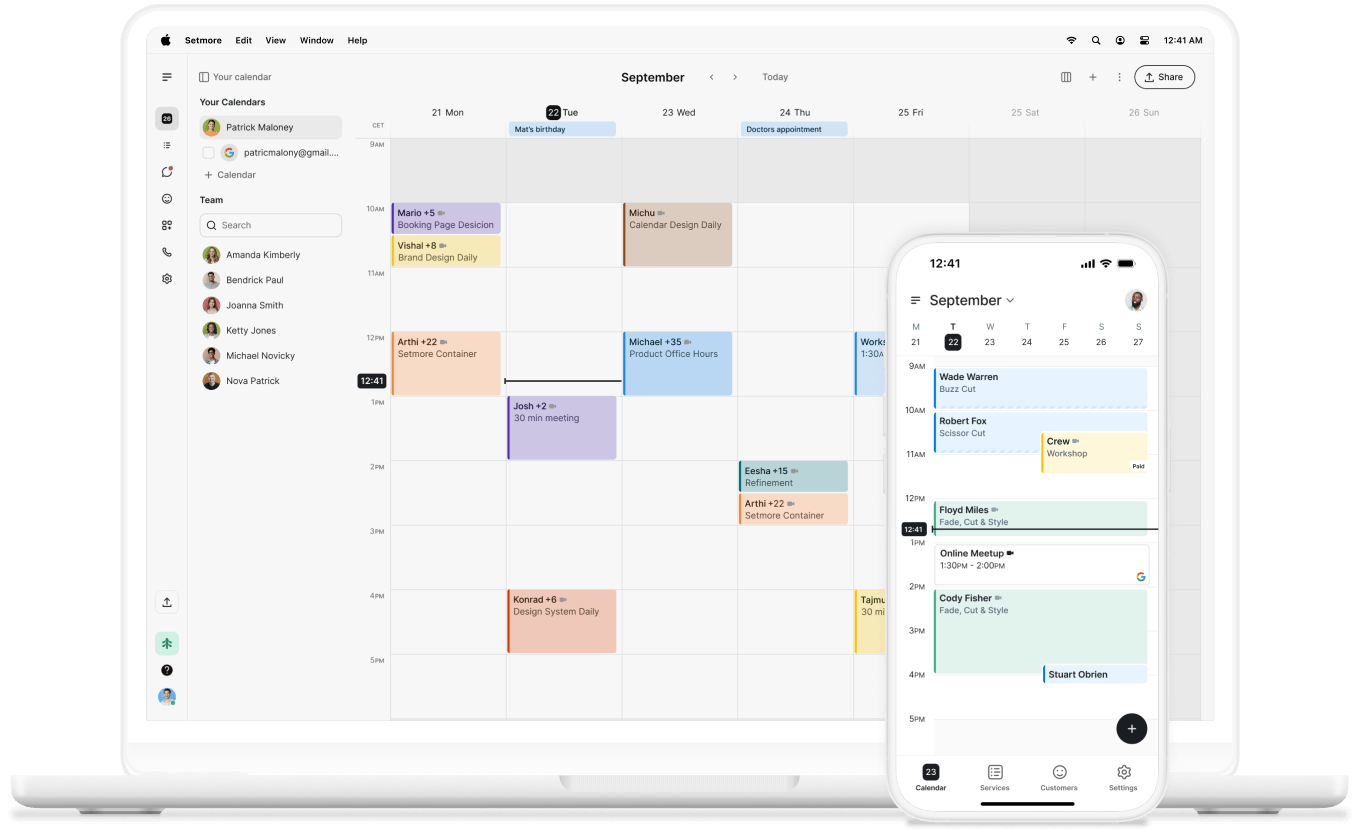
setmore calendar on desktop and mobile devices