Faster bookings, fewer clicks
Remove extra decisions by guiding clients to one specific service and team member. A clear path to what’s available.

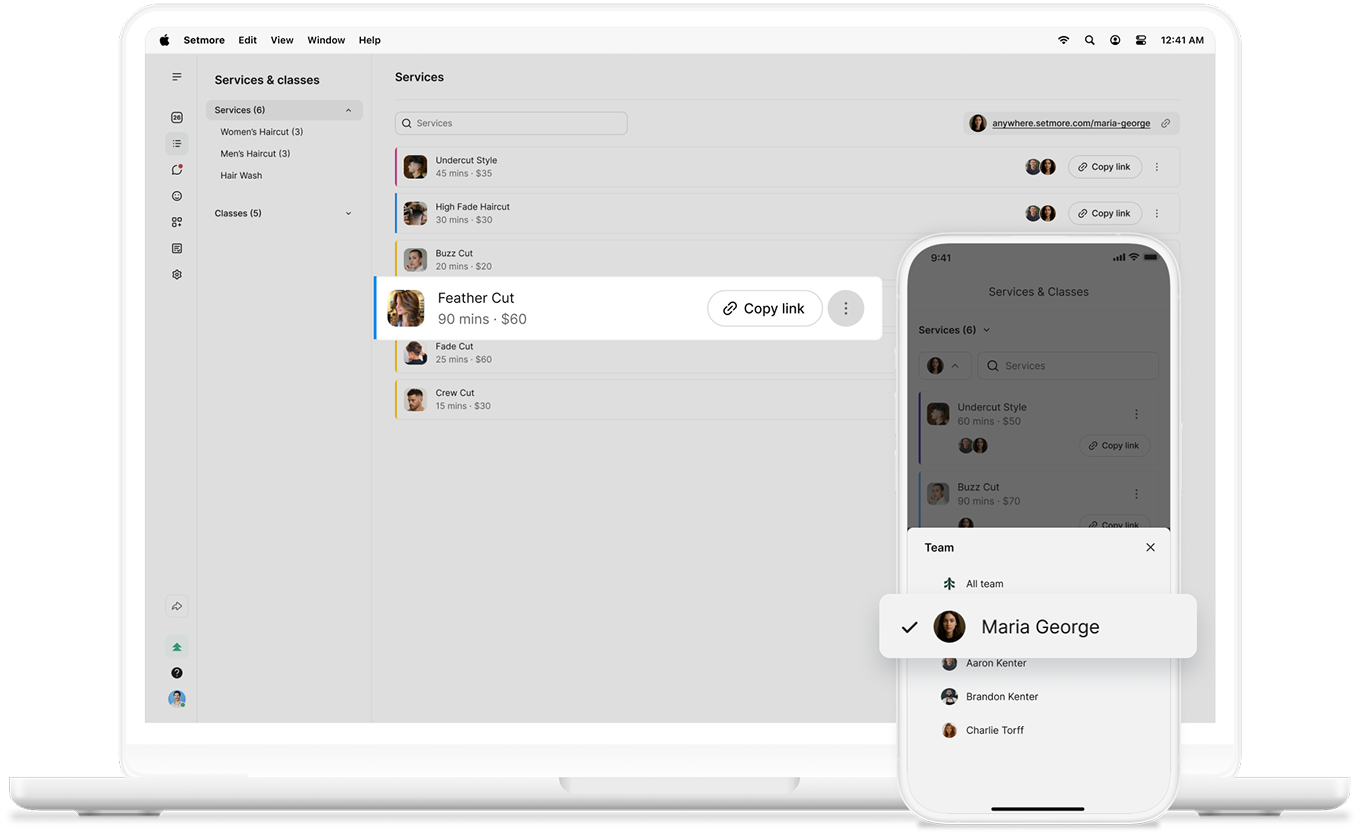
Make decisions easy for customers. Share a direct booking link for a specific service and team member so clients can book in seconds.
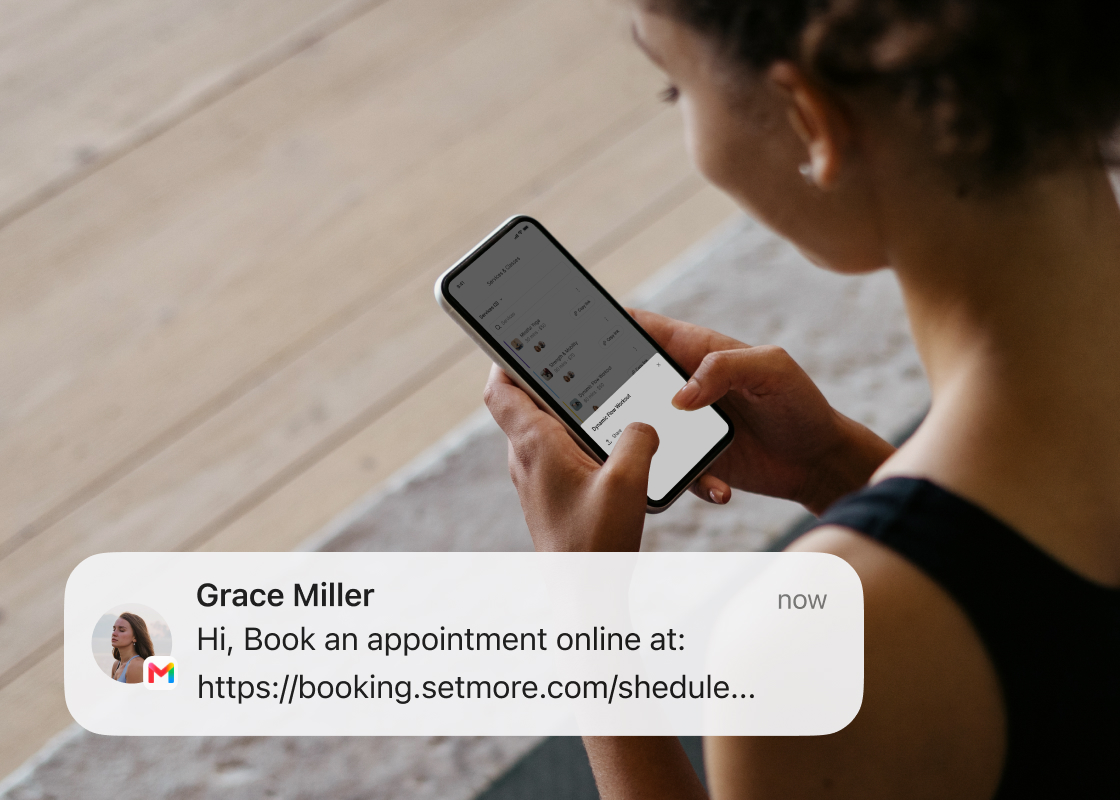
Whether you’re connecting with potential customers through email, your website, Instagram, or WhatsApp, direct booking links take conversations to booked appointments.
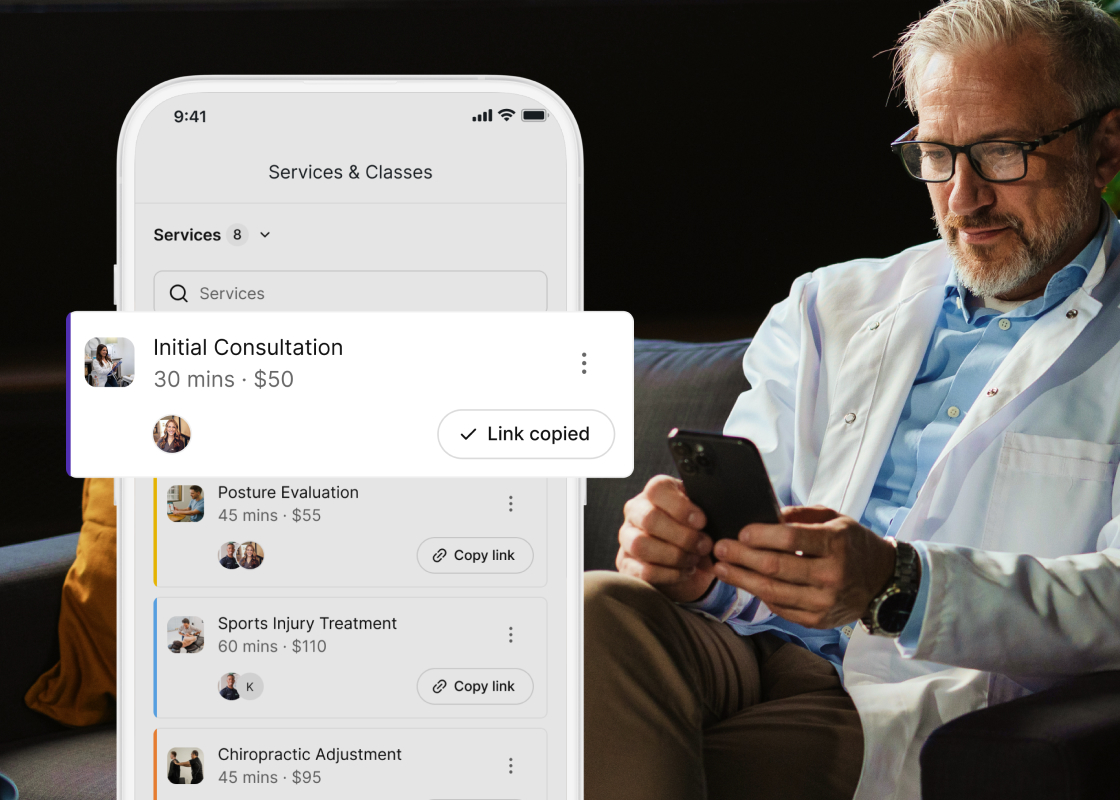
Simply choose the service. Select the team member. Share the link. Done. Zero guesswork required.
Remove extra decisions by guiding clients to one specific service and team member. A clear path to what’s available.
Promoting a specialist service? Sharing a private consultation? Whatever you need, shape their experience.
Include them in your website, campaigns, messages, or wherever you have touchpoints with potential customers.
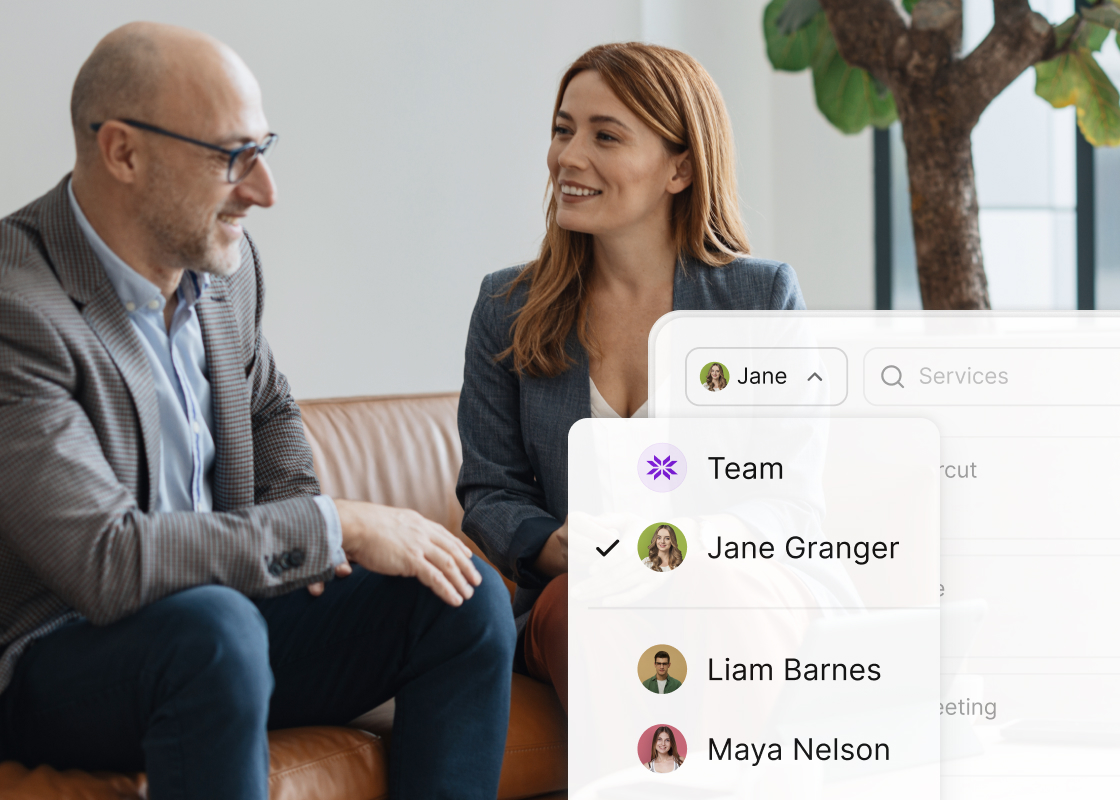
Team member booking links let customers choose any service offered by a specific team member.
Direct booking links guide them straight to a single service with a single team member, ready to book instantly. Meaning more completed bookings.
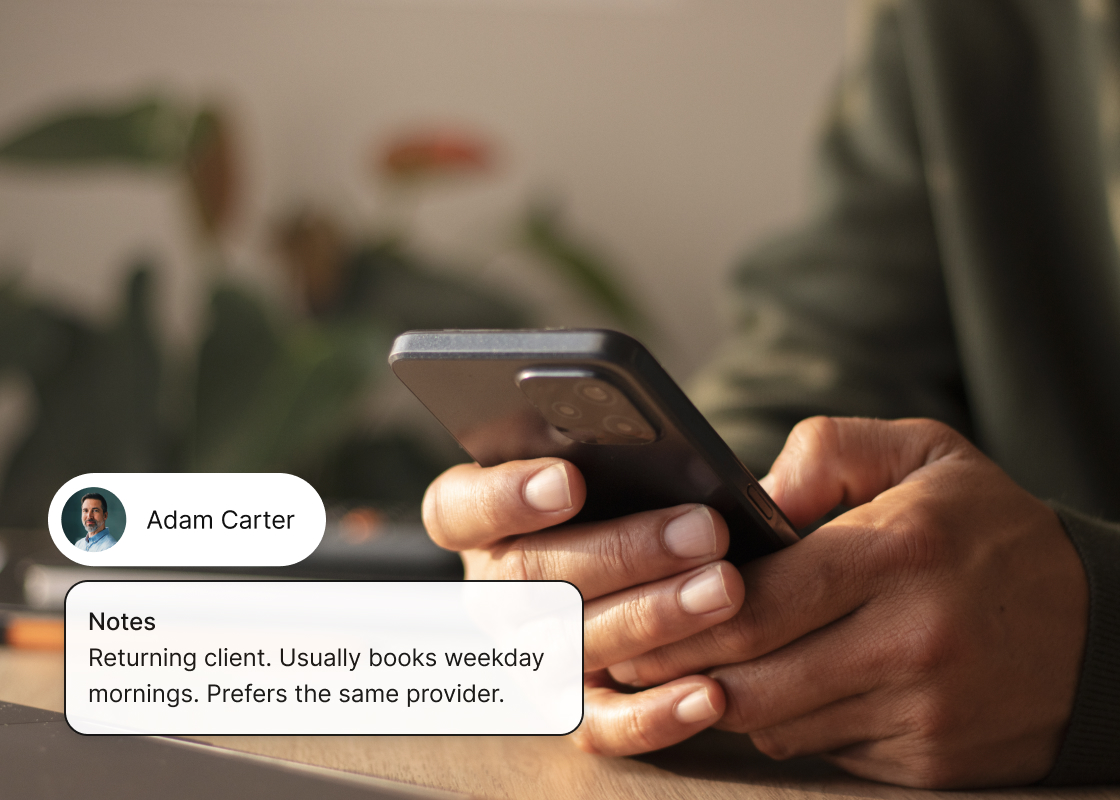
Use customer notes to remember preferences, track booking habits with reports, and understand what keeps clients coming back.
Pair direct booking links with SMS reminders on Pro to create a seamless, VIP-style experience that keeps appointments running smoothly.
Designed for speed, direct booking links are right where you need them. Choose the team member, select the service, and copy the link beside it.
With 2-way Google Calendar sync enabled, every confirmed booking updates instantly across calendars, so everyone stays aligned.
New customers don’t want to feel lost or left behind. With an all-in-one solution, you can take care of their needs directly, no matter what they are.