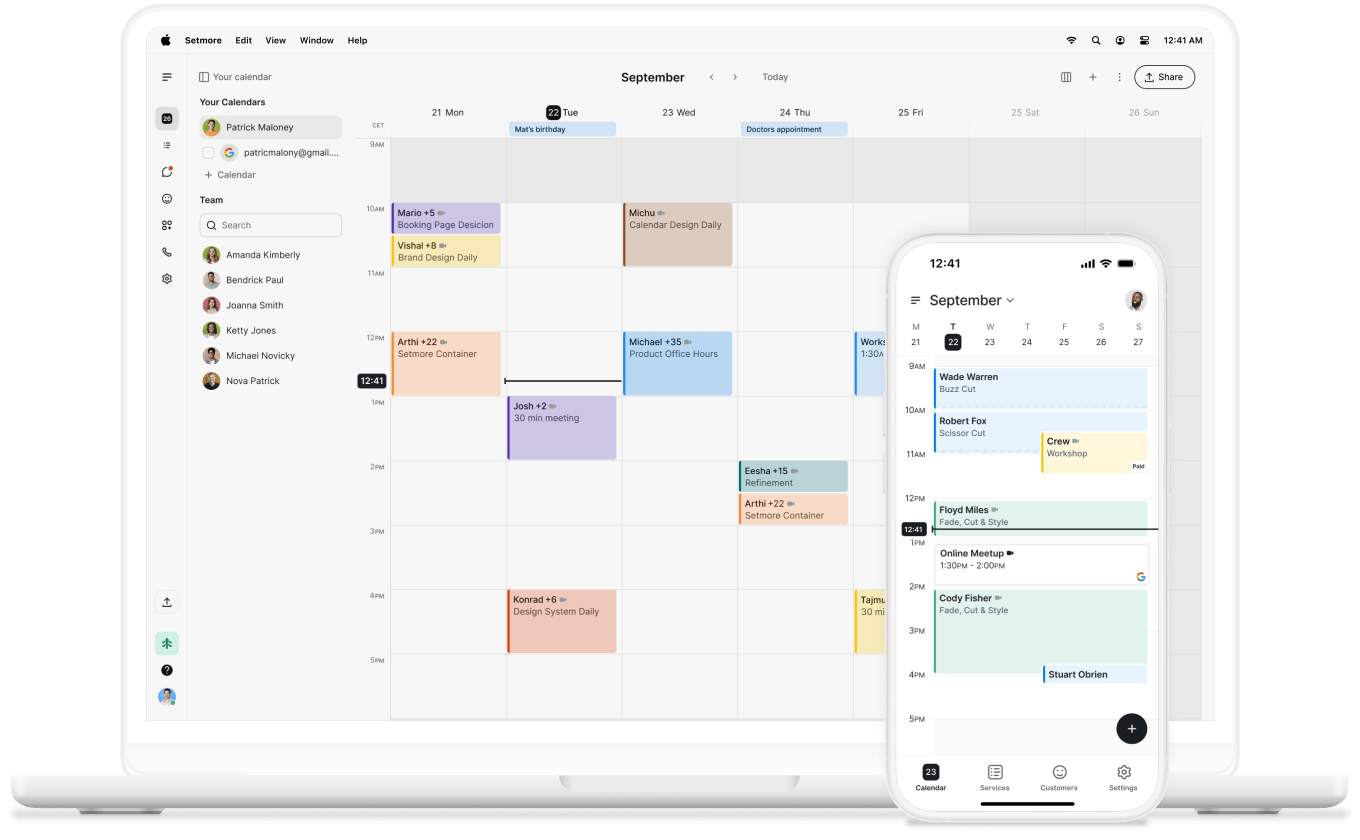
Flexible Zahlungsoptionen
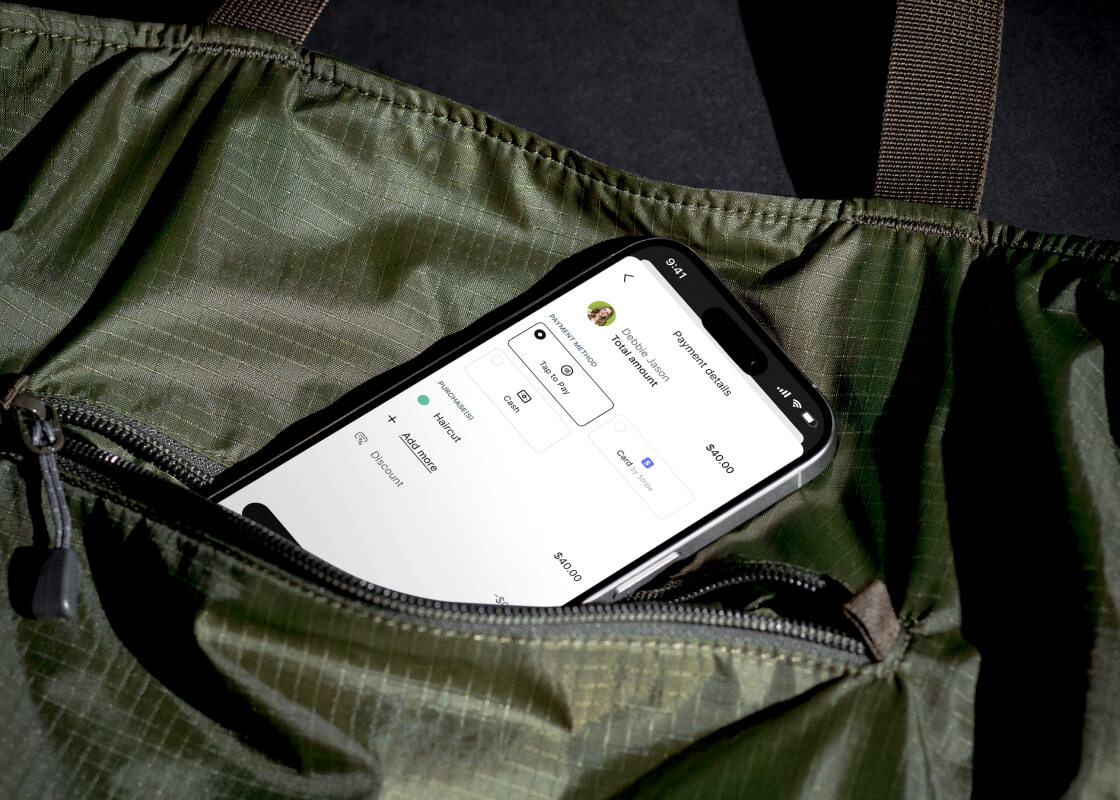
Passt perfekt zu Tap to Pay oder akzeptiert Karten- und Barzahlungen, damit Ihr Tag reibungslos verläuft.

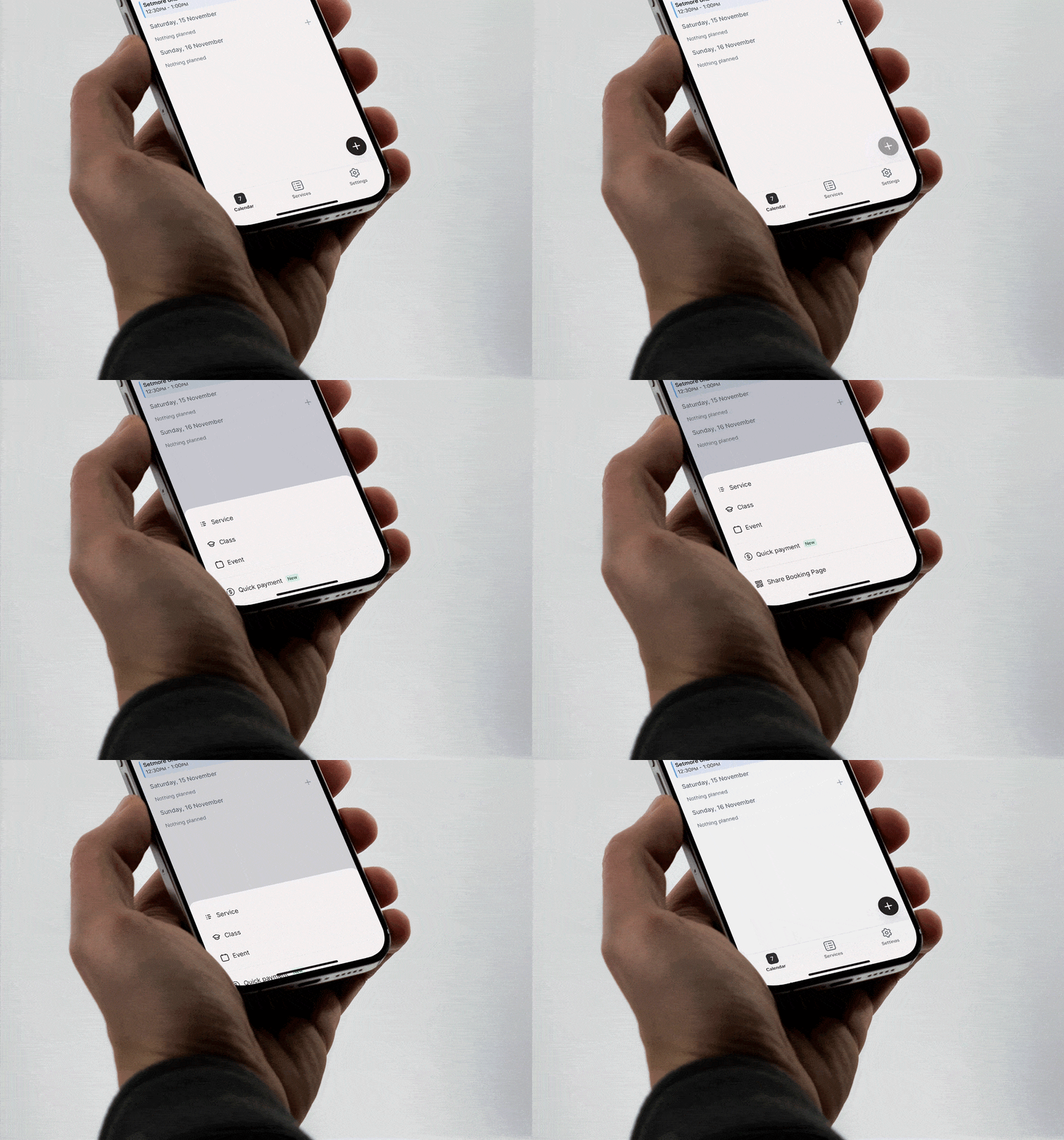
Sofortige Bezahlung ohne Termin. Ideal für Laufkundschaft, Trinkgelder oder den Verkauf von Waren.
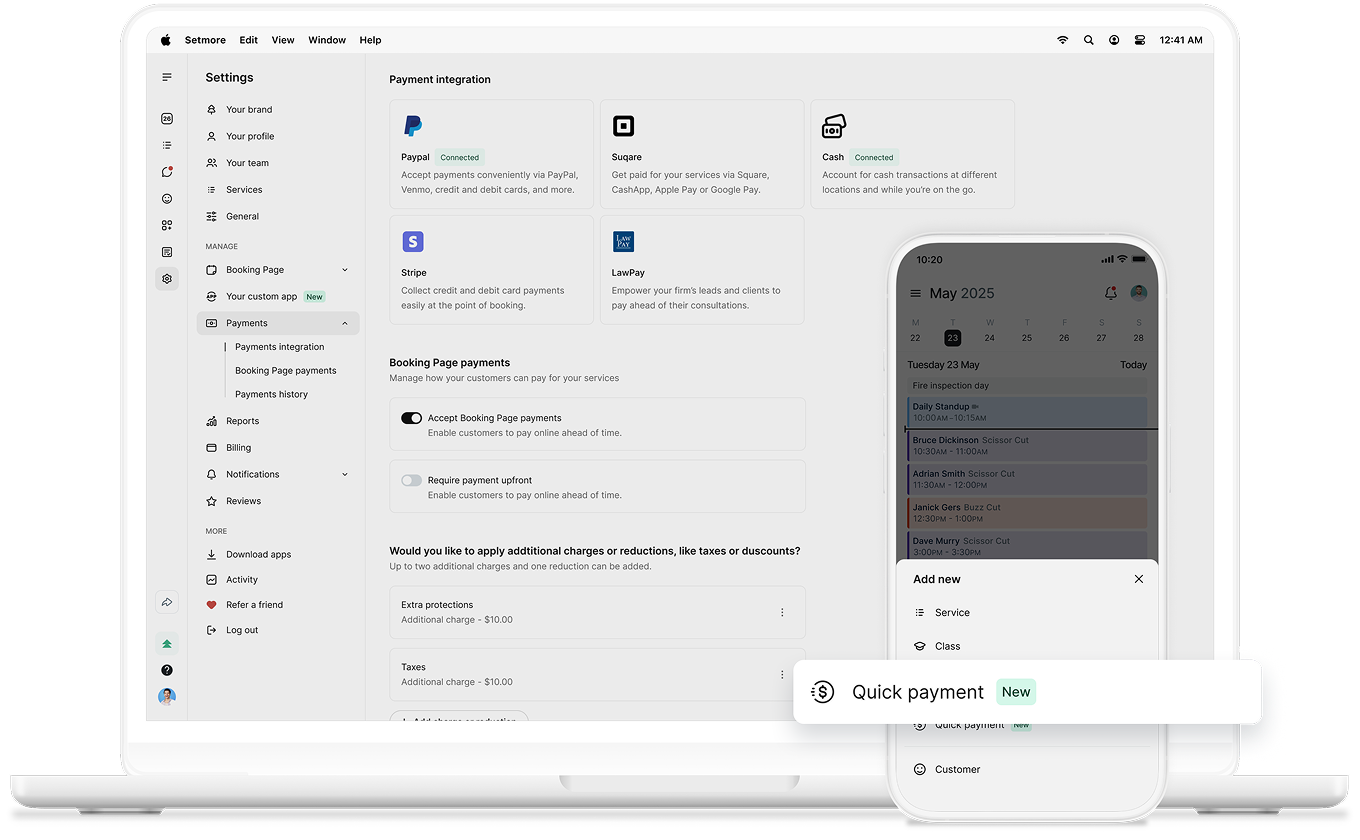
Passt perfekt zu Tap to Pay oder akzeptiert Karten- und Barzahlungen, damit Ihr Tag reibungslos verläuft.
Jede Zahlung wird in Ihrer App erfasst. Sie können den Verlauf einsehen, Rückerstattungen veranlassen und sogar Belege teilen.
Sie können Produkte verkaufen, individuelle Extras hinzufügen oder eine spontane Beratung gegen Gebühr anbieten – Sie haben die Wahl.
Buchungen und Zahlungen überall entgegennehmen. Und mitZum Bezahlen tippen hoch 200%Im vergangenen Jahr ist es völlig selbstverständlich geworden, sein Smartphone in ein Verkaufsgerät zu verwandeln.
Verwalten Sie Ihr Team, vereinbaren Sie Termine und nehmen Sie Zahlungen entgegen. Alles, was Sie brauchen,direkt in Ihrer TascheDie

Termine helfen Ihnen, Ihre Zeit optimal zu nutzen.80%Da viele Menschen im Geschäft Spontankäufe tätigen, ermöglicht Ihnen die schnelle Bezahlung, zusätzliche Einnahmen zu generieren.
Laufkundschaft ist eine einfache Möglichkeit, mehr zu verdienen. Kein Termin nötig – konzentrieren Sie sich einfach auf Ihre Arbeit, öffnen Sie die App und nehmen Sie Zahlungen entgegen.
In einem geschäftigen Salon, einer geschäftigen Werkstatt oder einem schnelllebigen Unternehmen zählt jede Minute – schnelle Zahlungen verhindern Verzögerungen.
Sorgen Sie für zufriedene Kunden und kurze Wartezeiten. Jede Zahlung ist einfach, sicher und wird zentral erfasst.
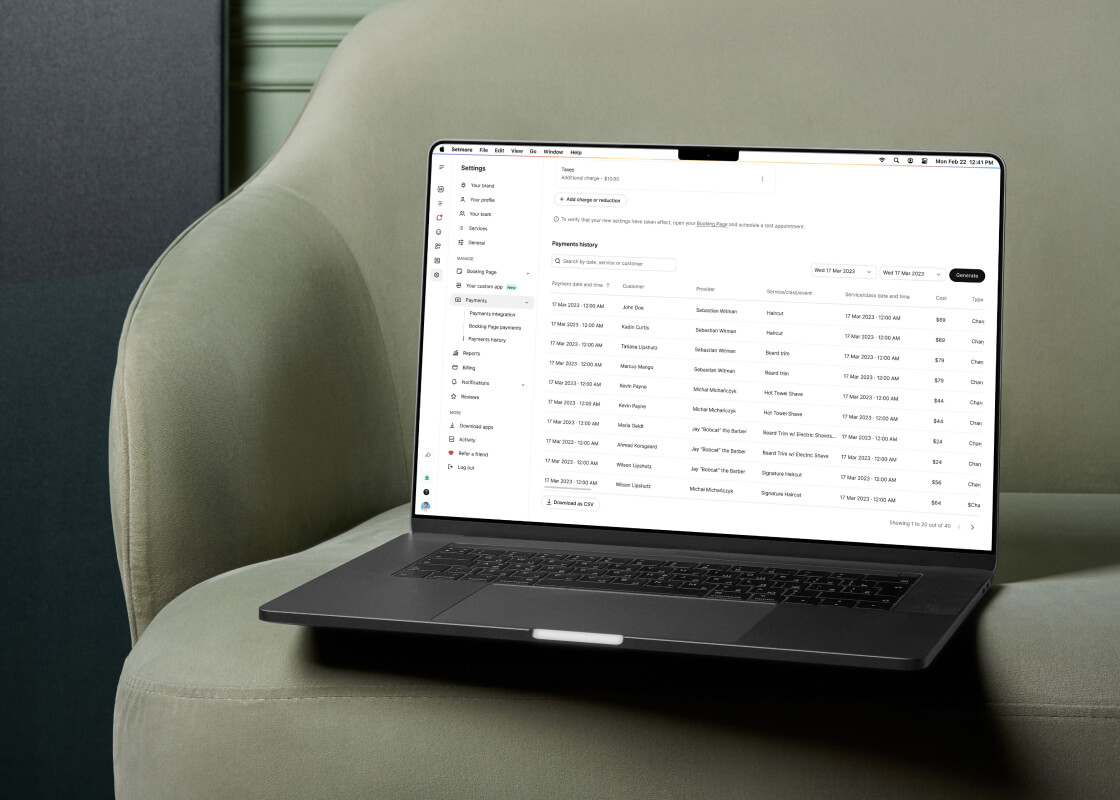
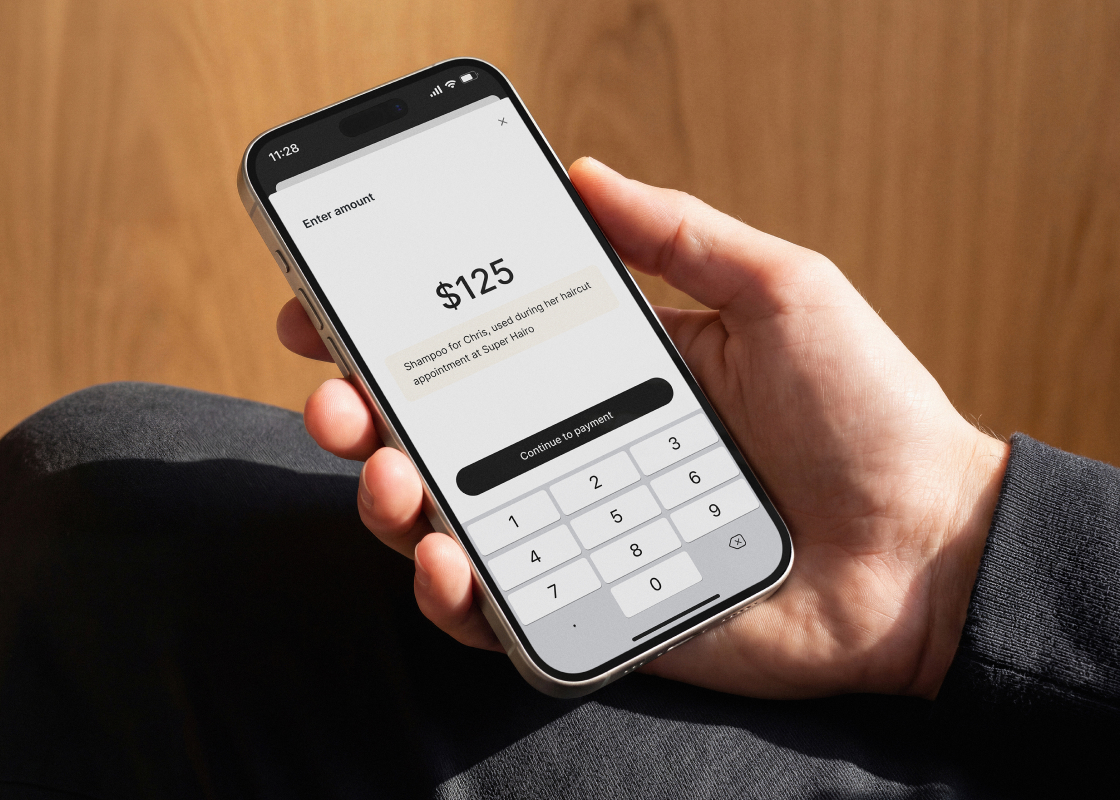
When you take a quick payment, tap the Note icon next to Continue to payment and note what has been charged for. That way, your payment history is clear, and you can keep on top of what comes in and out.
Notes come in handy for:
• Tips after a service
• Merchandise and retail add-ons
• Donations to a cause you support
• Any one-off purchase outside your regular services
Chat with your team, connect the apps you love, take payments, and let Live Receptionist handle your calls. Set up a demo and discover how.