No extra hardware
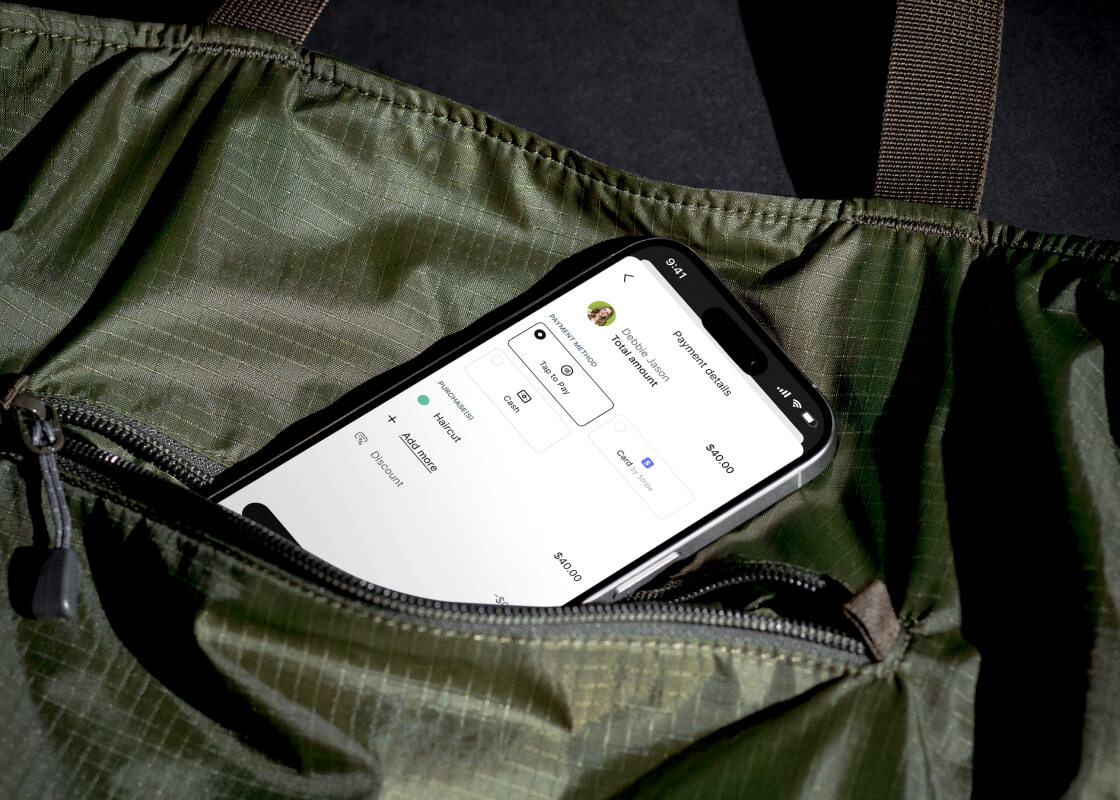
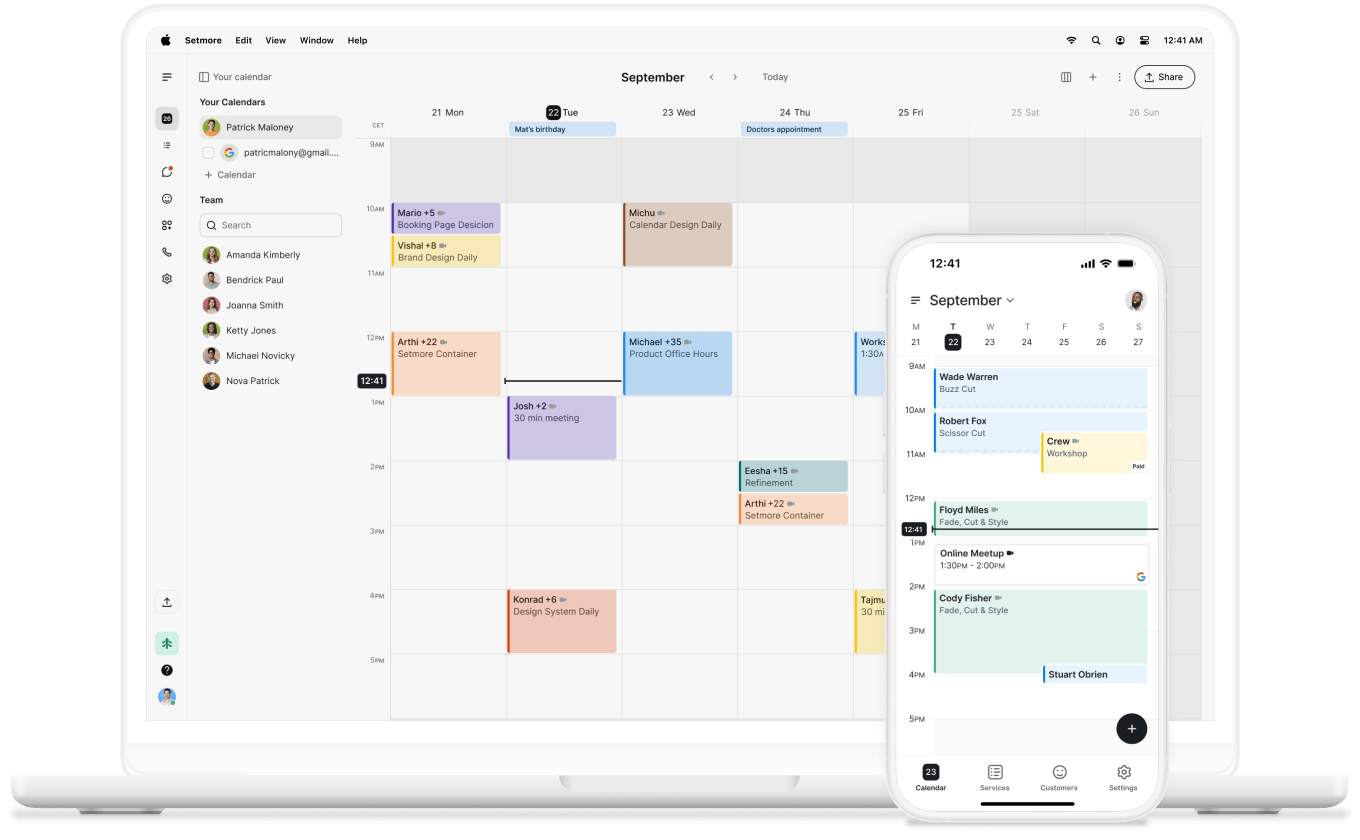
Just open the Setmore app, tap the appointment, take payment, and keep things moving.
Turn your phone into a card reader and take payments wherever business happens—on-site, at events, or on the go.
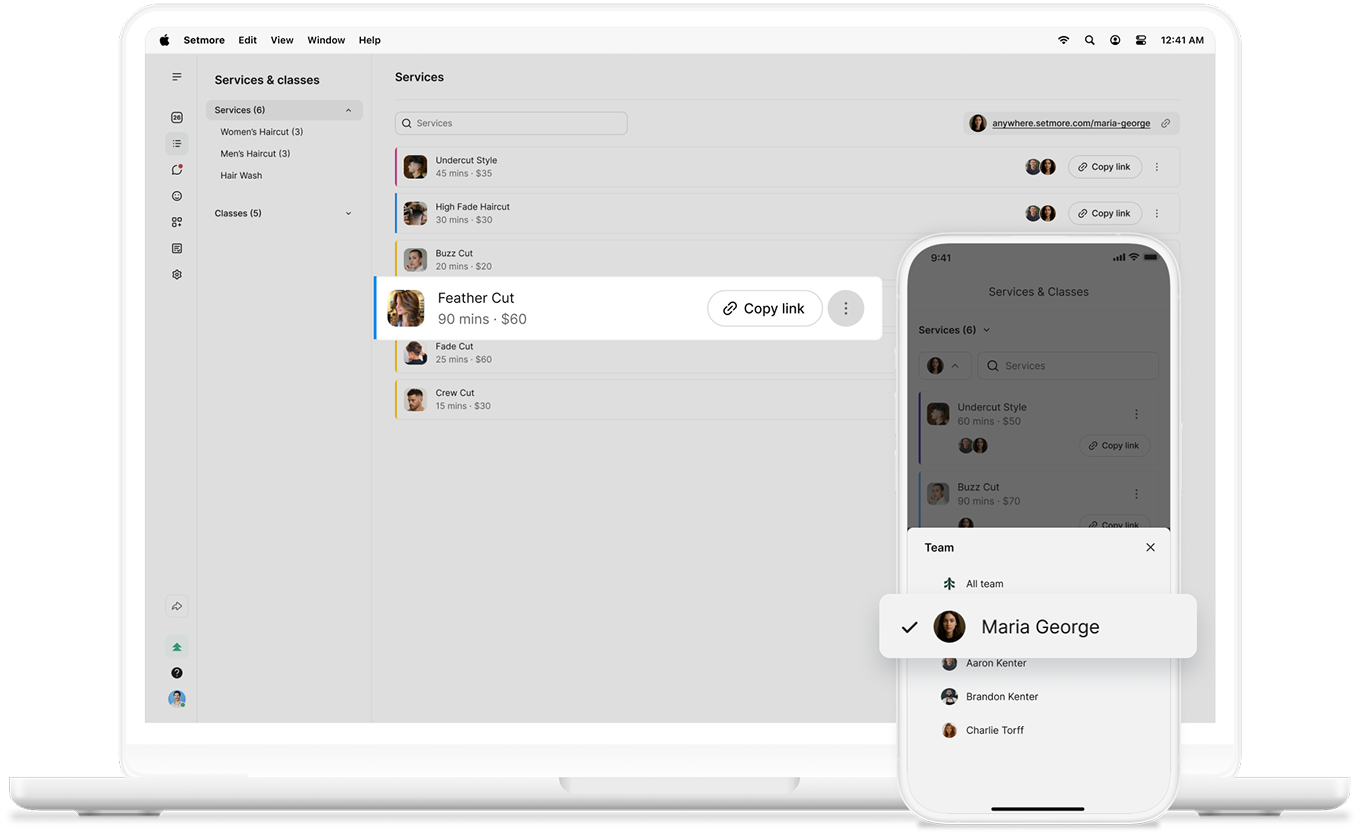

Every appointment is built on your time and expertise—so payment should never slow you down.
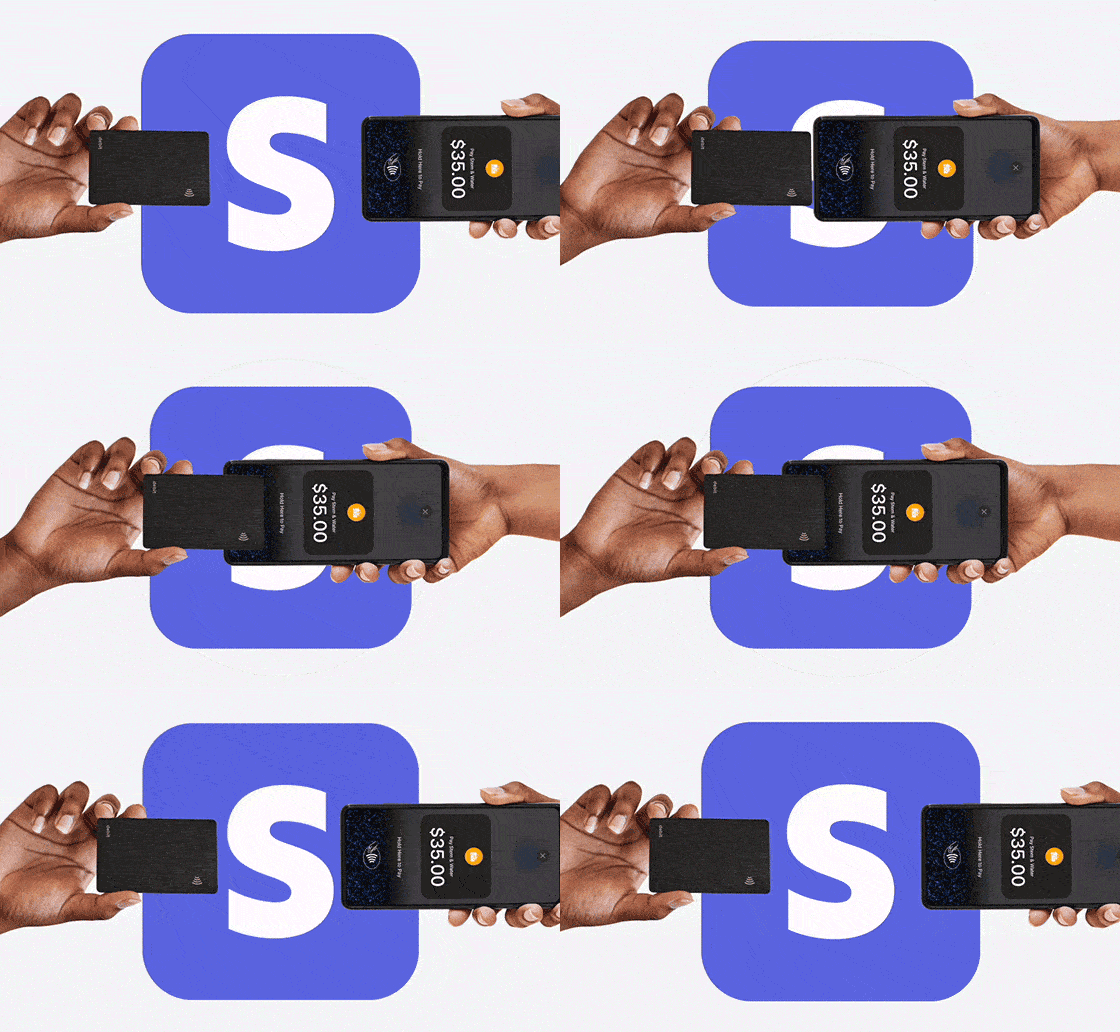
Tap to Pay empowers you to accept contactless payments in seconds—no cables, terminals, or fuss.
Just open the Setmore app, tap the appointment, take payment, and keep things moving.
From the chair to the check-out and beyond, meet your customers where they are.
Tap to Pay is part of your app, so you can wrap up a service and collect payment right there.
Your phone is already your schedule, customer list, and notification center with your Setmore mobile app—now it’s your payment terminal, too.
Tap to Pay helps you streamline the experience from first booking to final payment. No pairing. No dongles. No countertop shuffle.
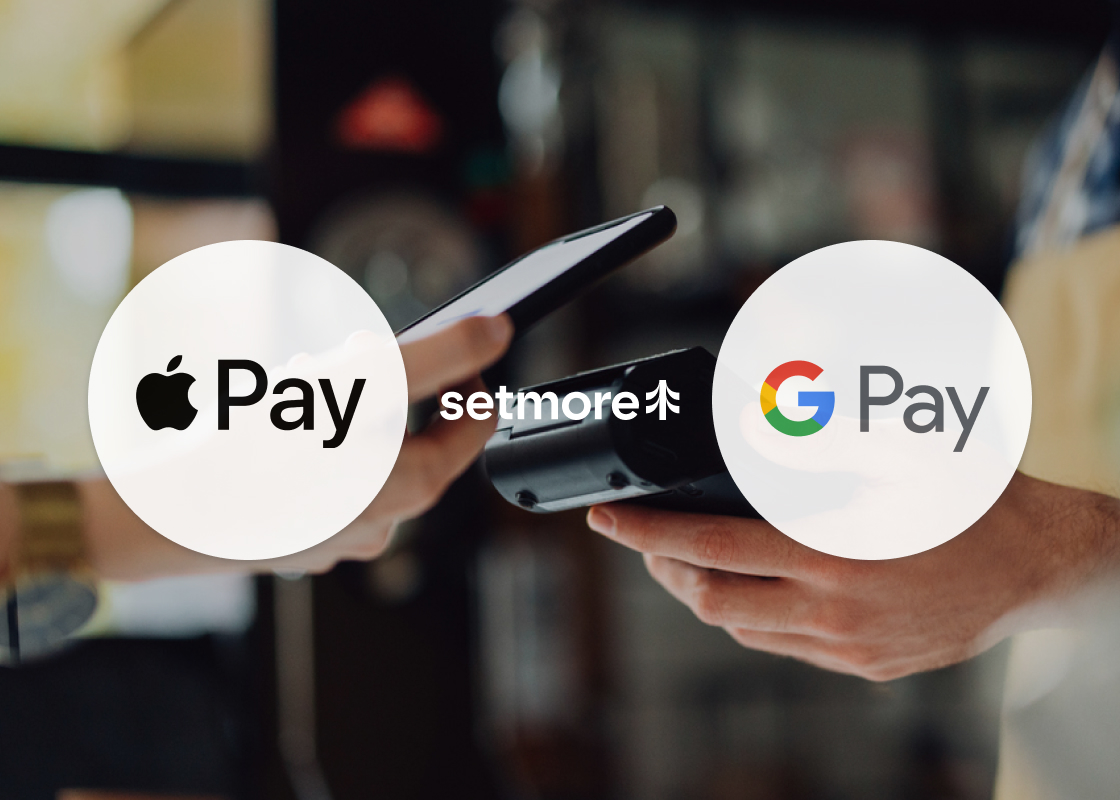
A smooth, secure payment experience sends a message: this is a professional operation. Your customers can pay with contactless cards, Apple Pay, or Google Pay.
Your customers get the convenience they expect—just tap and go. You get more time to connect, rebook, and grow that relationship.
Whether you're charging a consultation fee or the full balance, take payments online at booking or after the appointment—whatever suits your flow.
Sell products, take tips, or charge anytime. Quick payment gets you paid—no appointment needed. Mobile-only and pairs perfectly with Tap to Pay.
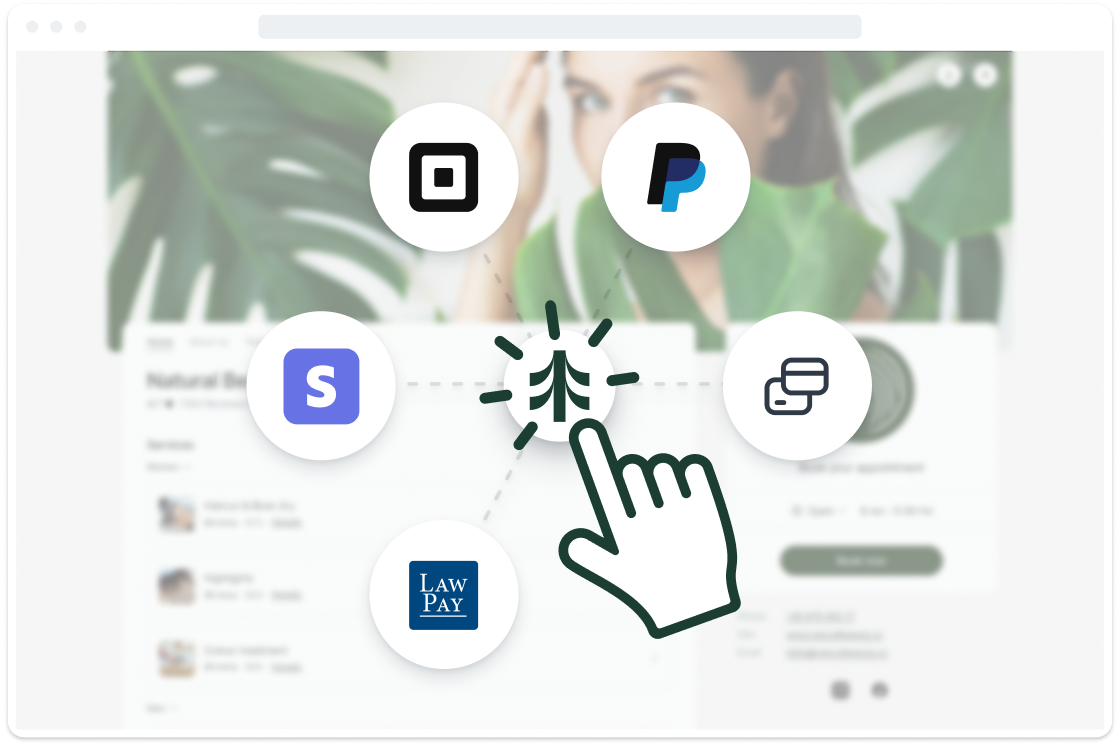
Tap to Pay works when you integrate with Stripe. It's fast to set up, easy to use, and ready when you are.
Can't find the answer to your question? Call us now: +1 (800) 749-4920 or email us help@setmore.com
Not yet. Tap to Pay is currently supported in select countries, and availability depends on your device.
For iOS devices:
Australia, Austria, Belgium, Canada, Czech Republic, Denmark, Finland, France, Germany, Ireland, Italy, Japan, Luxembourg, Netherlands, New Zealand, Norway, Poland, Portugal, Spain, Sweden, United Kingdom, and United States.
Note: Tap to Pay on iPhone isn’t available in Puerto Rico.
For Android devices:
Australia, Austria, Belgium, Canada, Czech Republic, Denmark, Finland, France, Germany, Ireland, Italy, Luxembourg, Malaysia, Netherlands, New Zealand, Norway, Poland, Portugal, Singapore, Spain, Switzerland, Sweden, United Kingdom, and United States.
At this time, only the Stripe integration supports Tap to Pay. You won’t be able to use this feature through other integrations like PayPal or LawPay.
That said, if you’ve integrated with Square, you can use a terminal or Tap to Pay externally in their app through your calendar—accept contactless payments that way and sync and track them in Setmore.
No extra fees from Setmore, Apple Pay, or Google Pay. Just keep in mind—your bank or payment provider may apply standard processing fees.
All Tap to Pay transactions go through your connected Stripe account. From there, your funds are deposited straight to the bank account linked to Stripe.
Tap to Pay lets you accept contactless payments using just your smartphone—no card reader or extra hardware needed.
Customers simply tap their contactless card or digital wallet against your phone to pay instantly and securely.
Anyone with a supported iPhone or Android device and a connected Stripe account can use Tap to Pay.
Whether you’re a solo professional or part of a team, it’s ideal for in-person appointments, pop-ups, and on-the-go payments.
No hardware, no hassle. Tap to Pay works directly on your phone—just use your device’s built-in NFC (near-field communication) to accept contactless payments. No terminals or card readers required.
For more information, explore our features, integrations, and use cases.
