WhatsApp is open for bookings

Your Booking Page lives in your WhatsApp profile — so every customer who finds you can book instantly, any time.

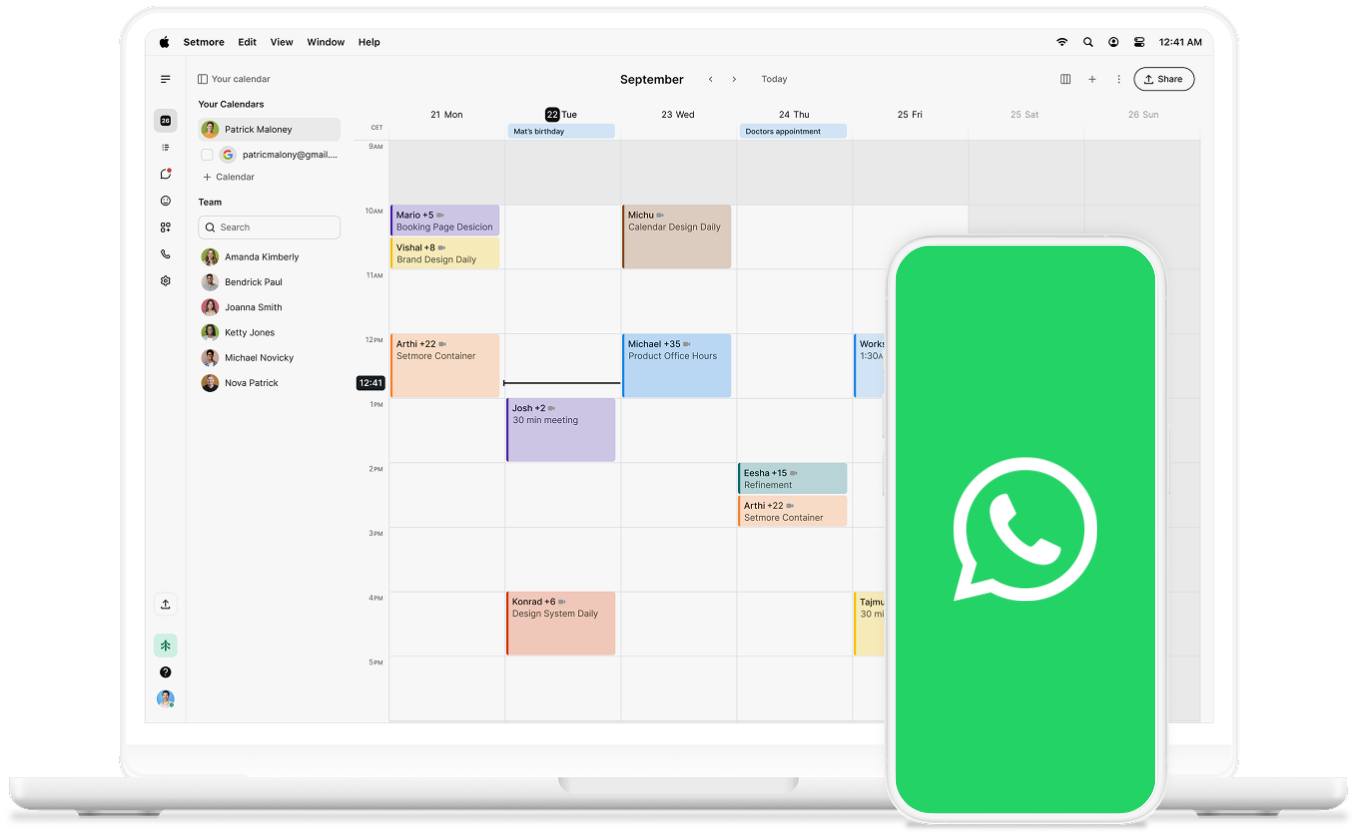
whatsapp on phone

Always bookable

Your Booking Page link lives in your WhatsApp profile — anyone who looks you up can tap and book, at any time.

icon tick

Conversations that count

Paste your Setmore link directly into any chat and turn a chat about your services into a booking in seconds.

icon tick

Never miss a message

Your away message sends your Booking Page link automatically to every new message that comes in. 

icon tick

Find. Chat. Book.

WhatsApp has 3 billion monthly active users.

With your Booking Page in your profile, anyone who looks you up can book before they've even sent a message. 

Set up your away message, too, and your booking link will be sent to every new conversation automatically.

How to add your booking link to WhatsApp Business

  1. Open WhatsApp Business.
  2. Go to Settings > Business profile.
  3. Tap About, add your Booking Page URL
  4. Tap Save.

How to add your booking link to away message

  1. Go to Settings > Business Tools > Away message
  2. Turn it on.
  3. Add your Booking Page URL to the message.
  4. Tap Save.

To find your Booking Page URL, click here.

Always open for bookings

Your customers are already on WhatsApp. Now they can book from it too. Get booked where they’re at.

whatsapp

Keep growing your bookings

Set WhatsApp away messages

Make every WhatsApp message count — even when you're offline. A guide to away messages for small businesses.

whatsapp away message blog

5 ways to share your booking link

From WhatsApp to TikTok — five places to share your booking link and turn your audience into customers.

man thinking, pink background

Small business trends to watch

The trends shaping how small businesses connect with customers — and how to stay ahead.

barbershop