Messenger has bookings waiting to happen

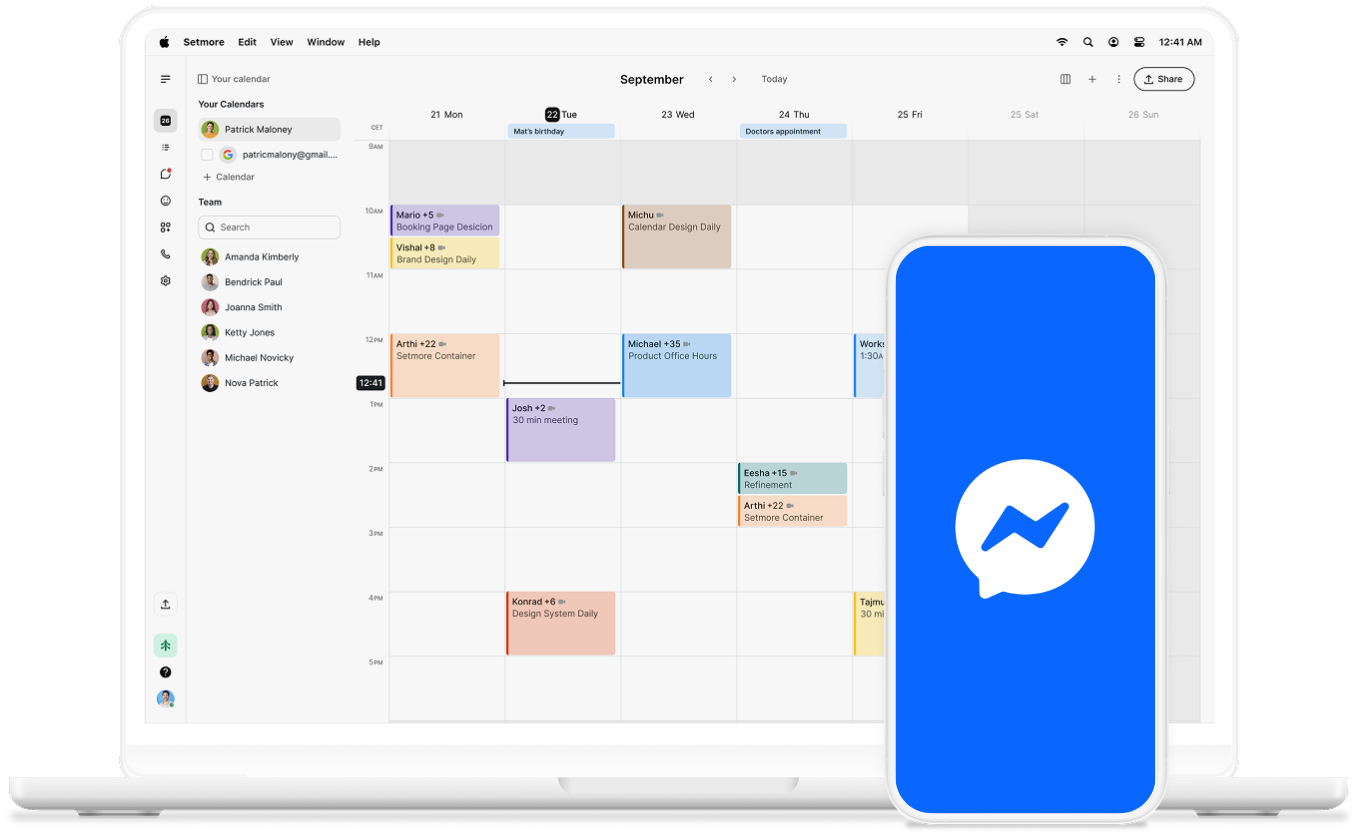
New messages create appointments in your calendar automatically when you connect Setmore with Facebook Messenger via Zapier.

Facebook Messnger Icon on Phone

Bookings, not backlogs

When people message to book an appointment, those details sync instantly, so no manual copying or switching apps.

icon tick

Instant confirmations

It works the other way, too. Once an appointment is created, you can send a confirmation message. 

icon tick

Keep things in sync

However customers reach out, keeping things up to date means you and your team always have the full picture.

icon tick

Always reachable, always bookable

61% of customers switch to a competitor after one bad experience — being hard to reach is an easy way to become one. 

Customers don't always run on the same schedule. With Messenger as another appointment source, you're always available to get booked.

How to connect Messenger to Setmore

  1. Open this template, and sign in or click Try this template.
  2. Select Facebook Messenger as the trigger.
  3. Choose New Message Sent to Page and connect your Facebook.
  4. Map your message details to your appointment fields in Setmore.
  5. Click Test.
  6. Turn on Zap.

Every new message automatically creates an appointment. Go to the Setmore-Messenger page to find out more.

From your inbox to your calendar

People reaching out want to be sorted quickly. Connect Messenger and Setmore to do it instantly. 
facebook messenger logo

Make every click count

Build your brand on social media

Discover how to raise your profile to turn followers into customers, no matter what social media your customers are on. 

Mobile screen with social apps

Book appointments from Instagram

Already have a following on Instagram? Here's how to turn your profile into a booking channel for straightforward scheduling. 

Lady looking at a ipad in apron

Simplify your business

Switching between apps on a busy day costs you time. Learn how to combine everything you need in an all-in-one solution.

Man looking at laptop on a desk