Make LinkedIn a booking channel

Your connections know your work. Help direct them to your Booking Page so they can easily go from your profile to a scheduled appointment.

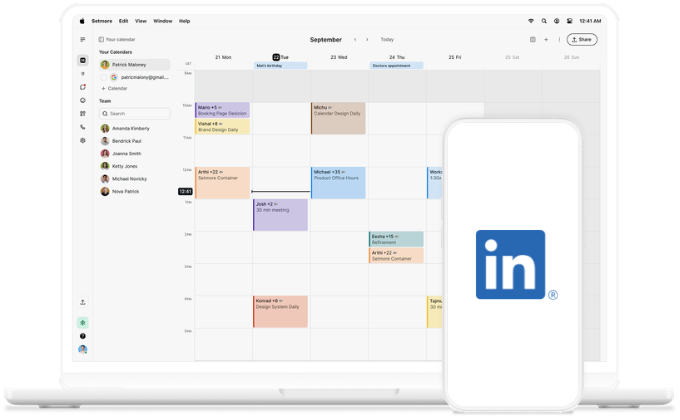
linkedin on mobile

Warm leads, confirmed bookings

Connections have seen your experiences and read your recommendations. A booking link ensures motivated people can book easily.

icon tick

Instant calendar updates

Every booking lands in your calendar automatically. Confirmations go to you and your customer, so every one is on the same page.

icon tick

Your front desk open 24/7

Every Booking Page is ready for appointments around the clock. Connections can check your services and pick a time that suits them.

icon tick

Connected, interacting, and ready to book

LinkedIn's audience isn't passive. 4 out of 5 members drive business decisions — they're engaged and in charge.

When someone checks out your profile and likes what they see, that window is short. A booking link turns that moment into an appointment before it passes.


How to add your Booking Page to LinkedIn

  1. In your app, go to Settings > Share Booking Page.
  2. Tap Copy.
  3. Go to your LinkedIn profile.
  4. Select Edit profile, then Add profile section.
  5. Select Add a website and paste your Booking Page link.
  6. Add a label like Book an appointment.
  7. Click Save.

Your link will always be there for when someone wants to book — any time, and without needing to contact you directly.


From first impression to first appointment

Profiles build trust. Posts form connections. Leadership instills belief. And your booking link is ready to convert. 
linkedin and setmore logo

You’ve got the connections, now for the balance and growth

Share your availability anywhere

Wherever you meet new customers, let them book directly. No emails, no calls, no missed opportunities.

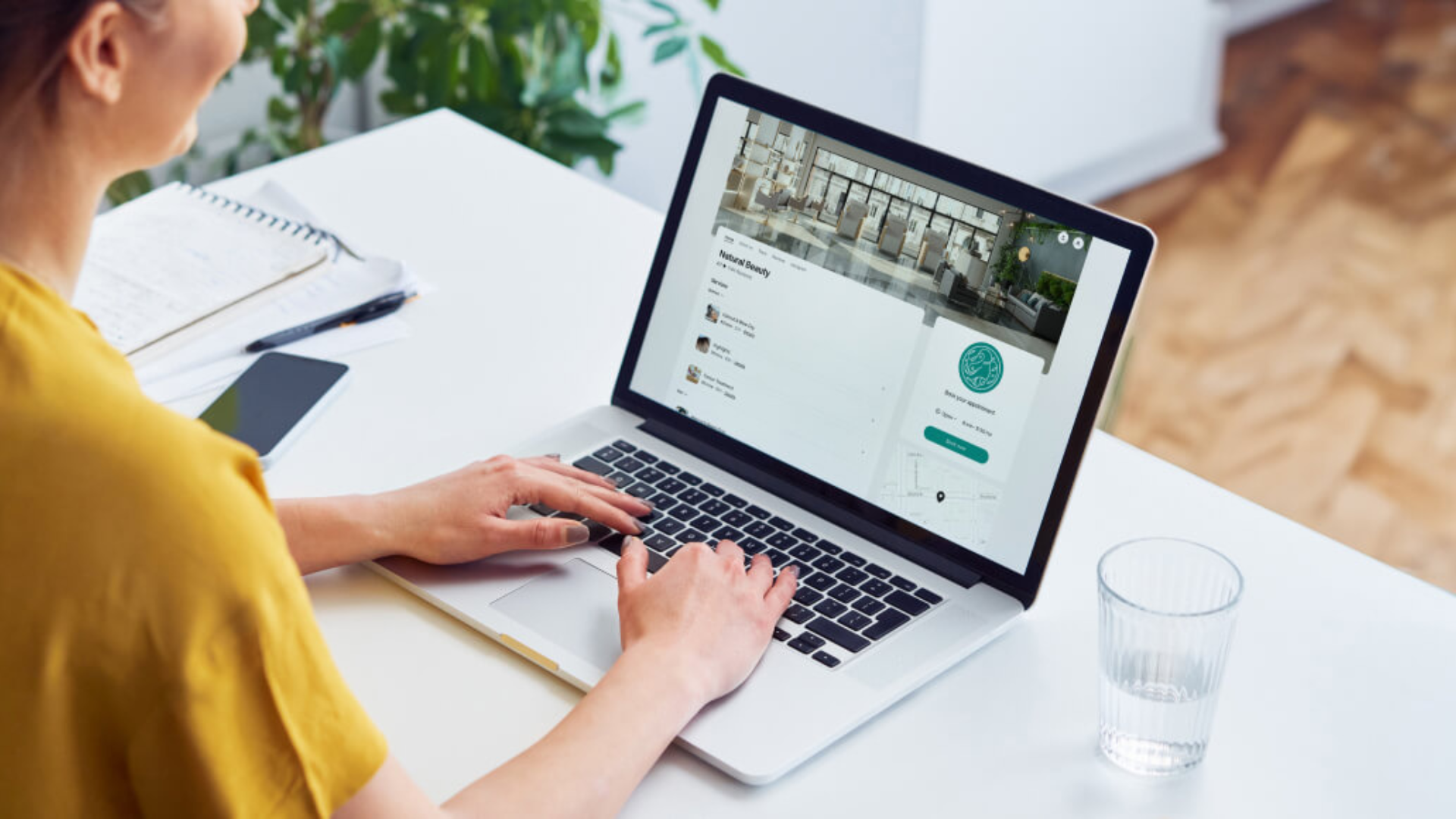
person typing on laptop

Brand building people

Connections often care for your brand (nearly as much as you). Turn your best customers into advocates.

man speaking on camera

Bring more people to your site

Discover how to drive traffic from multiple sources and offer every visitor a simple booking experience.

barber cutting client's hair