Switch stores in seconds
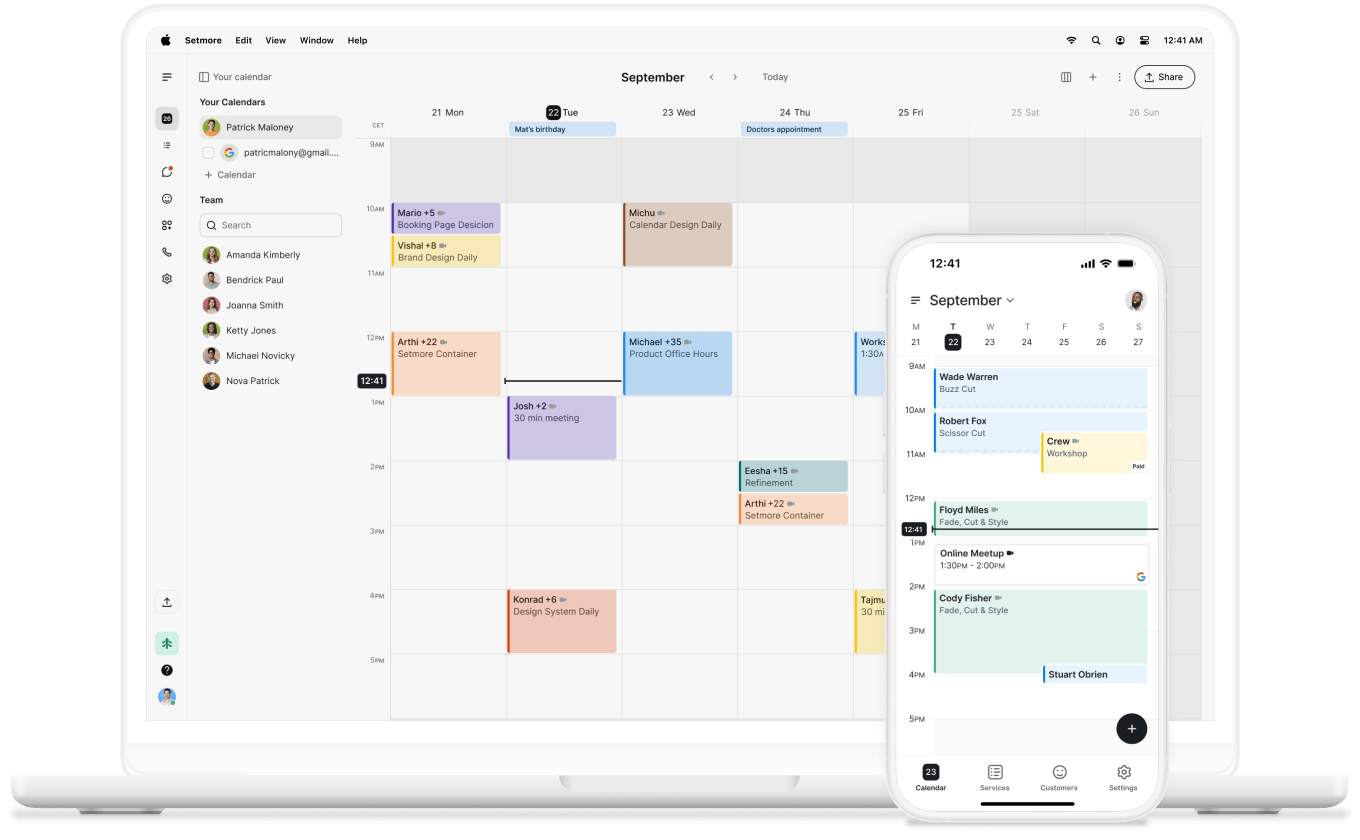
Move between locations with a single login. Everything you need stays accessible and at your fingertips.

Keep all your branches organized in one Setmore dashboard—and let customers book at their nearest location.
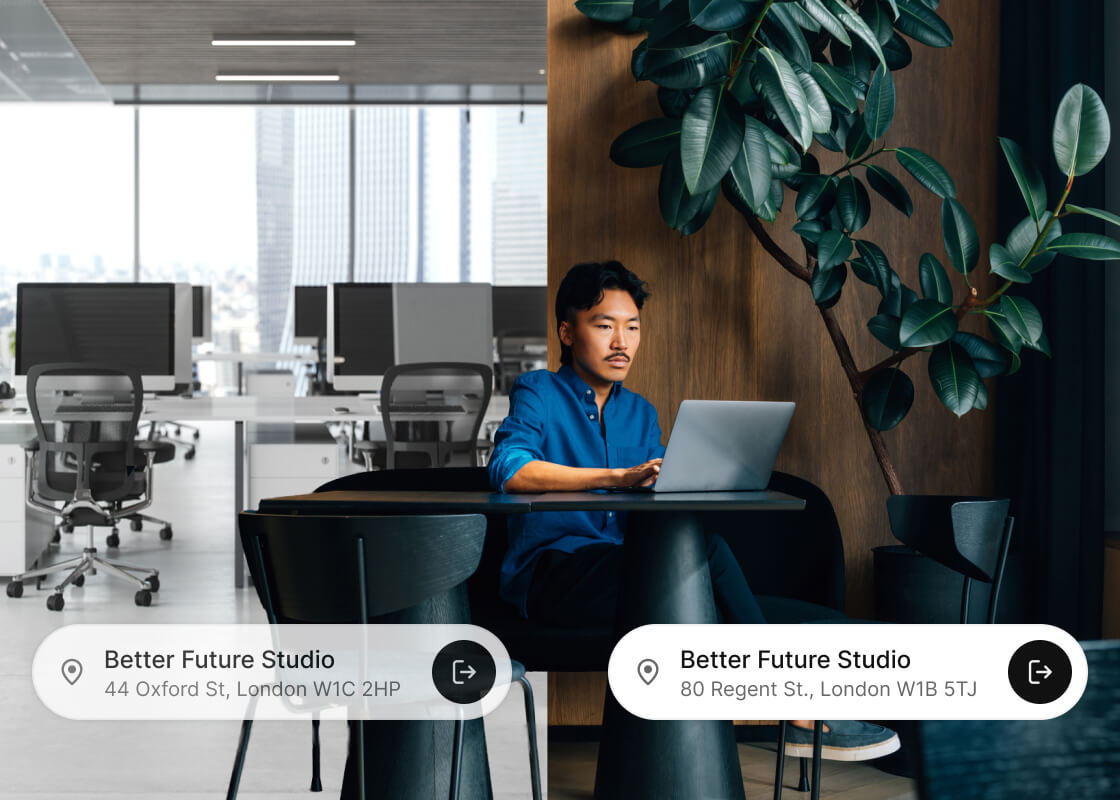
Growth can mean opening a new shop, studio, or office—but managing multiple locations doesn’t have to be complicated.
With the locations feature, you can add new stores or branches while keeping just one login—whether you’re just starting out or expanding your brand.
Move between locations with a single login. Everything you need stays accessible and at your fingertips.
Expanding your business? Add new locations anytime and keep them all connected in one place.
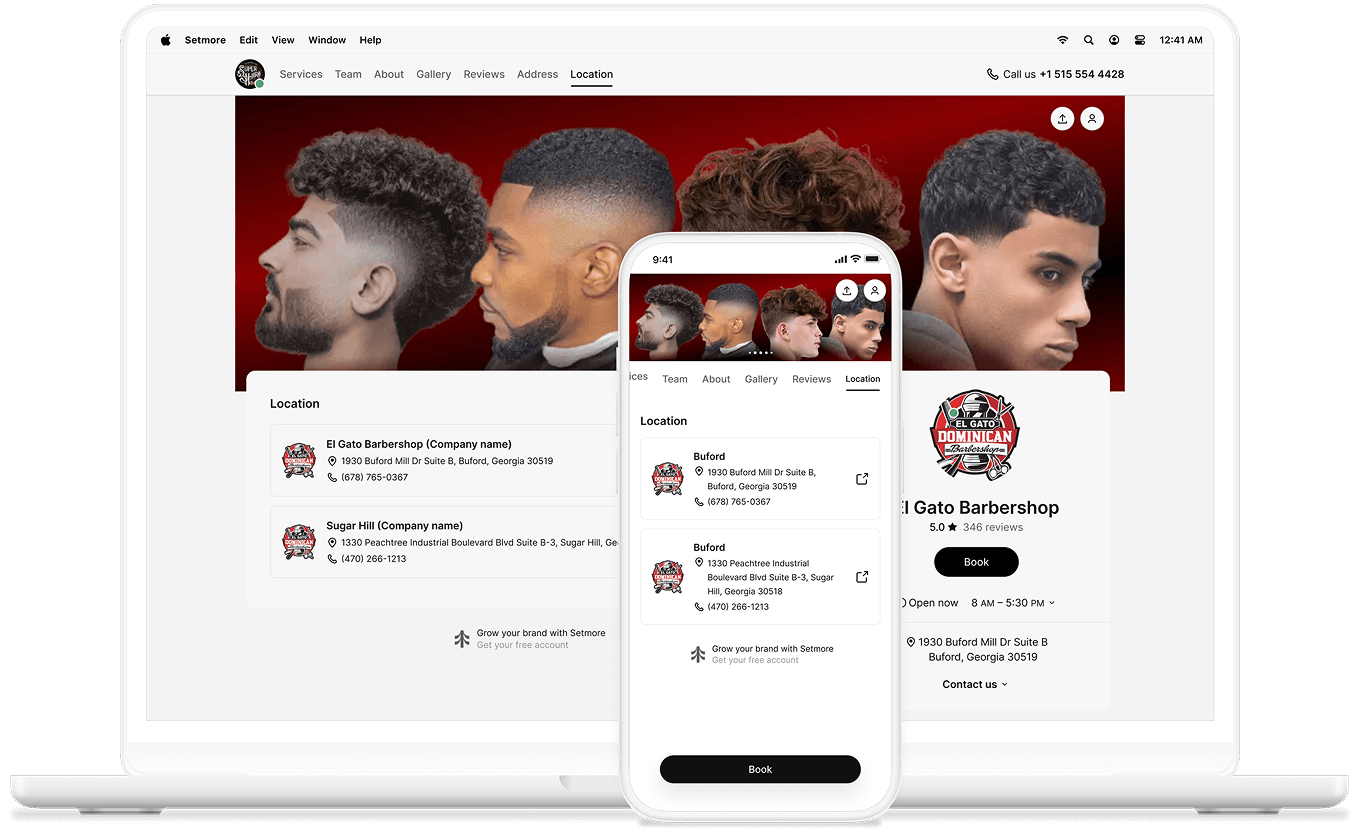
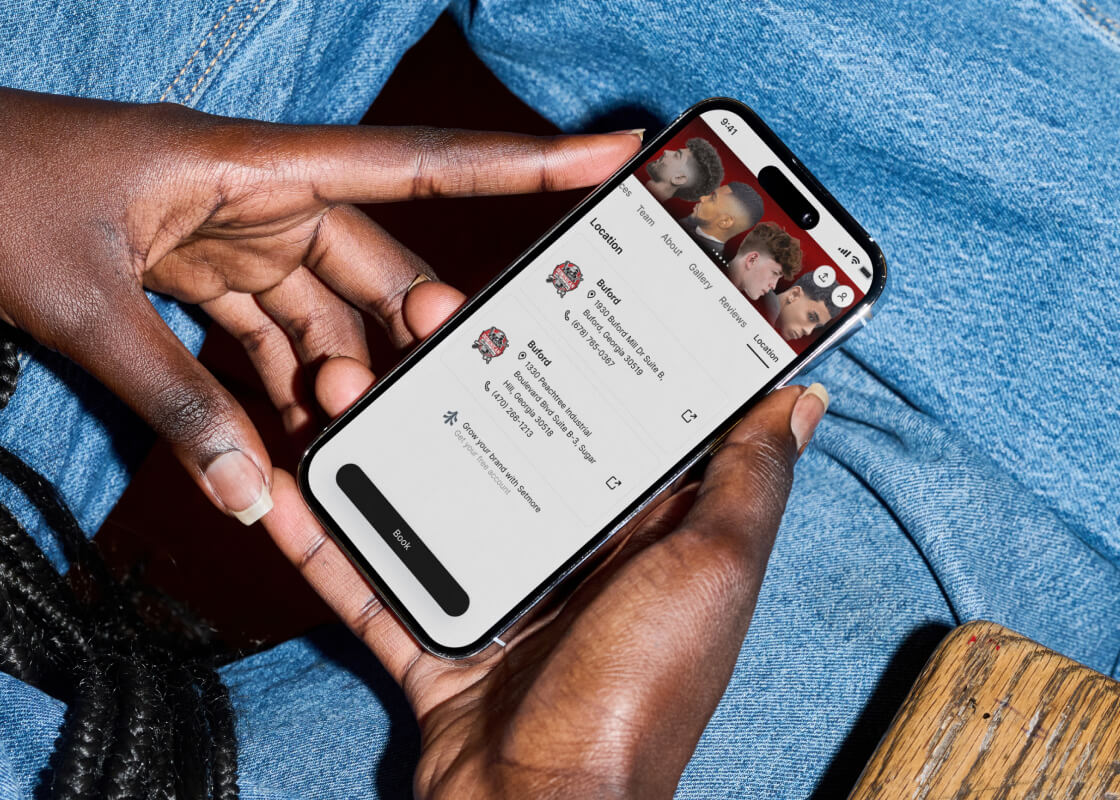
Customers can quickly find and book their nearest store from any of your Booking Pages.
From around the corner to across the state, all your business locations appear on your Booking Page so that customers can book the one closest to them.
Add multiple locations, organize your teams, take payments, chat through Connect, and more. It’s everything your business needs, all in one place.
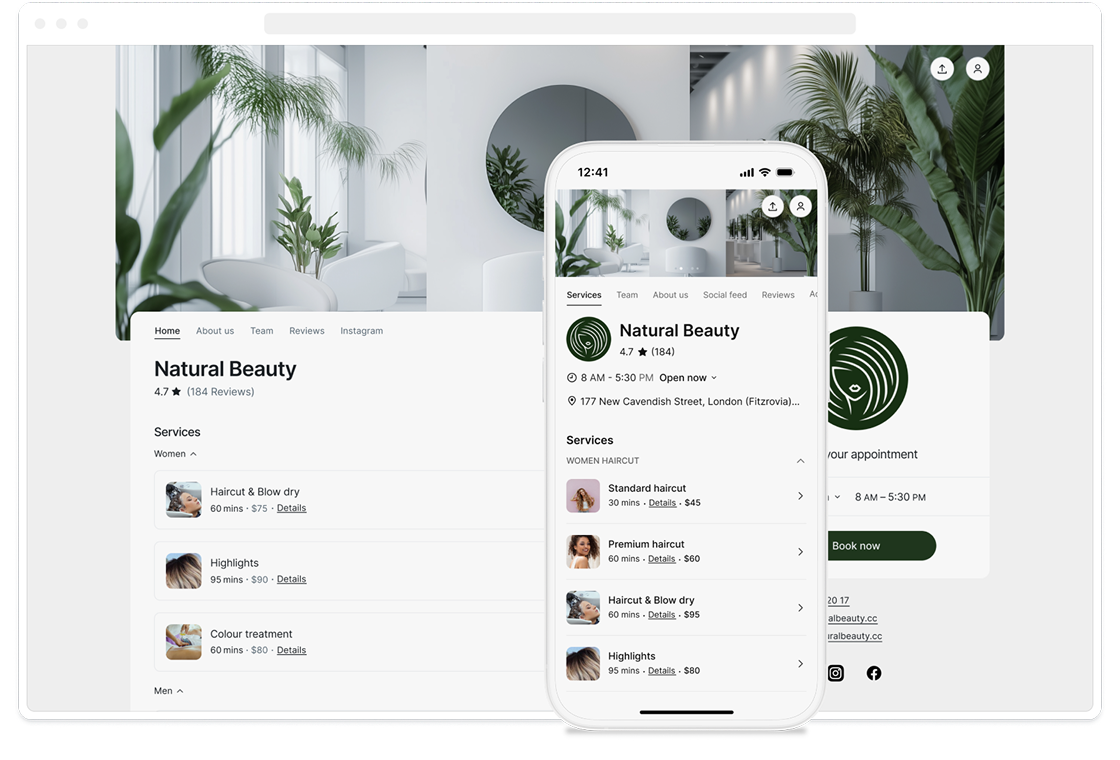
The more people interact with your business, the more they recognize, remember, and trust your brand.
Consistent branding can boost revenue by up to 20%. Customize your Booking Page to highlight what your brand is all about across all locations.
Every business begins with a dream—why not build one that grows with you? Locations can expand as your brand does.
And as you grow, Live Receptionist keeps your calls answered 24/7. From responding to queries to taking messages and more, it helps you stay available

As your business grows, your scheduling should grow with it. Let’s find the right setup to support your team, locations, and goals.