Ready for every customer with SurveyMonkey

Send a survey with every confirmed appointment and know exactly what your customers need before they show up.

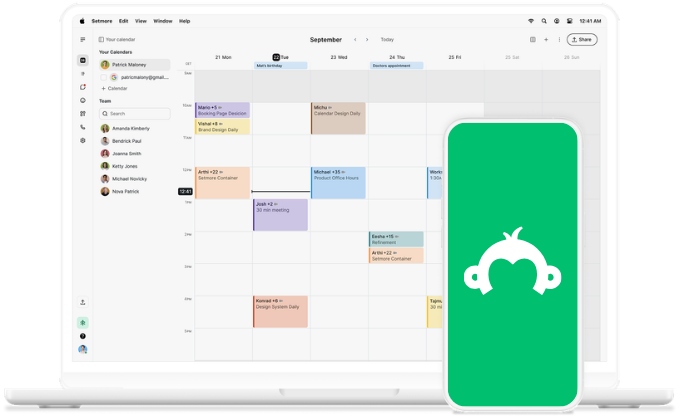
survey monkey logo on phone

Questions that matter

Your Booking Page gets the who, where, and when. SurveyMonkey ensures you know their goals, preferences, and what’s really needed.

icon tick

Ready when they arrive

By the time your customer walks in, you already know what to focus on. Tools ready, environment set, no guesswork. 

icon tick

Great first impression

The perfect questionnaire lets new customers know how you work. It sets expectations and helps you get to work right away. 

icon tick

Booking made, survey sent

73% of customers expect businesses to understand their needs and expectations. Standards are high, especially in competitive fields.


Get ahead, understand your clientele, and be ready for every appointment. An automatically sent survey gives you more context without the extra effort.


How to connect SurveyMonkey with Setmore via Zapier.

  1. Open this template, then click Try this template or sign in to Zapier.
  2. Choose Setmore Appointments as your trigger app.
  3. Choose SurveyMonkey as your action app.
  4. Connect your Setmore account.
  5. Connect your SurveyMonkey account and select the survey you want to send.
  6. Map the customer's email address from Setmore to the SurveyMonkey recipient field.
  7. Click Test.
  8. Turn on Zap.

You can flip it too. Turn SurveyMonkey responses into new appointments automatically. It’s simple and easy to follow on Zapier.


Every customer deserves understanding

Booking in, survey out. You show up with more know-how, ready for exactly what they need. With zero manual input. 
survey monkey logo

More ways to deliver exceptional

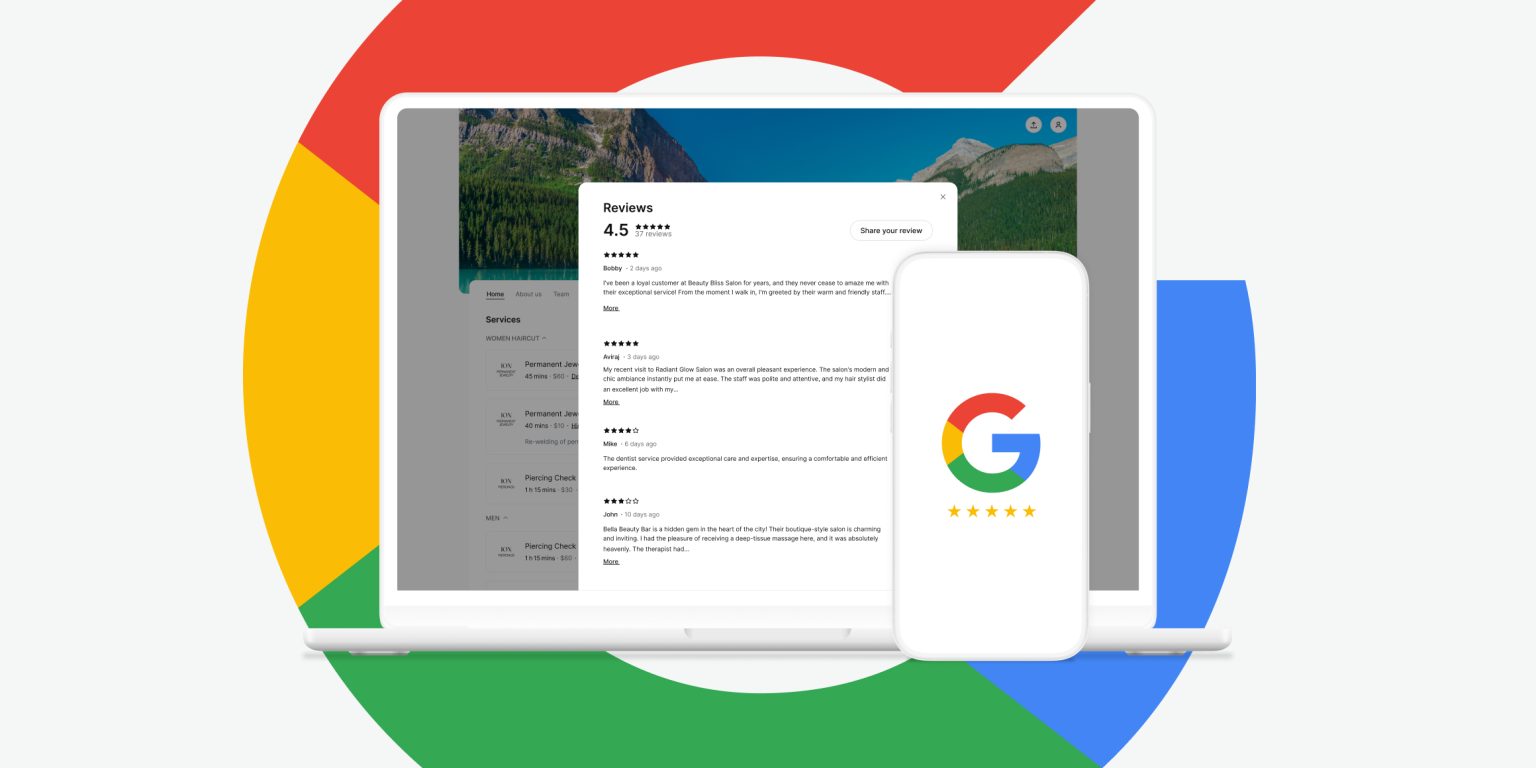
How to get more Google reviews

Looking for more feedback? Automate Google review requests with Pro and get them effortlessly. 

Setmore blog reviews in laptop

How we did fewer no-shows

Our team gets no-shows, too. Learn how the onboarding team tackled them head-on, turning it into a strength.

People blurring through

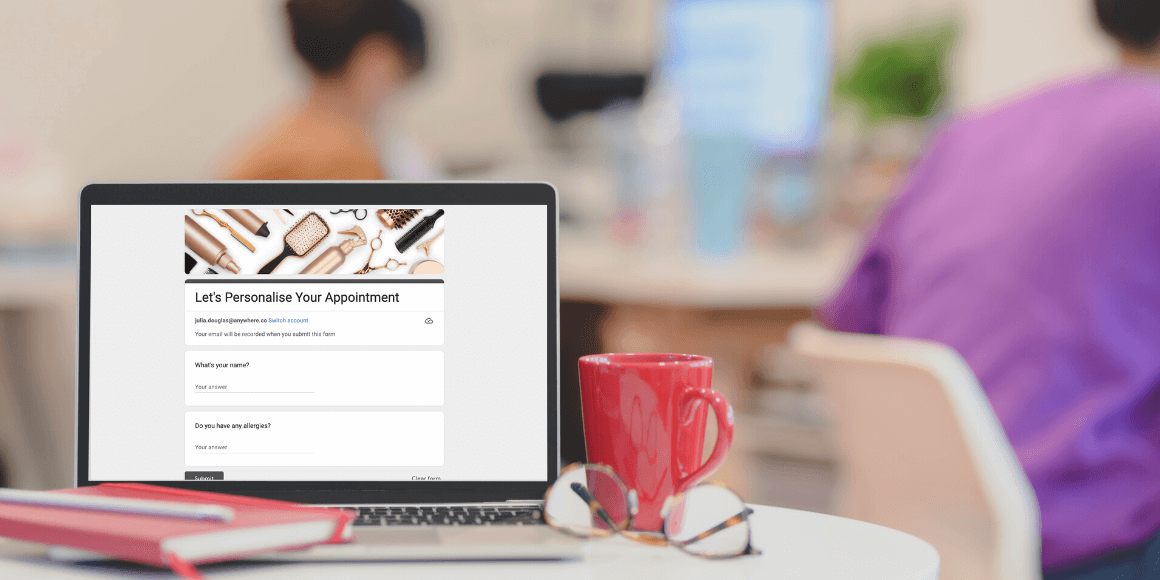
4 ways to add forms

Forms are part of your process. Discover the four ways you can add them to your bookings.

Online Booking Form