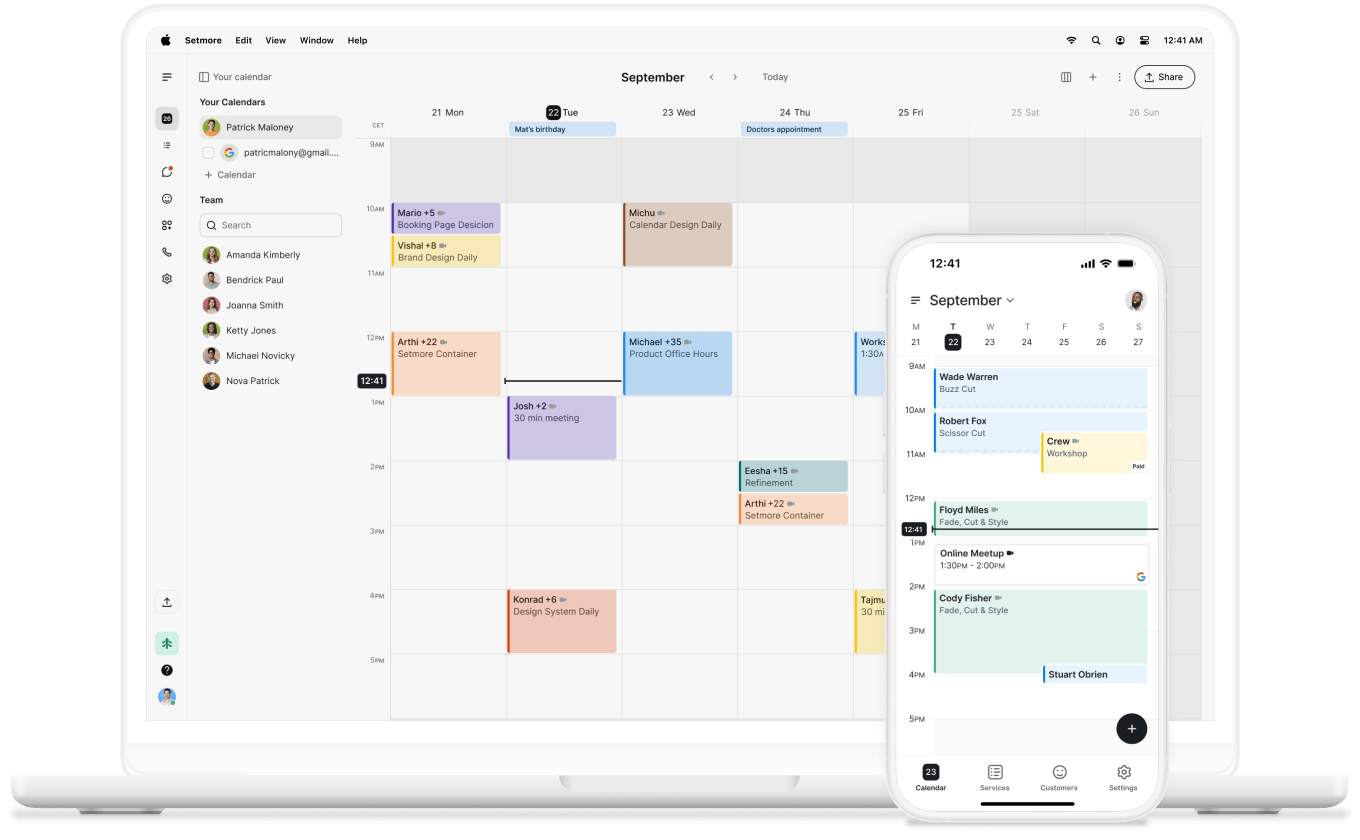
Less admin, more impact
Blocking repeat offenders means less time chasing up customers who don’t want to be there—giving you more time for those who do.

Your Booking Page is open 24 hours, but you’re in control. Block customers when needed and ensure you have time for what matters.
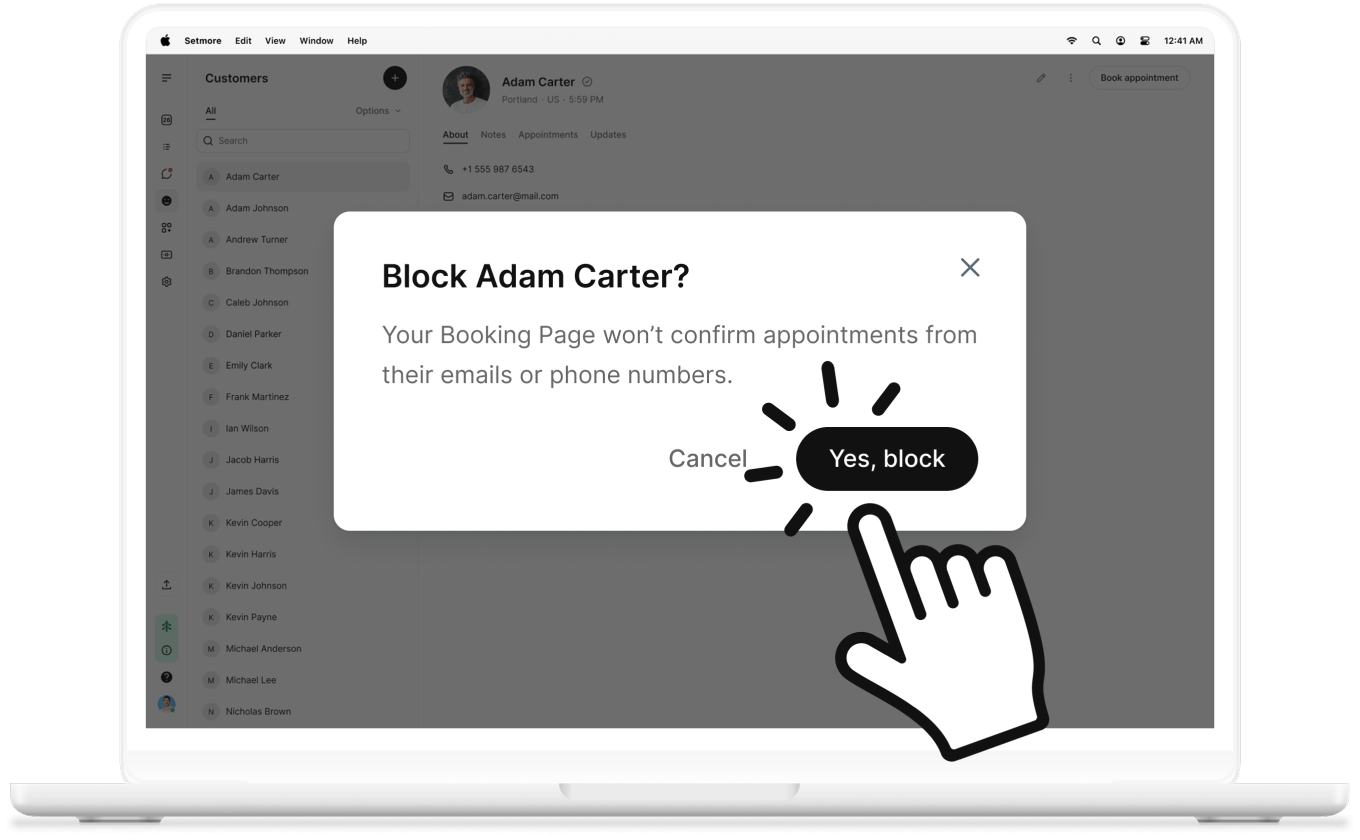

Some customers just aren’t the right fit—and that’s ok. Maximize your team’s potential by letting only those who appreciate your time book with you.
Blocking repeat offenders means less time chasing up customers who don’t want to be there—giving you more time for those who do.
It’s your business, your space, and your time. Protect what’s yours by setting expectations early on. Simple, clear, managed.

No-shows are one thing, but when someone's behaviour hurts team morale, blocking helps you safeguard your people and culture.

You’ve worked tirelessly to craft a brand in your image, and your Booking Page perfectly represents that. It’s your shop window, so customize it to showcase YOU.
If some customers don’t align with that, you have the power to choose who has access.
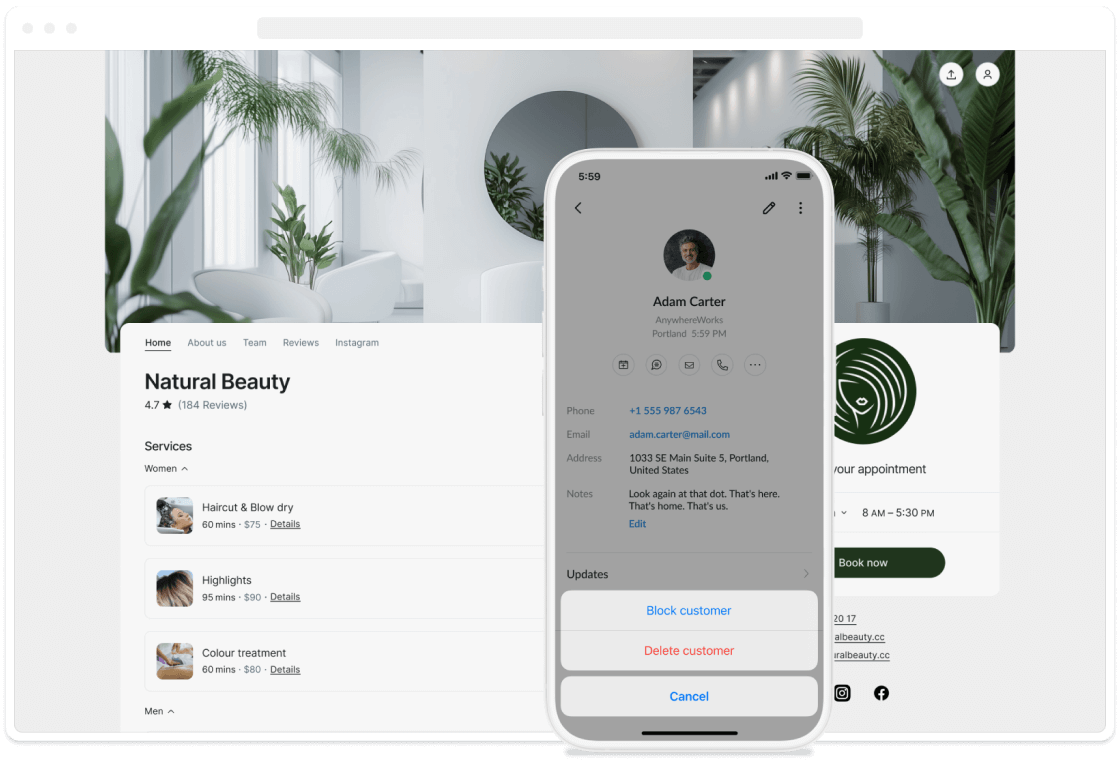

Time wasters don’t just cost you money—they disrupt your business operations. Respect your team and brand by blocking those who don’t.
Connect Stripe or Square, and require payments upfront—helping guarantee attendance and committed customers.
Your customers matter. Those who show up, support you, and choose to be part of what you’ve created. Make them feel valued with the best possible service.
Send reminders to keep your biggest fans up to date. And with recurring appointments, there’s always a spot in your calendar, just for them.

Customer profiles show appointments and updates, and let you take notes—so you know who's a VIP and who to flag.